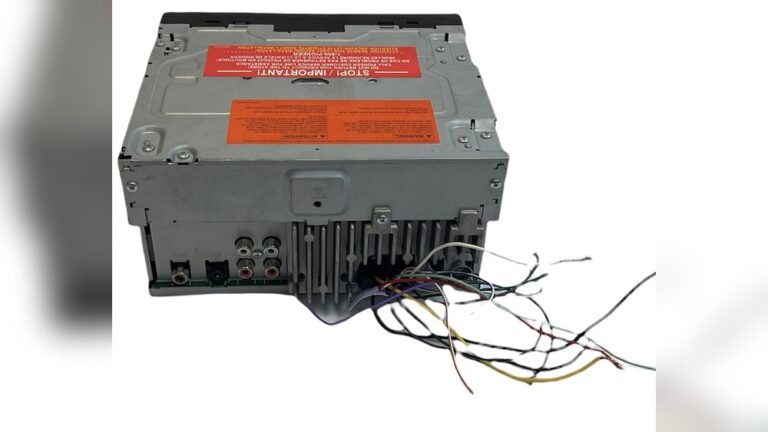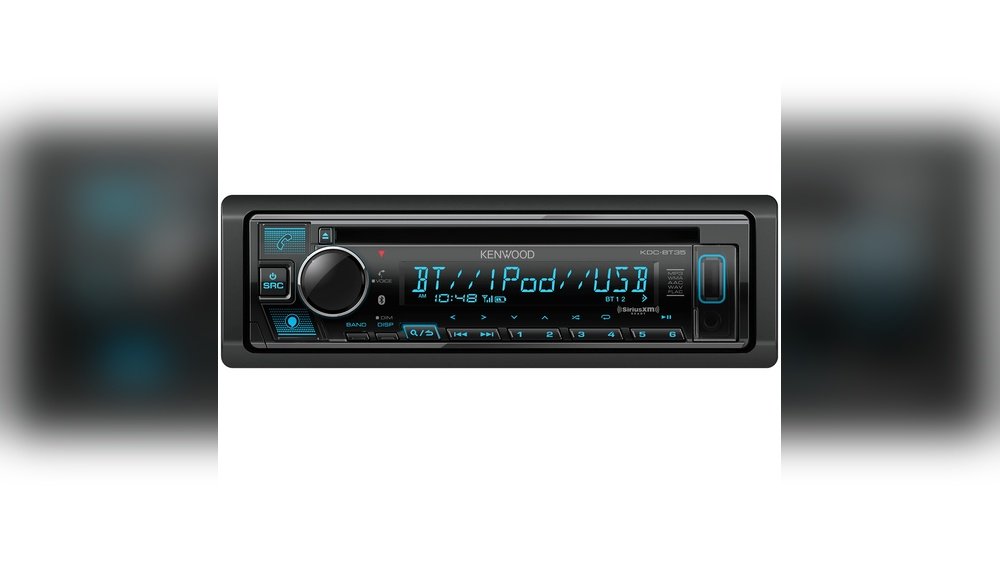
Kenwood Kdc Bt35 Cd Car Stereo: Ultimate Guide & Top Features
The Kenwood KDC BT35 CD Car Stereo is a popular choice among drivers who want reliable audio with modern features. Many people look for a car stereo that’s easy to use, works with their phone, and sounds great on the road. But with so many models out there, understanding what makes the KDC BT35 special can be confusing—especially for beginners. This article breaks down every key feature, what they mean in real life, and practical tips to get the most from this stereo.
What Is The Kenwood Kdc Bt35 Cd Car Stereo?
The Kenwood KDC BT35 is a single-DIN car stereo unit. It plays CDs, supports Bluetooth for hands-free calling and music, and has extra ports for more connectivity. It’s designed for people who want an upgrade from their factory stereo but don’t want something too complex. This model balances classic features (like CD playback) with modern ones (like Bluetooth and USB).
35 Key Features Explained
Below are 35 specific features found in the Kenwood KDC BT35 CD Car Stereo, with clear explanations for beginners.
1. Cd Playback
You can play standard audio CDs. This is perfect if you have a collection of favorite CDs or prefer physical discs over digital music.
2. Bluetooth Audio Streaming
Wirelessly play music from your phone. Just pair your device, and you can listen to Spotify, YouTube, or your phone’s music library.
3. Bluetooth Hands-free Calling
Take calls without holding your phone. The stereo’s built-in microphone picks up your voice, so you can drive safely.
4. Usb Input
Plug in a USB flash drive or your smartphone to play MP3s or charge your device. The USB port is usually on the front panel for easy access.
5. Aux Input
Connect older devices with a standard headphone jack. Good for iPods, portable music players, or even laptops.
6. Am/fm Radio Tuner
Listen to local radio stations, news, or sports. You can save your favorite stations as presets for quick access.
7. Detachable Faceplate
Remove the front panel to help prevent theft. If you park in public places, taking the faceplate with you can discourage break-ins.
8. Lcd Display
See song info, caller ID, and settings on a clear LCD screen. It’s bright enough to see in daylight but not too distracting at night.
9. Red Key Illumination
The buttons light up in red, making them easy to see in the dark. This also gives your car’s dashboard a modern look.
10. Front Panel Usb Port
Easy-to-access USB slot on the front. No need to reach behind the stereo or glove box to connect your devices.
11. Mp3/wma Playback
Play music in MP3 or WMA formats from CDs or USB drives. These formats are common and save space.
12. Wireless Music Browsing
Use your phone to browse and select tracks wirelessly. No need to scroll through long playlists on the stereo’s small screen.
13. 1 Preamp Output
Connect an external amplifier for more power and better sound. The single preamp output is enough for most beginner setups.
14. 13-band Equalizer
Fine-tune your music with a 13-band EQ. For example, you can boost bass or make vocals clearer. Beginners can use presets if custom tuning feels complicated.
15. Drive Eq
This feature automatically adjusts sound to reduce road noise, so your music stays clear even when driving fast.
16. Bass Boost
Press a button to instantly boost the bass. Great for songs that need a little more punch.
17. Flac Playback
Play high-quality FLAC files from USB. FLAC files sound better than MP3s, but take more space.
18. Android Music Playback
Plug in most Android phones for direct music playback. No need for special apps or adapters.
19. Ipod/iphone Control
Control your Apple device’s music from the stereo. Change tracks or adjust volume without touching your phone.
20. Remote Control App
Download Kenwood’s app to use your phone as a remote. Adjust volume, change sources, or switch songs from the back seat.
21. Quick Charge For Android
Charge Android phones faster via the USB port. Useful if your phone battery runs low during long drives.
22. Built-in Microphone
No need for extra wires. The stereo has a built-in mic for clear voice calls.
23. Multiple Bluetooth Pairing
Pair two phones at once. For example, you can connect your phone for music and your partner’s for calls.
24. Front Panel Aux Input
Plug in devices with a 3. 5mm cable. The front panel makes it simple to swap between devices.
25. Rca Pre-outs
Use RCA outputs to connect to extra amplifiers or subwoofers. This is important if you plan to upgrade your audio system later.
26. Subwoofer Control
Adjust subwoofer levels directly from the stereo. No need to mess with knobs in the trunk.
27. Radio Data System (rds)
Displays station names and song info from FM stations, if supported by the broadcaster.
28. Built-in Amplifier
The stereo has a built-in 50W x 4 amplifier. This is enough for most car speakers and gives clean, loud sound.
29. Variable Color Display
Some versions allow you to change the screen and button colors. Match your dashboard lighting for a custom look.
30. Music Search And Folder Navigation
Easily search for songs by folder or artist on USB drives. Saves time if you have a large collection.
31. Easy Pairing Button
A dedicated button for quick Bluetooth pairing. No need to dig through menus.
32. Firmware Upgradable
Update the stereo’s software via USB. This keeps your unit compatible with new phones or features.
33. Short Chassis Design
The stereo is less deep than older models, making installation easier—especially in cars with limited space.
34. Customizable Display Text
Change what’s shown on the screen, such as your name or favorite radio station.
35. Anti-dust Design
Special construction keeps dust out of the buttons and ports, so the stereo lasts longer.
How The Kenwood Kdc Bt35 Compares
Understanding how the KDC BT35 stacks up against other car stereos helps buyers make smart choices. Here’s a comparison with two other popular models in its price range.
| Feature | Kenwood KDC BT35 | Pioneer DEH-S5200BT | JVC KD-X370BTS |
|---|---|---|---|
| CD Playback | Yes | Yes | No |
| Bluetooth | Yes | Yes | Yes |
| USB Input | Front | Front | Front |
| Equalizer | 13-band | 13-band | 13-band |
| Preamp Outputs | 1 | 2 | 2 |
Key insight: The KDC BT35 is one of the few models with both CD playback and advanced Bluetooth functions in this price range. For users who still want CDs, it’s a better choice than models like the JVC KD-X370BTS.
Real-life Examples And User Tips
- Example 1: Anna drives an older car and wants to play her old CDs, but also needs hands-free calling for work. The KDC BT35 lets her do both without extra adapters.
- Example 2: John often drives with friends. He uses the dual Bluetooth pairing so his phone is for music, and his friend’s phone handles navigation instructions.
- Tip: Use the 13-band equalizer’s “Vocal Boost” preset for podcasts or audiobooks. It makes voices clearer, especially at highway speeds.

Credit: www.amazon.com
Installation And Setup
Even for beginners, installing the Kenwood KDC BT35 is straightforward if you follow basic steps:
- Disconnect your car battery before starting.
- Remove the old stereo (usually with special keys).
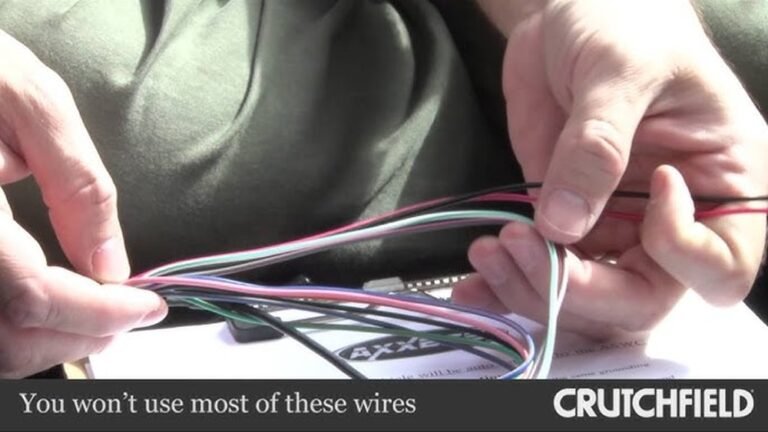
- Connect the wiring harness adapter (sold separately) to your car’s wiring.
- Plug the harness into the Kenwood stereo.
- Slide the stereo into the dash and secure it.
- Reconnect the battery and test all functions.
Tip: If you’re unsure, get professional installation. This reduces the risk of wiring mistakes.
Common Mistakes To Avoid
- Forgetting the antenna: Many people forget to reconnect the radio antenna, leading to poor FM/AM reception.
- Not updating firmware: Check Kenwood’s website for updates. These can fix bugs and add features.
- Using poor-quality USB drives: Slow or faulty drives can cause music playback errors.
- Ignoring microphone placement: Place the mic away from air vents or windows for clearer calls.
- Not saving radio presets: After disconnecting the battery, you may need to re-save your favorite stations.
Who Should Choose The Kdc Bt35?
The KDC BT35 is ideal for:
- Drivers who still use CDs but want Bluetooth features.
- People upgrading from basic factory radios.
- Those who want simple hands-free calling and music control.
- Anyone who needs a reliable stereo without learning complex menus.
It’s not the best choice if you want a touchscreen or advanced navigation. But for most everyday drivers, it’s a solid upgrade.
Pros And Cons
Here’s a quick look at what users like—and what could be better.
| Pros | Cons |
|---|---|
| – Easy Bluetooth pairing – CD and USB playback – Good sound quality – Simple controls – Anti-theft faceplate |
– Only 1 preamp output – No touchscreen – Basic display graphics – May require extra adapters for some cars |

Credit: www.amazon.com
Kenwood Kdc Bt35 Vs Streaming-only Stereos
Many new car stereos skip CD playback and focus only on streaming. Here’s a quick data comparison:
| Feature | KDC BT35 | Streaming-Only Model |
|---|---|---|
| CD Support | Yes | No |
| Bluetooth | Yes | Yes |
| USB Playback | Yes | Yes |
| Price | $$ | $ |
Insight: If you still have CDs, the KDC BT35 is the better choice. If you’re 100% digital, a streaming-only model could save you money.
Where To Learn More
For official specs and manuals, visit the Kenwood official website. This ensures you get accurate information straight from the source.
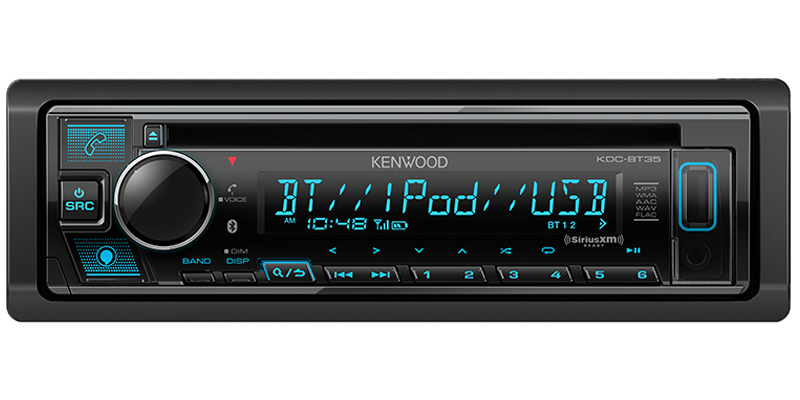
Credit: www.kenwood.com
Frequently Asked Questions
What Phones Are Compatible With The Kenwood Kdc Bt35?
The stereo works with most Android and iOS devices via Bluetooth or USB. For the best experience, make sure your phone’s software is up to date.
Can I Install The Kdc Bt35 Myself?
Yes, if you have basic tools and follow instructions carefully. However, professional installation is recommended if you are not comfortable with car wiring.
Does The Kdc Bt35 Support Spotify Or Other Streaming Apps?
Yes, you can stream music from any app on your phone via Bluetooth. The stereo itself does not have built-in Spotify, but your phone controls everything.
How Do I Connect Two Phones At The Same Time?
Use the dual Bluetooth pairing feature. Pair the first phone as “Audio,” then add the second for “Phone. ” This lets you switch between devices easily.
Is The Kenwood Kdc Bt35 Good For Old Cars?
Yes, its short chassis and classic single-DIN size fit most older vehicles. Just check your dash opening and wiring before buying.
The Kenwood KDC BT35 CD Car Stereo is a strong choice for beginners who want an easy upgrade without losing classic features like CD playback. Its mix of modern connectivity and simple controls makes it ideal for everyday drivers, families, or anyone who values both convenience and quality sound.