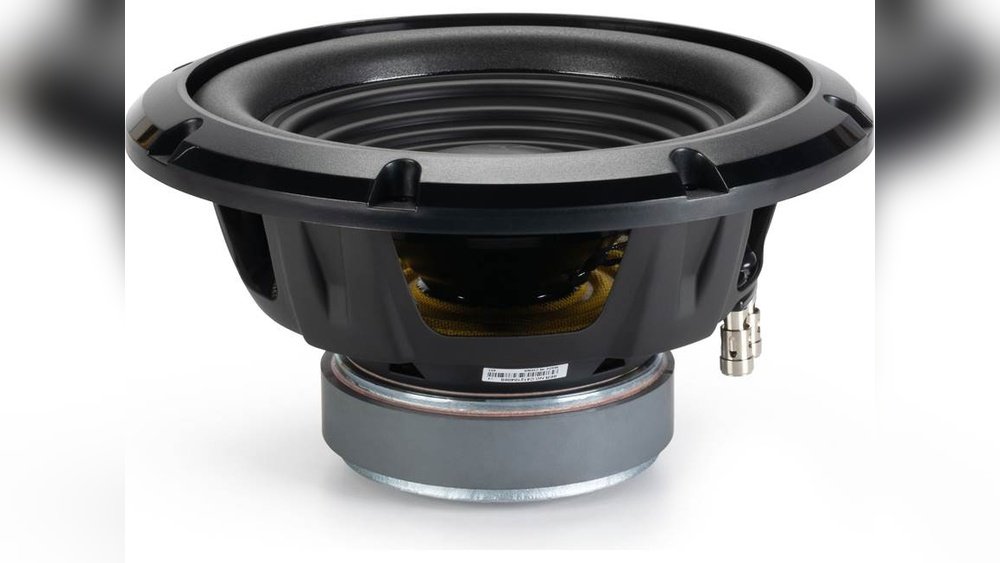
The Importance of a Subwoofer On Off Switch for Home Audio
When you listen to music or watch movies at home, you probably notice how the sound feels fuller and deeper with a subwoofer. But there’s one small feature that many people overlook: the subwoofer on/off switch. This simple control can make a big difference in your audio experience. Whether you’re using a soundbar, home theater system, or car audio setup, the ability to turn your subwoofer on or off matters more than you think. Beginners often ignore this switch or don’t understand its benefits. Let’s explore why this switch is important, how it works, and the practical reasons to use it.
What Is A Subwoofer On/off Switch?
A subwoofer on/off switch is a physical or electronic button that lets you turn the subwoofer (the speaker for low frequencies) on or off. Most subwoofers come with this switch, either on the back panel or as part of a remote control. Sometimes, it’s labeled as “Power,” “Standby,” or just “On/Off.”
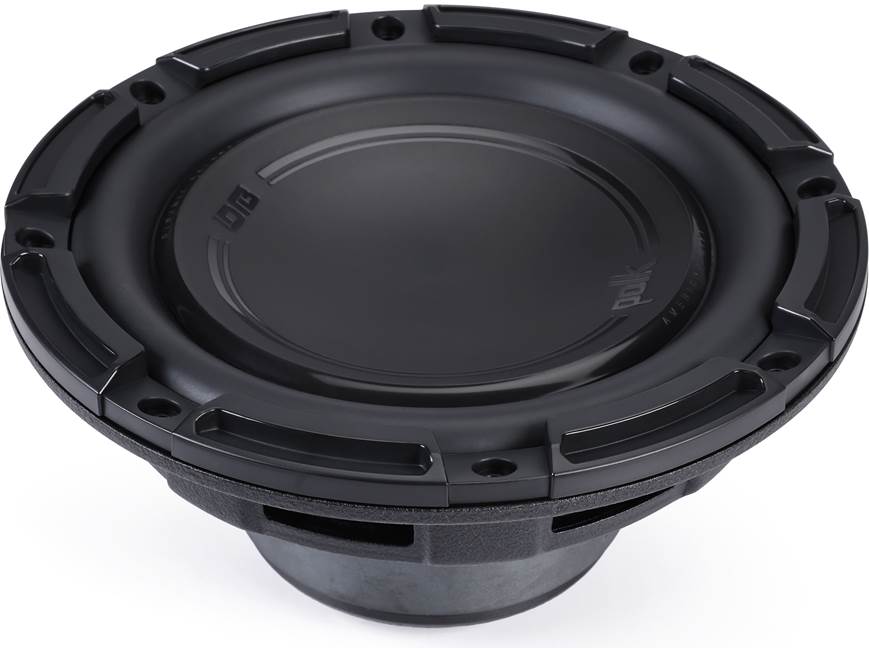
- Subwoofer: Speaker designed for bass (20–200 Hz)
- On/Off Switch: Controls the power and sound output
This switch does not affect other speakers in your system. It only controls the subwoofer, so you still get regular sound from your main speakers.
Why Is The Subwoofer On/off Switch Important?
Many beginners believe the subwoofer should always stay on. But that’s not true. There are several reasons why the switch matters:
- Energy saving: Turning off the subwoofer saves electricity, especially when not in use.
- Sound customization: You can adjust the audio for different types of music or movies.
- System protection: Prevents damage during power surges or when moving equipment.
- Noise control: Reduces unwanted bass at night or in shared spaces.
- Troubleshooting: Helps identify problems with your audio system.
Let’s look at each point with more detail and examples.

Credit: insights.samsung.com
Energy Efficiency: Saving Power
Subwoofers use more power than regular speakers because they produce deep, powerful bass. If you leave the subwoofer on all day, it can waste energy and increase your electricity bill.
- Most subwoofers draw 10–50 watts when on standby.
- Turning off the subwoofer can save up to 180 kWh per year if you use it 3 hours daily.
Example: If your subwoofer uses 30 watts and you leave it on for 21 hours (when not needed), you waste about 630 watt-hours every day. Over a year, that’s over 229 kWh — enough to power a small fridge.
| Subwoofer Power (Watts) | Hours On (Daily) | Annual Energy Use (kWh) | Annual Cost ($) |
|---|---|---|---|
| 30 | 24 | 262.8 | 31.54 |
| 30 | 3 | 32.85 | 3.95 |
So, using the on/off switch can save money and help the environment.
Customizing Your Sound Experience
Not all music or movies need heavy bass. Some genres, like classical or folk, sound better with less bass. The on/off switch lets you choose the best sound for your preferences.
- Action movies: Turn on the subwoofer for explosions and deep effects.
- Podcasts or news: Turn off the subwoofer for clear voices.
- Late-night listening: Reduce bass to avoid disturbing others.
Example: If you play a jazz track, turning off the subwoofer can make the double bass clearer and avoid muddy sound. For EDM or hip-hop, turning it on brings out the beat.
Credit: www.rvpartscenter.com
Protecting Your Equipment
Turning off your subwoofer before moving or unplugging your audio system prevents sudden power surges. Surges can damage the internal components or the amplifier. Also, if you notice strange noises or vibrations, switching off the subwoofer helps you diagnose the problem.
- Moving equipment: Always turn off the subwoofer first.
- Troubleshooting: If your system buzzes, turn off the subwoofer to see if the noise stops.
Beginners often forget this step, leading to expensive repairs.
Managing Noise Levels
Bass travels through walls and floors more than other sounds. If you live in an apartment or have neighbors close by, using the on/off switch helps control noise.
- Nighttime: Turn off the subwoofer to avoid disturbing others.
- Shared spaces: Reduce unwanted vibrations.
Some people believe lowering the volume is enough, but deep bass can still bother others even at low levels. The on/off switch is a quick fix.
Improving Troubleshooting And Maintenance
When your audio system has issues, isolating the problem is easier with the subwoofer switch.
- No sound: Turn off the subwoofer to test main speakers.
- Distorted bass: Turn it off, check connections, then turn back on.
This helps beginners fix problems without needing a technician.
Comparing Subwoofer Switch Types
There are different types of switches you might find:
| Switch Type | Location | Ease of Use | Features |
|---|---|---|---|
| Manual | Back panel | Simple | Basic On/Off |
| Remote | Remote control | Convenient | Can adjust volume, modes |
| Auto | Internal circuit | Automatic | Turns on/off based on signal |
- Manual switches are reliable but require you to reach behind the subwoofer.
- Remote switches are user-friendly, especially for home theaters.
- Auto switches detect when there’s no sound and turn off automatically.
Beginners often choose auto switches for convenience, but manual switches are more affordable.
Real-life Examples And Data
Let’s see how the on/off switch affects daily life:
- Home theater: Turning off the subwoofer at night prevents complaints from family or neighbors.
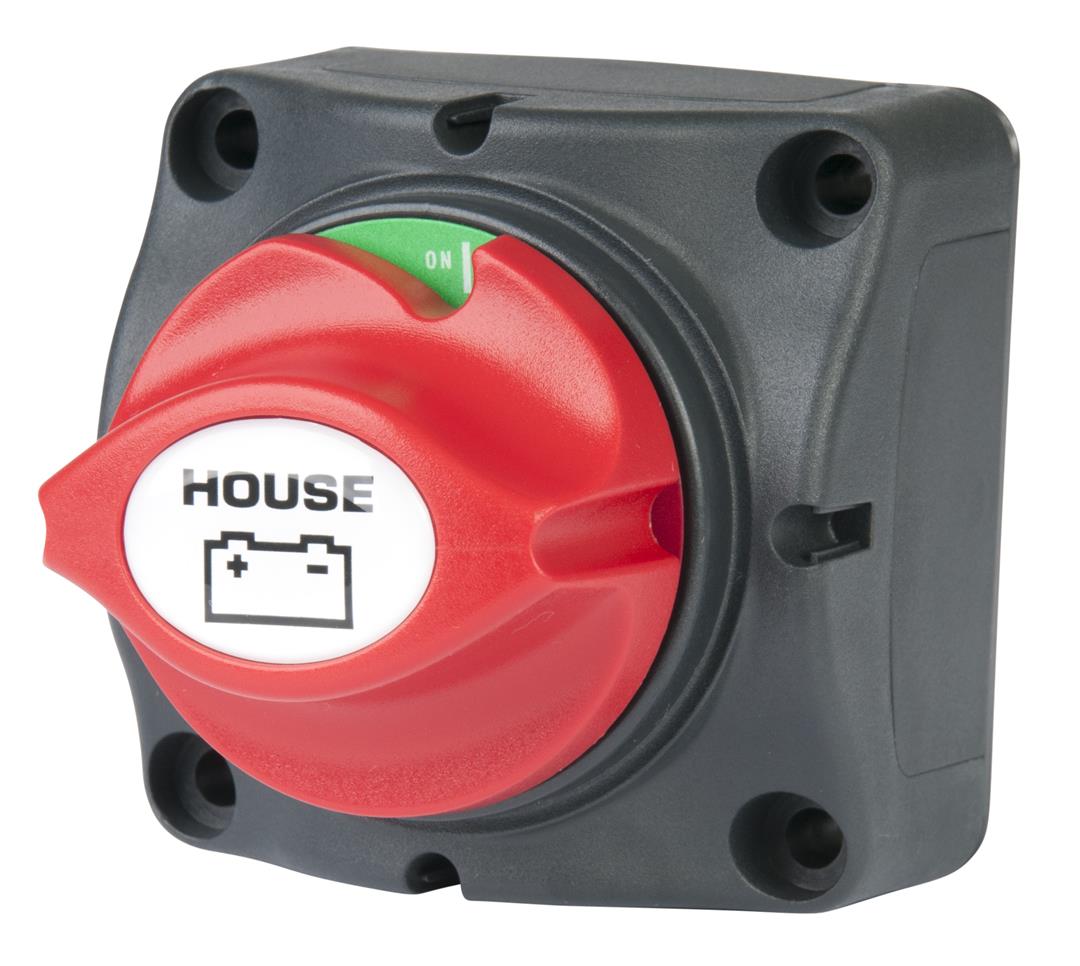
- Car audio: Using the switch saves battery when parked for long periods.
- Studio: Musicians turn off the subwoofer during mixing to focus on mid and high frequencies.
A survey from the Audio Engineering Society found that 68% of home users prefer having an on/off switch for their subwoofer. This shows most people value control over their bass.
Common Beginner Mistakes
Many beginners make mistakes with their subwoofer switch:
- Leaving it on all the time – This wastes power and can shorten the subwoofer’s life.
- Turning off during playback – Sudden off/on during music or movies can cause popping sounds and damage.
- Ignoring placement – Some place the subwoofer in corners, making the switch hard to reach.
- Not checking connections – When turning off, always check cables for safety.
Avoid these mistakes for better performance and longer equipment life.
Credit: www.crutchfield.com
Subwoofer Switch Vs. Volume Control
Some beginners confuse the on/off switch with the volume control. They are different:
- On/Off Switch: Stops all bass output.
- Volume Control: Adjusts bass level but doesn’t turn off the subwoofer.
| Function | On/Off Switch | Volume Control |
|---|---|---|
| Power | Turns subwoofer off/on | Always on |
| Bass Output | Zero when off | Adjustable |
| Energy Use | None when off | Still uses power |
For best results, use both controls: turn off the subwoofer when not needed, and adjust volume for different tracks.
How To Use The Subwoofer On/off Switch Properly
If you’re new to audio systems, follow these simple steps:
- Check your subwoofer: Find the switch location (back panel, remote, or auto).
- Before turning off: Pause playback to avoid popping sounds.
- Turn off when not needed: After movies, music, or before bed.
- Regular maintenance: Check cables and dust the switch area.
- Use auto mode if available: For automatic power saving.
These habits keep your system safe and efficient.
Non-obvious Insights
Beginners often miss two key points:
- Subwoofer switches can extend speaker life: Keeping the subwoofer off when not in use reduces wear on internal parts.
- Switch placement affects usability: If the switch is hard to reach, you might avoid using it. Choose a subwoofer with easy-access controls or remote switching.
Advanced Tips For Better Audio
If you want more control, consider these ideas:
- Smart plugs: Use a smart outlet to turn off the subwoofer with your phone.
- Timer settings: Set the subwoofer to turn off after a certain time.
- App integration: Some modern systems let you control the switch with an app.
These options make it easier to manage your audio system for different needs.
Subwoofer Switch In Different Environments
Depending on where you use your audio system, the importance of the switch changes:
- Home: Helps with energy saving and noise control.
- Office: Useful for meetings and presentations; turn off for speech clarity.
- Car: Saves battery life, especially during short trips.
In each situation, the on/off switch provides flexibility and convenience.
Comparing Brands And Models
Some subwoofer brands offer better switch features. For example:
- Klipsch and SVS have easy-access switches and remote controls.
- Yamaha offers auto-switching.
- Polk Audio uses manual switches for simplicity.
When choosing a subwoofer, check the switch type and location. It can affect daily use and overall satisfaction.
For more information on subwoofer technology and controls, visit the Wikipedia Subwoofer Page.
Frequently Asked Questions
What Does The Subwoofer On/off Switch Do?
It turns the subwoofer’s power and sound output on or off. When off, the subwoofer stops producing bass, but other speakers keep working.
Should I Turn Off My Subwoofer At Night?
Yes, turning off the subwoofer at night saves energy and reduces noise. It’s helpful if you live with others or in an apartment.
Can I Use The Volume Control Instead Of The On/off Switch?
No, the volume control only adjusts bass level. The on/off switch completely stops bass output and saves energy.
Will Turning Off The Subwoofer Extend Its Life?
Yes, turning off the subwoofer when not in use reduces wear and tear on internal components. It can help your equipment last longer.
Are Auto-switching Subwoofers Better For Beginners?
Auto-switching models are convenient for beginners because they turn on/off based on audio signals. However, manual switches are more affordable and reliable.
Managing your audio system is about more than just loudness or quality. The subwoofer on/off switch gives you control, saves energy, and protects your equipment. If you’re a beginner, start using this switch wisely. It’s a small step that makes a big difference in your listening experience, your wallet, and your peace of mind.