How to See If Your Subwoofers are Getting Power: Quick Guide
How To See If Your Subwoofers Are Getting Power
A subwoofer can transform the way you experience music or movies. But sometimes, you turn up the volume—and there’s no thump, no deep bass, nothing. Is your subwoofer getting power? Or is something wrong? Learning how to check this is important, especially for beginners.
A few simple steps can save you hours of guessing and frustration.
Many people think you need special tools or a lot of technical knowledge to check your subwoofer. But that’s not true. With basic checks and a little patience, you can figure out if your subwoofer is powered and working as it should.
Below, you’ll find practical advice, easy explanations, and real-world examples designed for anyone—even if you’re new to audio gear.
Why Power Matters For Subwoofers
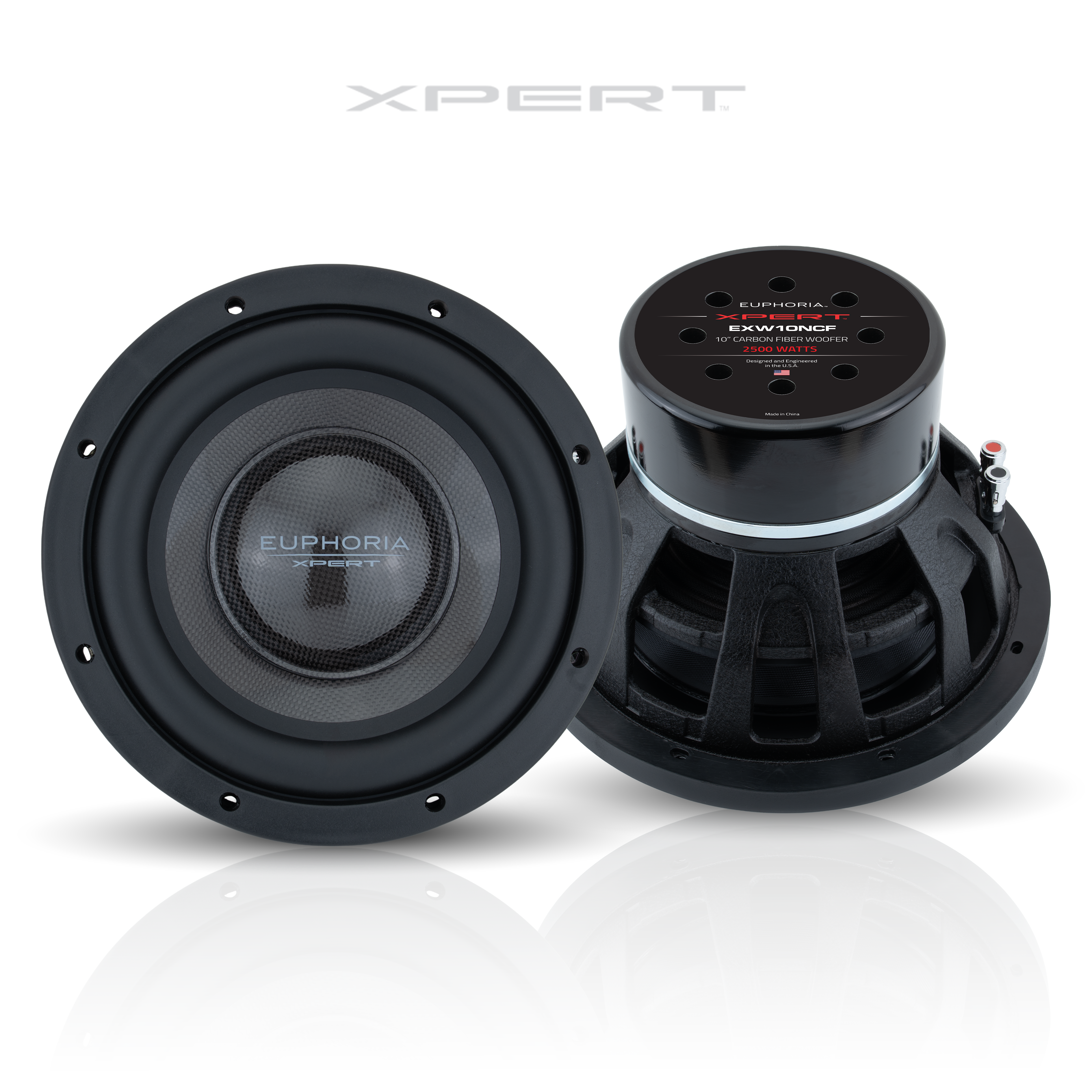
A subwoofer is a speaker made for low-frequency sounds, like deep bass in music or movies. For a subwoofer to work, it must get enough electrical power. If it doesn’t, you won’t hear any bass—no matter how good your audio system is.
Common signs your subwoofer isn’t getting power:
- No sound at all, even at high volume
- Subwoofer light is off (on models with a power light)
- No vibration or movement from the subwoofer cone
- Humming or popping noises (rare but possible)
If you notice any of these, power may be the problem.
Basic Checks Before You Start
Before you use tools, do these simple checks. Many subwoofer issues are caused by small, easy-to-fix problems.
- Check the Power Cable: Is it plugged in securely? Try unplugging and plugging it back in.
- Look for a Power Switch: Some subwoofers have a switch on the back or bottom.
- Check for Blown Fuses: Some subwoofers have a fuse holder near the power input.
- Test the Wall Outlet: Plug in another device (like a lamp) to see if the outlet works.
- Inspect the Audio Cables: Make sure the RCA or speaker cables are connected.
These steps solve many problems for beginners. If your subwoofer still isn’t working, read on for more detailed checks.
Credit: dbdrive.net
Visual Signs Your Subwoofer Has Power
A quick look can tell you a lot. Here’s what to check visually:
- Power LED Light: Most powered subwoofers have a small light that glows when powered on. The color may be blue, green, or red, depending on the brand.
- Standby Mode: Some subwoofers have an “auto” setting. The light may turn on only when it detects an audio signal.
- Movement of the Subwoofer Cone: Lightly tap the cone; if the subwoofer is on, you might feel resistance or a soft vibration.
If the light is on and the cone vibrates, power is likely reaching your subwoofer.
Listening Tests
Even without special tools, you can use your ears to check for power:
- Play Bass-Heavy Music: Choose a song with clear bass lines. Increase the volume slowly.
- Feel for Air Movement: Place your hand near the subwoofer port or cone. You should feel some air moving when bass plays.
- Listen for Humming or Clicks: Some subwoofers make a soft “pop” or hum when they turn on.
Example: Play a song like “Billie Eilish – bad guy.” If you don’t feel any bass or air movement, power may not be reaching the subwoofer.
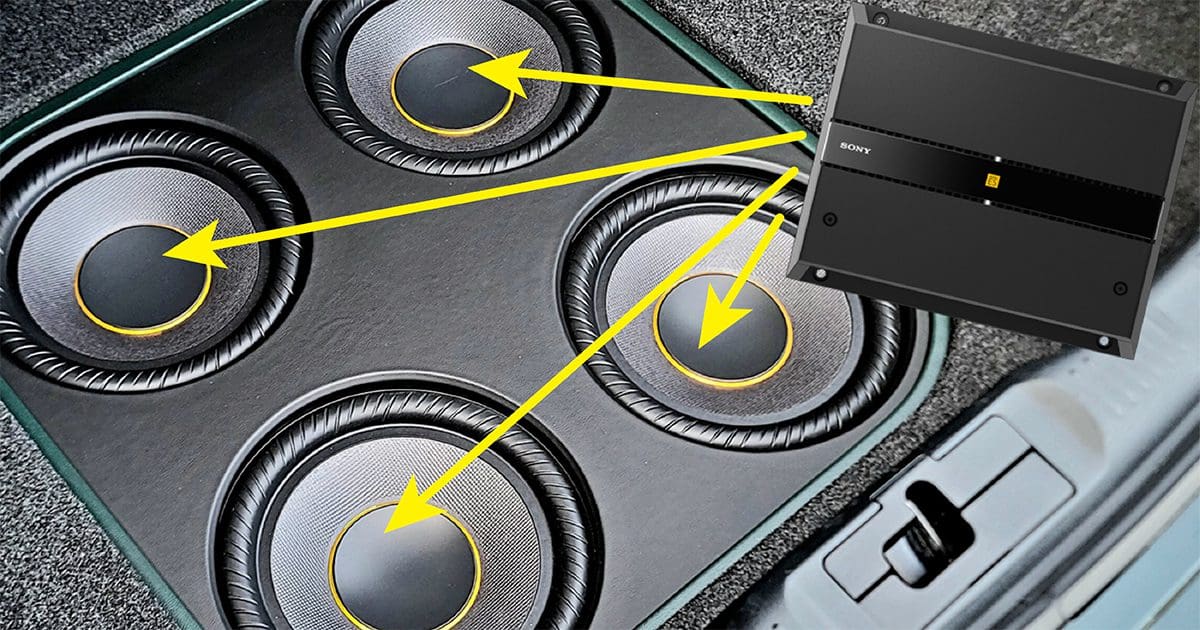
Credit: www.bestcaraudio.com
Using A Multimeter For Testing
If you want a more exact answer, use a multimeter. This tool measures voltage and is beginner-friendly if used carefully.
Steps To Test With A Multimeter
- Turn Off and Unplug: Safety first. Always unplug your subwoofer before opening or testing any wires.
- Set Multimeter to AC Voltage: Most subwoofers use AC power from the wall.
- Test the Power Cable: Touch the multimeter probes to both sides of the plug. You should see about 120V (US) or 230V (Europe/Asia).
- Test the Fuse: Remove the fuse and touch both ends with the probes. A reading of zero means the fuse is blown.
- Check the Subwoofer Terminals: For passive subwoofers, test the speaker wires for voltage when the system is on.
Important: Never touch bare wires with your hands while the subwoofer is plugged in.
Typical Multimeter Readings
| Test Location | Expected Reading | What It Means |
|---|---|---|
| Wall Outlet | 110-120V (US), 220-240V (Europe/Asia) | Outlet is working |
| Power Cable | Same as wall outlet | Cable is good |
| Fuse | 0 Ohms (continuity) | Fuse is OK |
If your numbers don’t match, that’s a sign of a problem.
Subwoofer Types: Powered Vs. Passive
It’s important to know what kind of subwoofer you have:
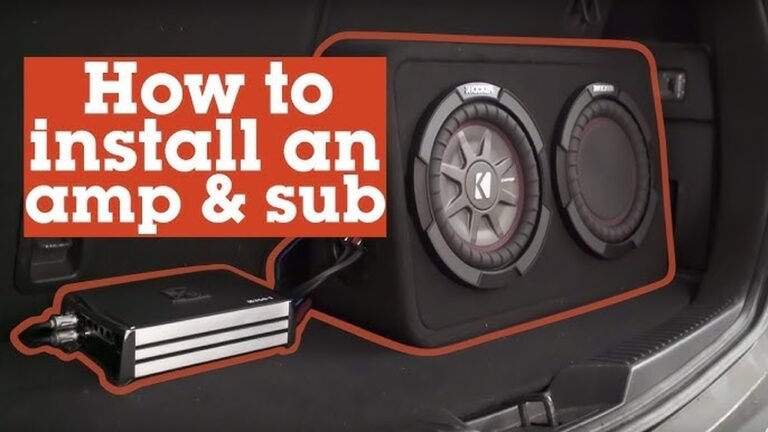
- Powered (Active) Subwoofers: Have a built-in amplifier. Plug directly into the wall.
- Passive Subwoofers: Need an external amplifier to get power.
Why does this matter? If you have a passive subwoofer, checking the amplifier is just as important as checking the subwoofer itself.
Basic Differences
| Feature | Powered Subwoofer | Passive Subwoofer |
|---|---|---|
| Power Source | Wall outlet | Amplifier |
| Setup Difficulty | Easy | More complex |
| Common Use | Home theater, car audio | Large audio systems |
If you’re not sure which you have, look for a power cord or plug on the subwoofer.
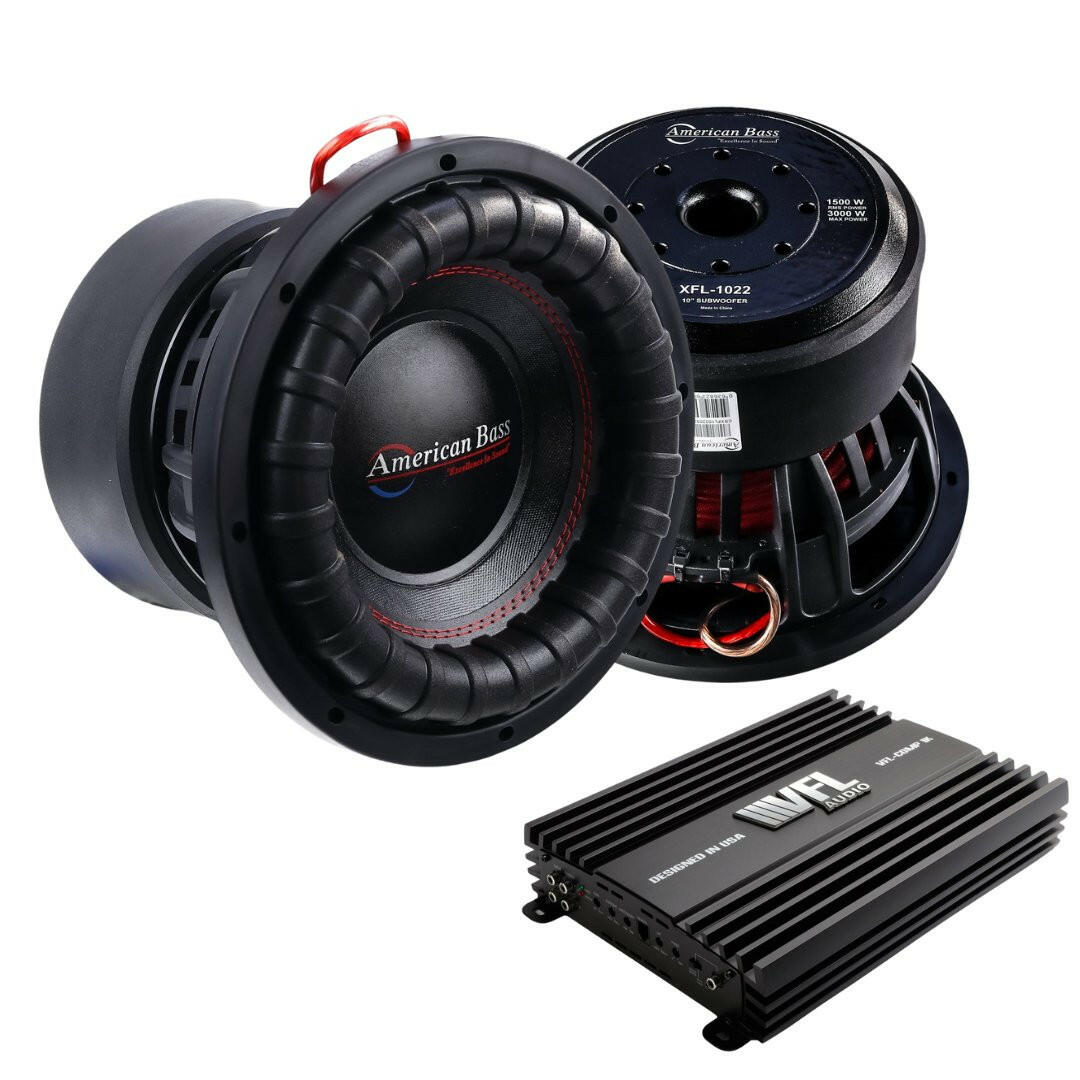
Credit: americanbassusa.com
Troubleshooting Steps For Beginners
If your subwoofer still isn’t working, follow these steps:
1. Check The Power Source
- Try another device in the same outlet.
- Use a different power cable if you have one.
2. Inspect The Fuse
- Find the fuse holder (usually near the power plug).
- Replace with the same type if blown.
3. Look At The Amplifier (for Passive Subs)
- Make sure the amplifier is on.
- Check the speaker wire connections.
- Turn up the volume slightly—some amps need a higher input to power the sub.
4. Swap Audio Cables
- Replace the RCA or speaker cable with a known good one.
- Try a different input on your receiver or amplifier.
5. Test With Another Subwoofer
- If possible, connect another subwoofer to your system. If it works, your original subwoofer may be the problem.
6. Reset The Subwoofer
- Some models have a reset button. Turn off, unplug, wait 30 seconds, and plug back in.
7. Double-check Settings
- Make sure the “subwoofer” option is enabled in your receiver’s setup menu.
- Set the crossover frequency to a reasonable value (e.g., 80Hz for home theater).
Common Mistakes And How To Avoid Them
Beginners often make these mistakes:
- Forgetting to turn on the subwoofer’s power switch: Easy to miss, especially on hidden back panels.
- Overlooking standby mode: Some subwoofers only turn on when they get an audio signal.
- Mixing up input and output jacks: Double-check the labels on your cables.
- Not checking the amplifier: Passive subs need working amps. If the amp is off, the sub won’t work.
- Volume set too low: Some subwoofers have a separate volume knob.
Avoiding these mistakes can save time and money.
Subwoofer Power Indicators: What Do They Mean?
Here’s a quick guide to what your subwoofer’s lights might be telling you:
| Light Color | Meaning | What to Do |
|---|---|---|
| Green | Powered on, working | Ready to use |
| Red | Standby or muted | Play audio to activate |
| No Light | No power | Check cable, fuse, outlet |
Not all subwoofers use the same colors, so check your manual if you’re unsure.
When To Seek Professional Help
If you’ve tried all the steps above and your subwoofer still doesn’t work, it might be time to call a professional. Common signs you need expert help:
- Smell of burnt electronics
- Visible damage to the speaker cone or wires
- Repeated blown fuses
- No power even after changing cables and fuses
Trying to fix serious electrical problems without experience can be dangerous. Most subwoofer repairs are best left to trained technicians.
Extra Tips For Reliable Subwoofer Performance
- Use a surge protector: Protects against power spikes that can damage your sub.
- Keep vents clear: Blocked vents can cause overheating.
- Regularly check cables: Loose or frayed wires can cause power loss.
- Avoid moisture: Water can damage electronics quickly.
- Follow the manual: Different brands have different features and indicators.
Taking care of your subwoofer keeps it working for years.
Frequently Asked Questions
Why Does My Subwoofer Only Work Sometimes?
This usually means your subwoofer is in auto standby mode. It only turns on when it senses a signal. Try raising the volume or checking your audio source. If the problem continues, there may be a loose cable.
Can A Subwoofer Get Power But Still Not Produce Sound?
Yes. A subwoofer might have power but not receive an audio signal. Check the audio cables, receiver settings, and volume knob on the subwoofer. Also, make sure the crossover frequency is set correctly.
Is It Safe To Use A Multimeter If I’m A Beginner?
Yes, if you follow instructions and safety warnings. Always unplug the subwoofer before touching any wiring. If you’re unsure, ask someone experienced or watch a video from a trusted source like Crutchfield.
How Do I Know If The Problem Is With My Amplifier Or Subwoofer?
Try connecting your subwoofer to a different amplifier or using another subwoofer with your current amp. If one works and the other doesn’t, you’ve found the problem. If both fail, the issue may be with wiring or the source.
What Should I Do If My Subwoofer Keeps Blowing Fuses?
Repeated blown fuses usually mean an internal problem. Stop using the subwoofer and get it checked by a technician. Using the wrong fuse type can also cause this problem.
A working subwoofer brings your music and movies to life. With these steps, you can quickly check if your subwoofer is getting power and fix most issues yourself. If you ever feel unsure, remember that safety comes first—and sometimes, expert help is the best solution.