How to Adjust Your Car Amp With Oscillating Subwoofer Like a Pro
Many car audio lovers want their music to sound powerful, clean, and exciting. A key part of this is the car amplifier (amp) and subwoofer setup. If you have an oscillating subwoofer—one that moves back and forth with music—you already know how much impact a sub can bring. But, if your amp isn’t adjusted correctly, you might hear distortion, weak bass, or even damage your speakers. Learning how to adjust your car amp with an oscillating subwoofer helps you enjoy music safely, with the deep bass you want.
This guide explains how to adjust your amp for the best performance. It’s designed for beginners who want clear, step-by-step advice. You’ll learn what tools you need, how to connect everything, how to set amp gains, and how to avoid common mistakes.
You’ll also find practical data, example settings, and quick answers to common questions.
Understanding Car Amps And Oscillating Subwoofers
Before adjusting, it’s important to understand what each part does:
- Car amplifier: Boosts the audio signal from your head unit (radio) so it’s strong enough for the speakers and subwoofer.
- Oscillating subwoofer: A subwoofer that moves in and out, creating the deep bass that makes your music feel alive.
Why does this matter? If your amp sends too much power, the subwoofer can get damaged. If the settings are too low, you won’t hear strong bass. The right adjustment keeps your music clear and your equipment safe.
Basic Car Audio System Example
Here’s a common beginner setup:
- Head unit (stereo)
- Car amplifier (mono or multi-channel)
- One 12-inch oscillating subwoofer (400W RMS, 4 ohm)
- Wiring kit (8-gauge)
- Factory or aftermarket door speakers
Tools And Equipment You’ll Need
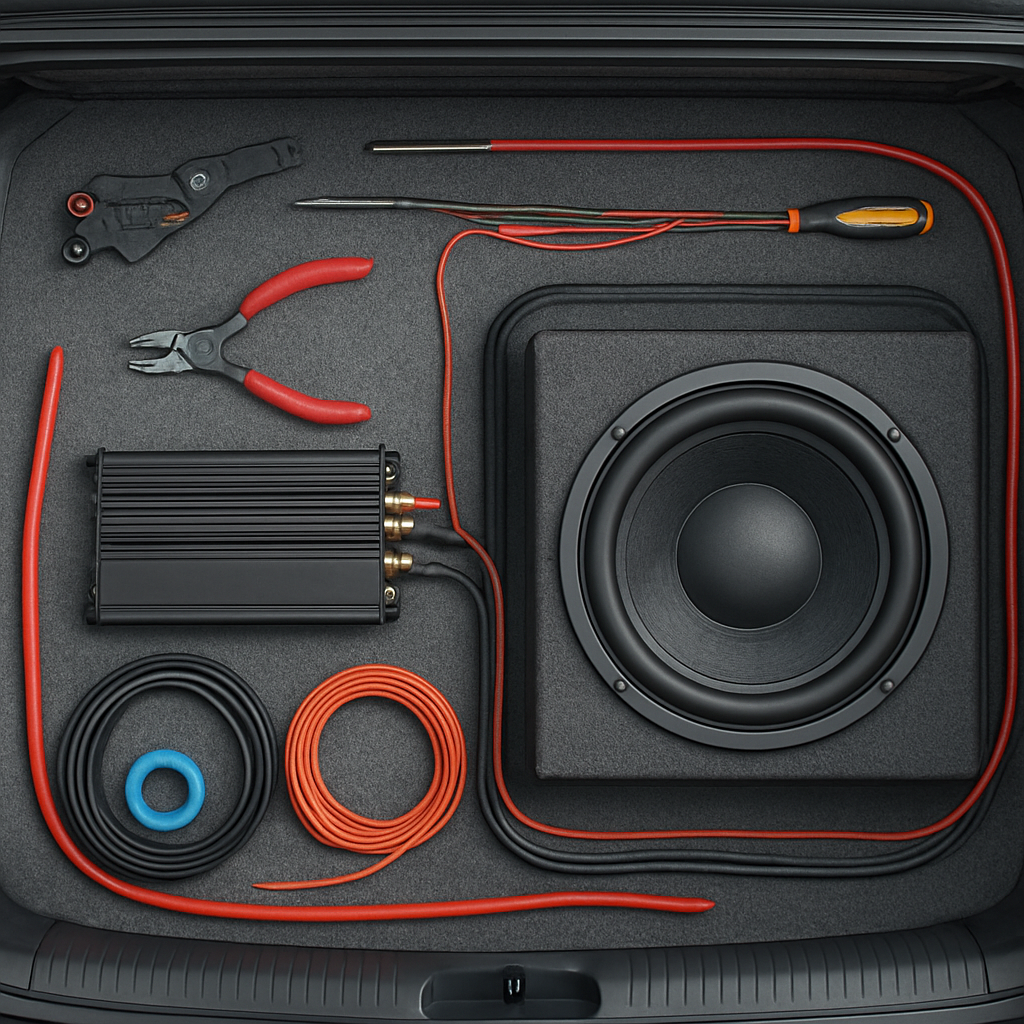
To adjust your car amp correctly, gather these:
- Small flathead screwdriver (to turn amp dials)
- Digital multimeter (optional, for precise voltage)
- Test tone audio tracks (like 50Hz and 60Hz sine waves)
- Sound level meter (optional, measures output in decibels)
- Car owner’s manual (for fuse ratings and connections)
- Your smartphone or MP3 player (for playing test tracks)
A test tone is a pure sound at one frequency. It helps you set the amp without music’s ups and downs.
Credit: audiointensity.com
Preparing Your System For Adjustment
- Turn off your car. Safety first—never adjust wiring with the power on.
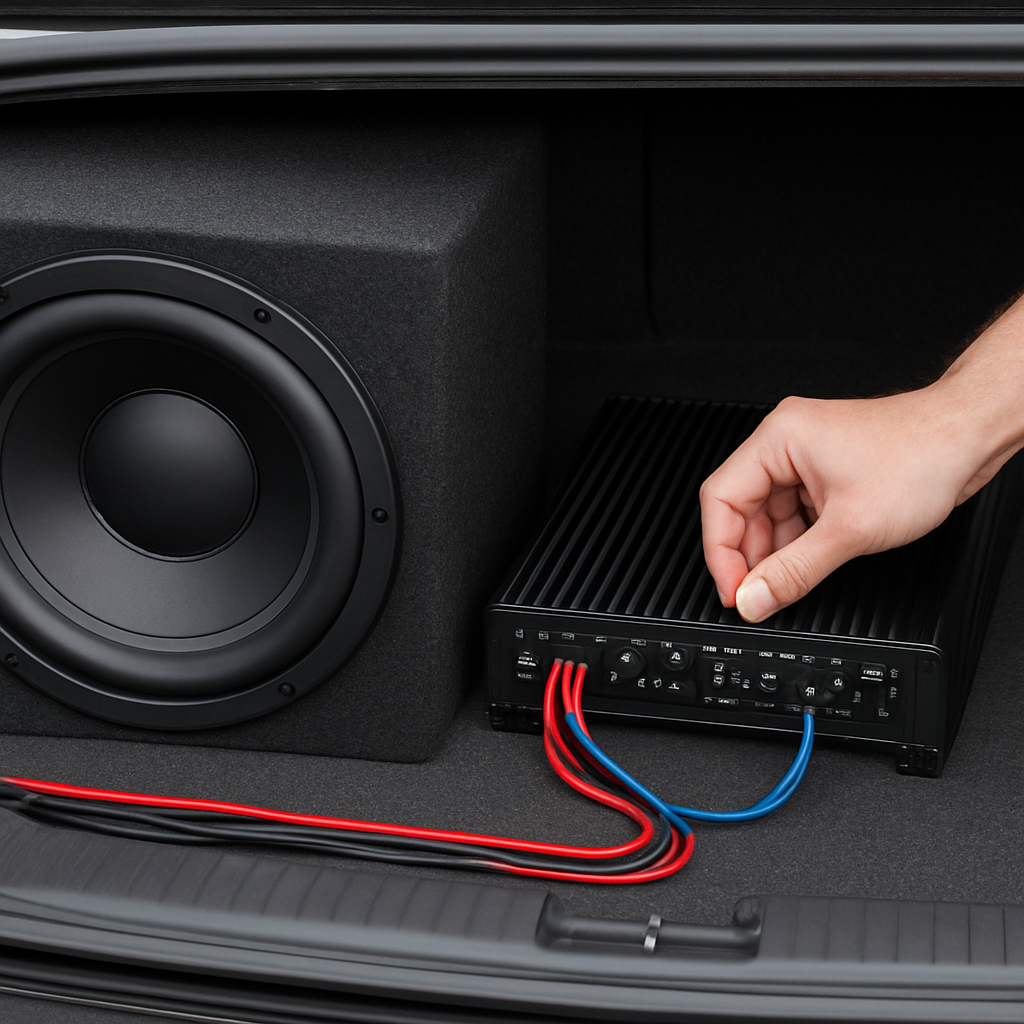
- Check all connections. Make sure the power, ground, and signal wires are tight. Loose connections cause poor sound or no sound.
- Set amp settings to zero. Turn all amp dials—gain, bass boost, frequency—to their minimum (counter-clockwise).
- Set your stereo’s EQ (equalizer) flat. Turn off any loudness, bass boost, or preset EQs on your head unit.
This gives you a neutral starting point. Now your amp and subwoofer are ready for fine-tuning.
Step-by-step: Adjusting Your Car Amp For An Oscillating Subwoofer
Let’s break the process into clear steps. Take your time—patience is better than rushing.
1. Setting The Gain
The gain controls how much the amp boosts the signal. Too high means distortion; too low means weak bass.
How to Set Gain:
- Play a 50Hz test tone at 75% of your stereo’s maximum volume.
- Slowly turn the gain dial up until you hear the subwoofer start to distort (crackling or fuzzy sound).
- Back the gain down slightly, just until the distortion disappears.
Beginner tip: Gain is not a volume knob. Its purpose is to match your stereo’s signal to the amp.
Example: If your stereo’s max volume is 40, set the test tone at 30. Turn the gain up until the sub distorts, then back down until the sound is clean.
2. Setting The Low-pass Filter
A low-pass filter (LPF) lets only bass (low frequencies) reach your subwoofer.
- Set the LPF dial to 80Hz or 100Hz. This means only sounds below this frequency play through the sub.
- If you want tighter, punchier bass, set closer to 80Hz. For deeper, booming bass, try 100Hz.
Extra insight: Setting the LPF too high causes “muddy” bass because the sub tries to play midrange sounds it can’t handle.
3. Adjusting Bass Boost
The bass boost adds extra punch around a set frequency. Use it sparingly—too much can damage your sub.
- Start with bass boost at zero.
- Gradually increase it while listening to your test tone or music.
- If you hear distortion, reduce the boost.
Note: Sometimes, adding a little bass boost (3–6dB) fills in the sound nicely. Never max out this control.
4. Setting The Subsonic Filter
If your amp has a subsonic filter, it blocks ultra-low sounds (below human hearing) that can waste power and damage your subwoofer.
- Set the subsonic filter to around 25–30Hz.
- If your music genre has deep bass drops (like EDM), set it lower (20Hz). For rock or pop, 30Hz is fine.
Practical example: If your subwoofer is in a sealed box, a lower subsonic setting is safe. For ported boxes, set it at or just below your box’s tuning frequency.
5. Final Testing With Music
Switch from test tones to your favorite bass-heavy music.
- Raise your stereo volume to normal listening levels.
- Listen for clean, powerful bass without rattling or distortion.
- If you hear buzzing, dial back the gain or bass boost slightly.
Expert tip: Each car interior is different. Adjust settings in small steps and trust your ears.
Credit: audiointensity.com
Common Problems And Troubleshooting
Even with careful setup, some issues can appear. Here’s how to spot and fix them:
Distortion At Low Volume
- Check all wiring for tightness and correct polarity (+ and –).
- Lower the amp gain and bass boost.
- Ensure the head unit’s bass settings are flat.
Weak Or No Bass
- Make sure the LPF is set low enough (below 100Hz).
- Check for a faulty RCA cable.
- Confirm the subwoofer is connected to the correct amp channel.
Amp Overheating
- Reduce the gain or bass boost.
- Make sure the amp has enough ventilation.
- Check your subwoofer’s impedance matches the amp’s rating.
Rattling Or Buzzing Noises
- Look for loose panels or screws in your car near the subwoofer.
- Use sound-deadening material if needed.
Example Settings Table
Here’s a quick reference for a typical beginner system:
| Setting | Recommended Value | Purpose |
|---|---|---|
| Gain | Just below distortion | Matches amp to head unit |
| Low-Pass Filter | 80-100Hz | Lets bass through, blocks highs |
| Bass Boost | 0-6dB | Extra punch if needed |
| Subsonic Filter | 25-30Hz | Protects sub from ultra-lows |
Real-world Example: Tuning A 400w 12-inch Subwoofer
Let’s say you have a Pioneer 12-inch, 400W RMS sub in a ported box, powered by a 500W RMS mono amp.
- Set gain: Play a 50Hz tone, volume at 75%. Increase gain until you hear distortion, then back off slightly.
- LPF: Set to 80Hz.
- Bass boost: Start at zero, increase to 3dB if needed.
- Subsonic filter: Set to 28Hz (since your box tunes at 30Hz).
Listen to a track with deep bass (like “Sicko Mode” by Travis Scott). If you hear clean, strong bass and no rattling, you’re set.
Safety Tips For Beginners
- Never adjust amp settings while driving.
- Always use the correct fuse for your amp’s power rating.
- Don’t push the gain or bass boost past the point of clean sound.
- If your subwoofer smells burnt, stop and check your settings.
Credit: www2.parklanejewelry.com
Mistakes Beginners Often Make
- Maxing out all dials: More is not always better. High settings can burn out your subwoofer.
- Ignoring the subsonic filter: Without it, your subwoofer can waste energy on sounds you can’t even hear.
- Setting LPF too high: This makes the subwoofer play sounds it’s not designed for, causing muddy bass.
- Not checking for distortion: Always listen for changes in sound quality as you adjust.
- Adjusting with music, not test tones: Music has highs and lows. Test tones give a steady signal for accurate setup.
How To Tell If Your Amp And Sub Are Well Adjusted
- Bass is strong and tight, not boomy or muddy.
- No distortion, even at high volumes.
- The amp stays cool during normal use.
- All music genres sound balanced.
Data: Safe Power Levels For Subwoofers
Using too much power can quickly destroy a subwoofer. Here’s an approximate guide:
| Subwoofer RMS Rating | Recommended Amp RMS | Max Safe Gain Setting |
|---|---|---|
| 200W | 150-250W | Below 80% |
| 400W | 300-500W | Below 80% |
| 600W | 500-700W | Below 75% |
Always match your amp’s RMS power to the subwoofer’s RMS rating for safe, reliable sound.
Pro Tips For Getting The Best Sound
- Use high-quality RCA cables for clean signal transfer.
- Position your subwoofer box to face the rear of the car for stronger bass.
- Add sound-deadening material to the trunk for less rattle and more punch.
- Re-check your settings after a week—sometimes, things shift as you use the system.
- Avoid using “loudness” or “bass boost” functions on both the head unit and amp at the same time.
When To Seek Professional Help
If you’ve tried all the above and still struggle with poor sound, it might be time to visit a car audio shop. They can:
- Check for wiring or equipment problems.
- Use an oscilloscope for ultra-precise tuning.
- Recommend better speakers or amps for your budget.
Frequently Asked Questions
What Is The Best Frequency For A Car Subwoofer?
The best frequency for a car subwoofer is usually between 70–100Hz for most music. For deep bass (like hip-hop or EDM), you might set it closer to 80Hz. Every car and subwoofer is different, so adjust to what sounds clean and powerful in your car.
Can I Set My Amp Using Just My Ears?
Yes, you can set your amp by ear, but using test tones and listening for distortion is much more accurate. Your ears are good for final adjustments, but test tones help you avoid mistakes that could damage your gear.
Why Does My Subwoofer Sound Distorted?
Distorted subwoofer sound often means the amp gain or bass boost is set too high, or your subwoofer is getting more power than it can handle. Lower the gain and bass boost and check all wiring for problems.
How Do I Know If My Amp Is Too Powerful For My Subwoofer?
If your amp’s RMS rating is much higher than your subwoofer’s RMS rating, you risk damaging the sub. Always match the RMS power of the amp and sub as closely as possible. For example, a 400W RMS sub should use a 300–500W RMS amp.
Where Can I Find Test Tones For Tuning My Amp?
You can download free test tones from audio websites or YouTube. Search for “50Hz sine wave test tone” or visit AudioCheck for safe, reliable test files.
Adjusting your car amp with an oscillating subwoofer is not just about loudness—it’s about balance, clarity, and protecting your equipment. Take your time, follow these steps, and soon your car’s sound system will deliver the bass you crave, safely and smoothly.
Remember, a well-tuned system makes every drive more enjoyable.