How Do You Reset a Pioneer Car Stereo: Easy Steps to Fix It Fast
Is your Pioneer car stereo acting up or stuck on a black screen? Maybe you want to clear all your Bluetooth connections and start fresh.
Whatever the reason, knowing how to reset your Pioneer car stereo can save you time and frustration. In this guide, you’ll discover simple, step-by-step ways to reset different Pioneer models—from touchscreen AVH units to classic DEH radios. You’ll learn where to find the reset button, how to perform a soft or factory reset, and what to expect once you do.
Keep reading, and you’ll have your stereo working like new again in no time.

Credit: www.reddit.com
Locate Reset Options
Resetting a Pioneer car stereo varies by model. Different models have unique reset methods. Knowing the right method helps fix issues fast. This section breaks down reset steps by model type. Follow the instructions carefully to avoid errors. Each reset clears settings and returns the unit to factory defaults.
Pioneer Avh/dmh Touchscreen
For touchscreen models like AVH or DMH, start by tapping the gear icon. This opens the settings menu. Select “Restore Settings” and confirm the action. This method resets the software without removing the unit.
If the screen is unresponsive, locate the small reset hole. It’s usually near the USB port or behind the front panel. Use a thin object like a paperclip to press the reset button gently. The unit will reboot and reset.
Pioneer Deh Din/single Cd
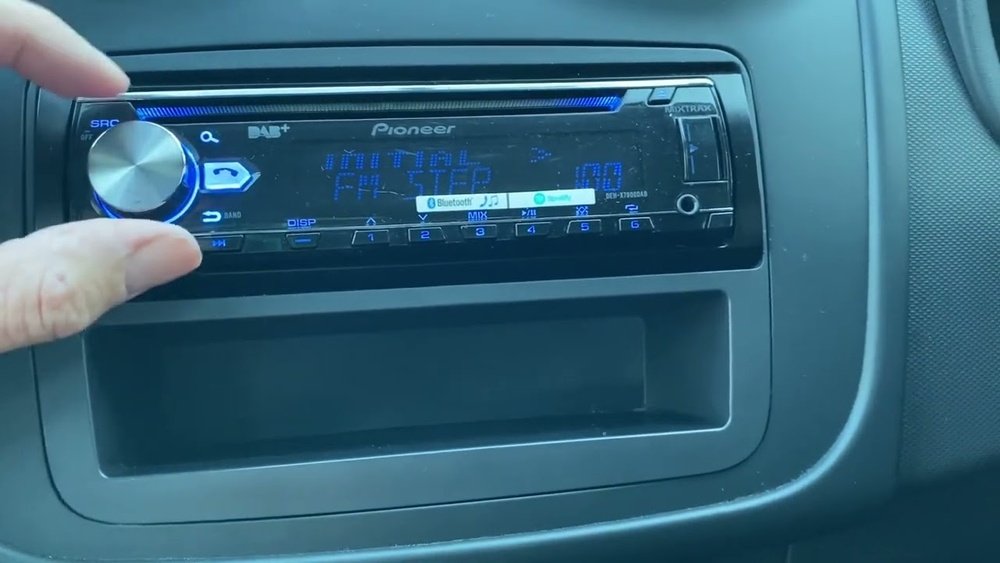
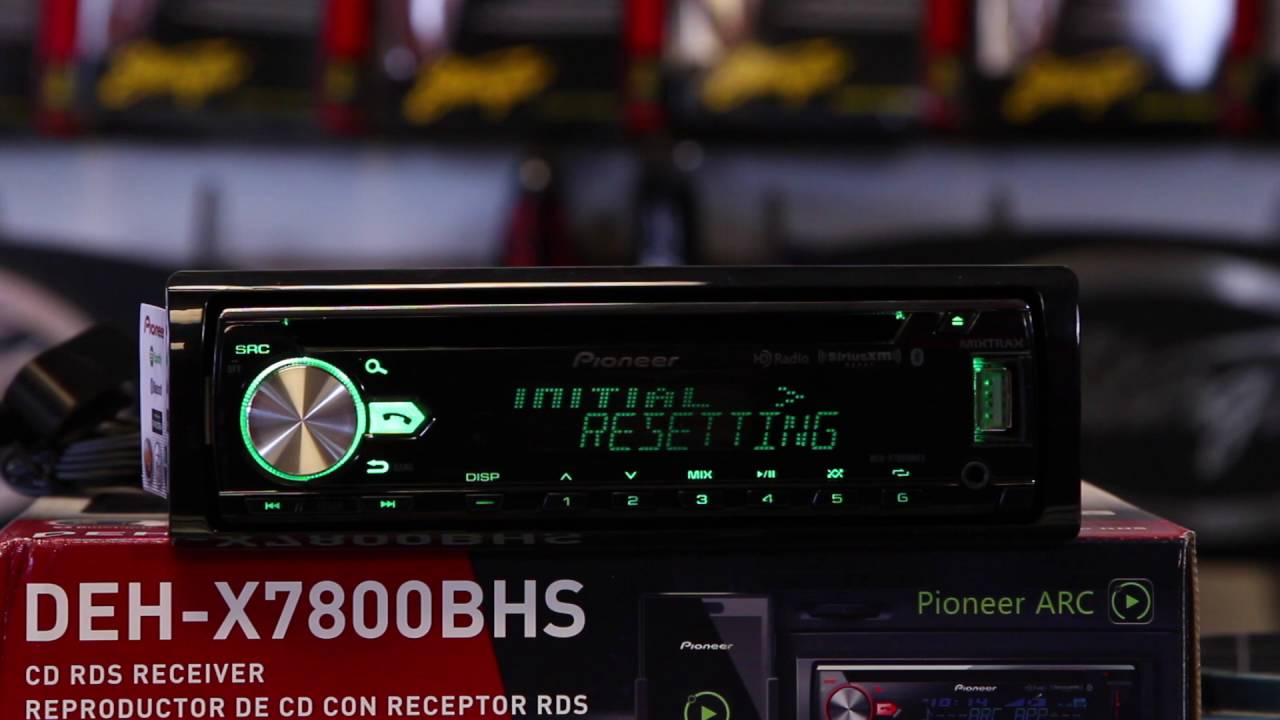
Press and hold the SRC (Source) button until the display goes blank. Keep holding until the settings menu appears. Rotate the volume knob to find “INITIAL” or “SYSTEM RESET”. Select “YES” to confirm the reset. This restores factory settings and clears saved data.
This method works well for older DIN or single CD models. It resets audio settings, radio presets, and Bluetooth connections.
Hard Reset For Unresponsive Units
If the stereo freezes or shows no response, try a hard reset. Turn off the car ignition and remove the key. Wait about 30 seconds. Restart the ignition to power the unit back on.
This simple step can clear minor glitches. If issues persist, use the model-specific reset methods described above. Always remember that resets erase all personalized settings.

Credit: www.reddit.com
Reset Methods By Model
Resetting your Pioneer car stereo can solve many issues fast. Follow this step-by-step reset guide to restore your stereo’s settings. Each method suits different situations and models. Use the one that fits your needs.
Soft Reset Process
A soft reset clears minor glitches without erasing settings. To do this, press and hold the power button for about 10 seconds. The unit will turn off and restart. This process refreshes the system while keeping your presets and Bluetooth connections.
Factory Reset Using Menu
Access the factory reset through the stereo’s menu to erase all settings. First, tap the gear or tools icon on the touchscreen. Next, select “Restore Settings” or “Factory Reset.” Confirm your choice to reset the unit. This method deletes saved stations, equalizer settings, and paired devices, returning the stereo to its original state.
Using The Physical Reset Button
Locate the small reset button on the stereo’s face or behind the panel. It is often near the USB port or the eject button. Use a pointed object to press and hold the reset button for a few seconds. The stereo will reboot, clearing errors without deleting your data. This method works well if the touchscreen or buttons do not respond.
Step-by-step Reset Guide
After resetting your Pioneer car stereo, some settings return to factory defaults. You must set up your stereo again to enjoy your favorite features. This setup ensures the stereo works the way you want it. Focus on three key areas to get started quickly and easily.
Reprogram Radio Presets
Resetting deletes all saved radio stations. Tune to your favorite station using the seek or tune buttons. Press and hold a preset button until you hear a beep or see the station number saved. Repeat for all stations you want to save. This saves time finding your favorite channels while driving.
Reconnect Bluetooth Devices
The reset removes all paired Bluetooth devices. Open your phone’s Bluetooth settings and search for the Pioneer stereo. Select the stereo name to pair. Enter the PIN if asked, often “0000” or “1234.” Confirm the connection on both devices. This allows hands-free calls and wireless music again.
Adjust Sound And Eq Settings
Sound settings go back to default after a reset. Use the menu to find the equalizer (EQ) or sound settings. Adjust bass, treble, and balance to your liking. Some models have presets like “Rock” or “Jazz.” Choose one or customize the sound for the best audio experience.
Credit: www.youtube.com
After Reset Setup
Resetting a Pioneer car stereo can solve many common issues. Sometimes, a simple reset does not fix the problem. Troubleshooting helps find the right solution quickly. Follow these tips to address reset problems effectively.
When Reset Doesn’t Work
Sometimes, the stereo won’t reset as expected. The screen may stay black or buttons might not respond. This can happen due to software glitches or power issues. Check the car’s battery and connections first. Loose wires can stop the stereo from resetting. If the problem continues, try a microprocessor reset.
Microprocessor Reset Steps
A microprocessor reset clears deeper errors in the stereo. It often fixes frozen screens or unresponsive units. To perform this reset, turn off the car and stereo. Press and hold the reset button for 10 seconds. If no reset button exists, disconnect the car battery for a few minutes. Reconnect and power on the stereo. This resets the main processor and clears errors.
Common Reset Mistakes To Avoid
Do not hold the reset button too briefly. A quick press may not trigger the reset. Avoid disconnecting the battery while the car is running. This can cause electrical damage. Do not ignore the user manual instructions. Each Pioneer model may have a different reset method. Avoid forcing buttons or opening the unit. This can cause permanent damage.
Troubleshooting Tips
Resetting a Pioneer car stereo can solve many issues but requires careful steps. Taking precautions helps avoid losing important data. It also prevents confusion about what changes the reset will make. Follow these tips to prepare before hitting reset.
Backup Important Settings
Save your radio presets and equalizer settings first. Write down or take photos of your favorite stations. Note any Bluetooth devices paired with the stereo. Some Pioneer models let you export settings via USB. This backup saves time when restoring after reset.
Without backup, you must set everything up again. This includes sound preferences and saved radio channels. Backing up keeps your stereo customized to your taste. It also avoids frustration after the reset process.
Understand What Resets Erase
Know that resetting a Pioneer stereo deletes all personalized data. This includes radio presets, Bluetooth connections, and sound settings. The unit returns to factory default. Any custom menus or saved profiles will be lost.
Some reset types clear only minor glitches without wiping data. Others perform a full factory reset. Check your model’s reset method to see what happens. This helps avoid unexpected loss of important settings. Understand the reset’s scope before proceeding.
Reset Precautions
Finding the right help can make resetting your Pioneer car stereo much easier. Additional resources provide clear guidance and step-by-step instructions. These tools help clarify the reset process for different Pioneer models. They also offer support when basic steps don’t work.
Use official and user-created resources to ensure you reset your stereo correctly. Reliable sources reduce the chance of errors and save time. Below are some useful resources to guide you through resetting your Pioneer car stereo.
Official Pioneer Support
Pioneer’s official support site offers detailed manuals and troubleshooting guides. You can search by your stereo model for tailored instructions. The site also provides firmware updates and software tools. These updates can fix bugs affecting reset functions. Customer support is available for direct help. They assist with complex issues and warranty questions. Using official support ensures you get accurate and safe advice.
Helpful Video Tutorials
Video tutorials show the reset process visually, making it easier to follow. Many experts upload step-by-step guides for different Pioneer models. These videos often include tips and tricks to avoid common mistakes. Watching a video helps you see button locations and menu navigation clearly. User comments on videos can offer additional insights. Choose videos with high views and positive feedback for better quality.
Frequently Asked Questions
Where Is The Reset Button On A Pioneer Car Stereo?
The reset button on a Pioneer car stereo is usually a small hole labeled “RESET. ” Find it near the USB port or behind the detachable panel. Use a pointed object to press it gently. Some models require resetting through the menu under Settings > System > Restore Settings.
Where Is The Factory Reset Button?
The factory reset button is a small hole labeled “RESET,” usually near the USB port or behind the detachable panel on Pioneer stereos. Press it with a pin to reset. For touchscreen models, use Settings > System Settings > Restore Settings to perform a factory reset.
How To Factory Reset A Pioneer Touch Screen Radio?
To factory reset a Pioneer touch screen radio, tap the gear icon, select “Restore Settings,” then confirm the reset.
How To Forcefully Factory Reset?
Press and hold the reset button (often near the USB port) or use the menu to select “Restore Settings” and confirm.
Conclusion
Resetting your Pioneer car stereo is simple and quick. Follow the right method for your model. Remember, resetting clears all saved settings and Bluetooth connections. Always check the user manual for specific instructions. A reset can fix many common issues.
Try it before seeking professional help. Your stereo will work like new again. Enjoy your music without any trouble.