2015 Nissan Sentra SR Apple CarPlay Problems: Quick Fixes
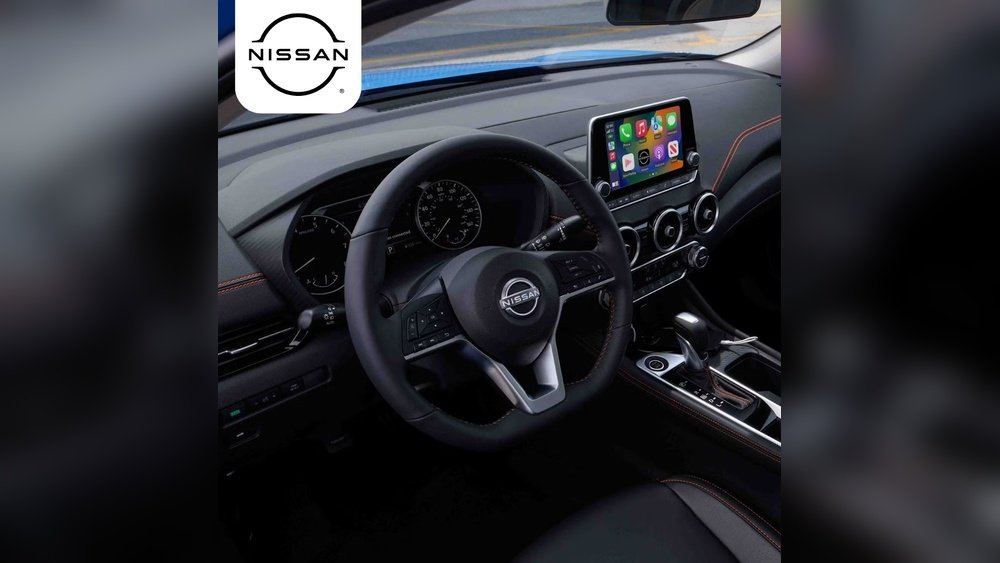
Many car owners want modern features like Apple CarPlay in their vehicles. If you drive a 2015 Nissan Sentra SR, you might notice that Apple CarPlay is not working as expected, or not available at all. This can be confusing, especially if you see other cars using CarPlay smoothly. Let’s explore why this happens, common problems, and what you can do about it. This article is written for beginners, using clear language, short paragraphs, and step-by-step guidance.
Does The 2015 Nissan Sentra Sr Support Apple Carplay?
The first thing to understand is the factory technology in your car. The 2015 Nissan Sentra SR did not come with Apple CarPlay as a standard feature. Nissan began adding CarPlay to its vehicles around 2017, so your 2015 model does not have built-in support. If you’re trying to find CarPlay on your Sentra’s infotainment system, you won’t see it. This is the main reason for most Apple CarPlay problems with this vehicle.
Key Points
- No factory CarPlay in 2015 Sentra SR
- Not available in Nissan’s official update for this model year
- You can’t access CarPlay unless you upgrade your system
Common Apple Carplay Problems In 2015 Nissan Sentra Sr
Even though CarPlay is not standard, some owners try to add it using aftermarket solutions. This creates a new set of challenges. Let’s break down the most frequent problems and explain them in simple terms.
1. No Carplay Option On Infotainment Screen
This is the most common issue. When you plug your iPhone into the USB port, nothing happens. The infotainment system does not recognize CarPlay.
Why it happens:
- The original system does not support CarPlay
- Outdated software or hardware
What you can do:
- Check if you have an aftermarket stereo
- If not, CarPlay will not appear
2. Aftermarket Carplay System Not Working
Some owners install a new stereo or head unit that claims to support CarPlay. But problems can still occur:
- CarPlay not launching when phone is connected
- Touchscreen not responding
- Audio issues (music or calls not clear)
Possible causes:
- Incorrect installation
- Incompatible wiring or connectors
- Software bugs in aftermarket device
3. Connection Problems
You might see CarPlay appear, but it disconnects or freezes:
- CarPlay stops after a few minutes
- Screen goes black
- Phone does not charge
Reasons:
- Faulty USB cable
- Poor quality aftermarket parts
- IPhone software not updated
4. Limited Features Or Glitches
Even if CarPlay launches, you may notice:
- Missing apps
- Laggy performance
- Voice commands not working
Why?
- Not all aftermarket systems support full Apple CarPlay features
- Some systems are slow or buggy
Practical Solutions For Apple Carplay Problems
If you want Apple CarPlay in your 2015 Nissan Sentra SR, you have a few options. Here are practical steps to solve common issues and improve your experience.
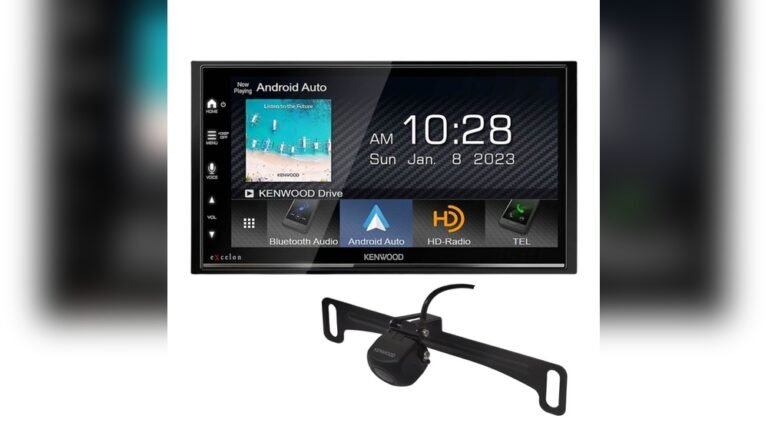
Upgrade To Aftermarket Carplay Head Unit
This is the most effective way to get CarPlay. Choose a reputable brand and have it installed professionally. Popular brands include Pioneer, Kenwood, and Sony.
Benefits:
- Full CarPlay support
- Better audio quality
- Touchscreen controls
Installation tips:
- Look for models designed for Nissan Sentra
- Check compatibility with your car’s wiring
- Ask a certified installer to avoid mistakes
Check Your Usb Cable And Phone
Many CarPlay problems are caused by bad cables or outdated phones.
Tips:
- Use a genuine Apple cable
- Update your iPhone to the latest iOS
- Avoid cheap third-party cables
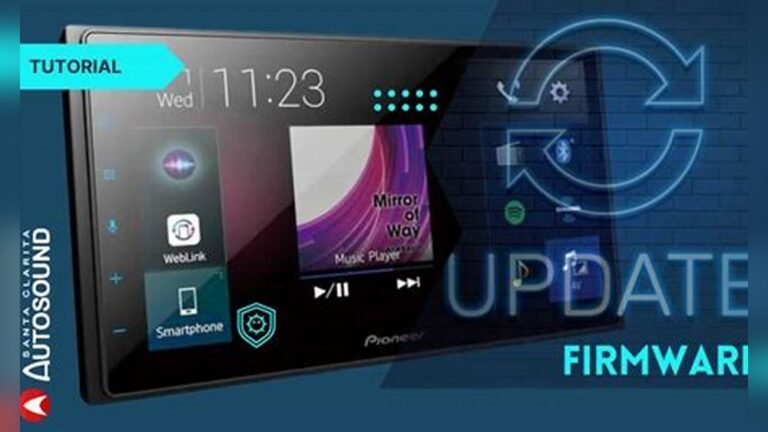
Update Aftermarket System Firmware
Aftermarket systems can have software bugs. Check the manufacturer’s website for updates.
How to update:
- Download firmware from manufacturer
- Follow instructions carefully
- Updating can fix many glitches
Adjust Settings For Better Performance
Some settings can make CarPlay smoother:
- Turn off Bluetooth if using wired CarPlay
- Restart your phone before connecting
- Make sure CarPlay is enabled in your iPhone settings
Compare Factory Vs Aftermarket Carplay Options
Here’s a quick comparison to help decide:
| Feature | Factory System (2015 SR) | Aftermarket CarPlay |
|---|---|---|
| Apple CarPlay | Not available | Yes, if upgraded |
| Touchscreen | Basic, limited features | Modern, responsive |
| Audio Quality | Standard | Often improved |
| Warranty | Covered by Nissan | Depends on installer |
Real Examples Of Carplay Upgrades
Let’s look at a practical example. Jake owns a 2015 Sentra SR. He wanted CarPlay, so he bought a Pioneer AVH-2300NEX head unit and had it installed at a local shop.
- He paid around $350 for the unit
- Installation cost was $150
- Now he uses CarPlay for maps and music every day
Jake’s experience shows that professional installation is important. He tried to install a cheaper unit himself, but it did not work. After switching to Pioneer and getting help, CarPlay works perfectly.
Apple Carplay And Safety
Apple CarPlay can make driving safer. It allows:
- Hands-free calling
- Easy access to navigation
- Voice commands via Siri
Studies show that using CarPlay reduces distraction compared to using a phone directly. According to a 2021 AAA report, drivers using CarPlay were less likely to look away from the road.
Is It Worth Upgrading?
If you use your iPhone daily, upgrading to CarPlay is a smart move. It makes your car feel modern, even if it’s a few years old. However, the upgrade is not cheap. Expect to pay $300–$700 for parts and labor.
Before upgrading:
- Check your budget
- Make sure your installer is experienced
- Read reviews for the head unit you want

Credit: www.ebay.com
Common Mistakes When Adding Carplay
Beginners often make some mistakes when trying to get CarPlay in their 2015 Nissan Sentra SR.
- Buying the wrong head unit. Not all units fit your car.
- DIY installation without experience. Mistakes can damage your car’s electronics.
- Ignoring firmware updates. This can cause glitches.
- Using low-quality cables. Always use genuine Apple cables.
- Not checking compatibility. Some head units don’t work with all iPhones.
Avoid these mistakes for a smoother experience.
Data Table: Carplay Upgrade Costs
Here’s a look at typical costs for CarPlay upgrades.
| Item | Average Cost | Notes |
|---|---|---|
| Head unit | $250–$500 | Depends on brand/features |
| Installation | $100–$200 | Professional labor |
| Wiring harness | $25–$50 | Needed for compatibility |
| Dash kit | $20–$40 | Fits new unit in dashboard |
| Total | $395–$790 | Full upgrade |

Credit: www.ebay.com
Non-obvious Tips For Beginners
- Check your steering wheel controls. Some aftermarket units allow you to keep these controls, but only if you buy the right adapters.
- Backup your settings. Before upgrading, write down your radio presets and Bluetooth settings. You’ll need to set them again after installation.
- Ask about warranty. Aftermarket upgrades often void part of your car’s warranty. Always ask your installer about this.
Comparing Nissan Sentra Sr Models
You might wonder if newer Sentra models have CarPlay. Here’s a comparison:
| Model Year | CarPlay Support | Infotainment Features |
|---|---|---|
| 2015 Sentra SR | No | Basic radio, Bluetooth |
| 2017 Sentra SR | Optional | Touchscreen, navigation |
| 2019 Sentra SR | Standard | Apple CarPlay, Android Auto |

Credit: www.lutherauto.com
Where To Get More Help
For more technical details or updates, visit Nissan’s official site or trusted forums. If you want to check compatibility, see Nissan USA.
Frequently Asked Questions
Can I Add Apple Carplay To My 2015 Nissan Sentra Sr?
Yes, but only by installing an aftermarket head unit. The original system does not support CarPlay.
Does Nissan Offer A Carplay Update For The 2015 Sentra?
No, Nissan does not offer a software update for CarPlay on the 2015 Sentra SR. You need to upgrade the hardware.
What Is The Best Aftermarket Head Unit For Carplay?
Brands like Pioneer, Kenwood, and Sony are reliable. Choose a model that fits your dashboard and supports full CarPlay features.
Will Carplay Work With All Iphones?
CarPlay works with iPhone 5 and newer. Make sure your phone is updated to the latest iOS for best performance.
Does Adding Carplay Affect My Car’s Warranty?
Installing an aftermarket system can void part of your warranty, especially on electronics. Ask your installer for details before upgrading.
Getting Apple CarPlay in your 2015 Nissan Sentra SR is possible, but requires careful planning. By choosing the right parts, getting professional help, and avoiding beginner mistakes, you can enjoy modern technology in your car. Remember, your factory system does not support CarPlay, so an upgrade is needed.
With this guide, you’re ready to make informed decisions and solve Apple CarPlay problems in your Nissan Sentra SR.