2011 Honda Pilot Stereo Upgrade: Best Options for Superior Sound
If you drive a 2011 Honda Pilot, you know the stereo is a big part of your daily routine. Maybe your music sounds flat, or you want new features like Bluetooth or Apple CarPlay. Upgrading your stereo can make your drive more fun and comfortable.
But where do you start? This guide will help you understand your options, what’s possible, and how to upgrade your 2011 Honda Pilot stereo step-by-step.
Why Upgrade The 2011 Honda Pilot Stereo?
Many drivers notice their factory stereo lacks modern features. Here are some reasons to upgrade:
- Sound quality: Factory stereos often have weak bass and poor clarity.
- Modern features: Bluetooth, USB, touchscreen, navigation, and smartphone integration.
- Reliability: Old stereos can fail or develop problems.
- Resale value: Better audio systems can increase your car’s value.
Upgrading can transform your Pilot into a more enjoyable, connected vehicle.
Understanding The 2011 Honda Pilot Stereo System
Before starting your upgrade, it’s important to know what’s in your vehicle.
- The 2011 Honda Pilot comes with a standard stereo or an upgraded system (with navigation and subwoofer).
- The dashboard uses a double-DIN size. This means you can fit larger aftermarket stereos.
- Factory speakers are basic, usually 6.5-inch in the doors and tweeters in the front pillars.
Knowing these details helps you choose the right parts.
Choosing The Right Stereo Upgrade
There are many types of upgrades. Here are the most popular options:
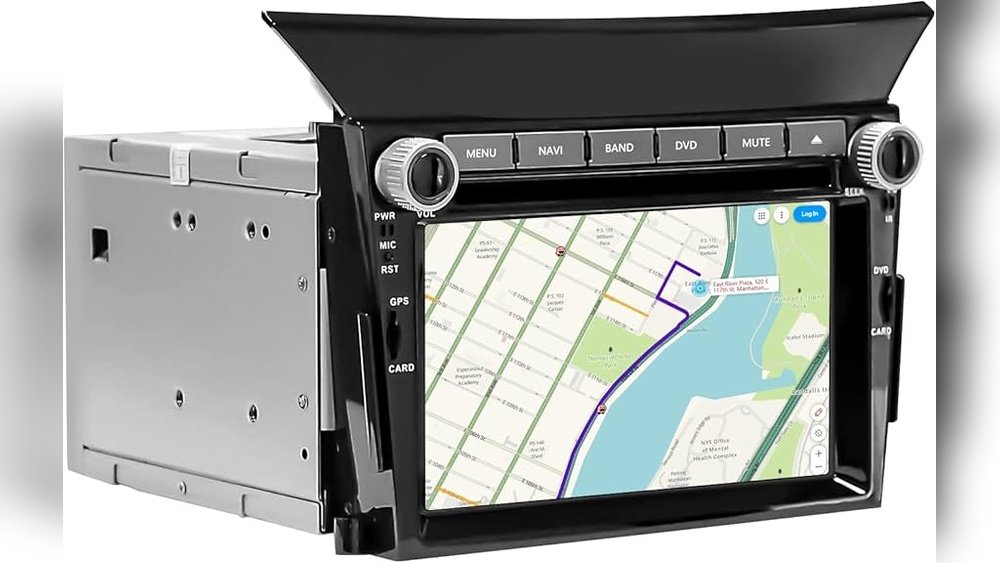
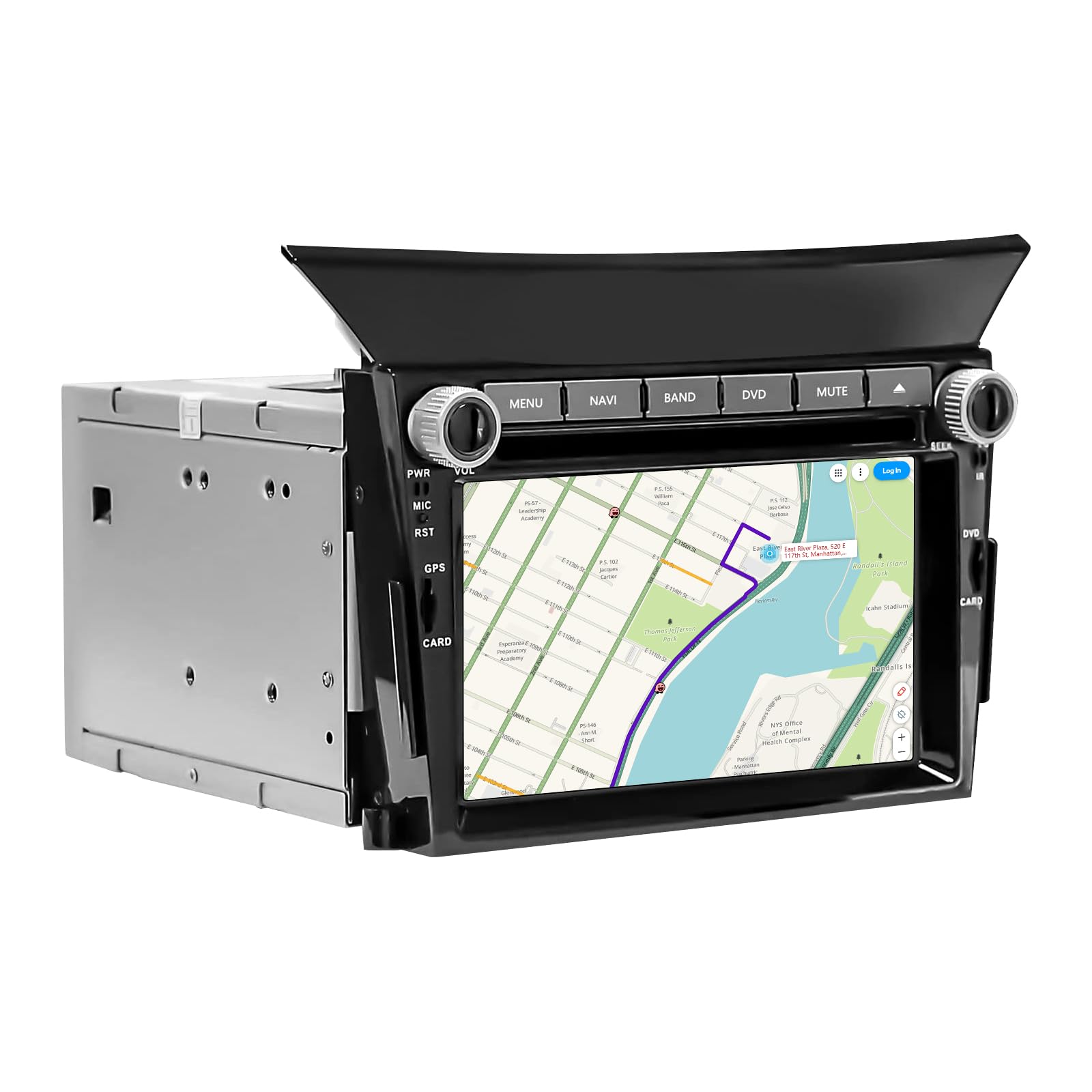
1. Aftermarket Head Unit
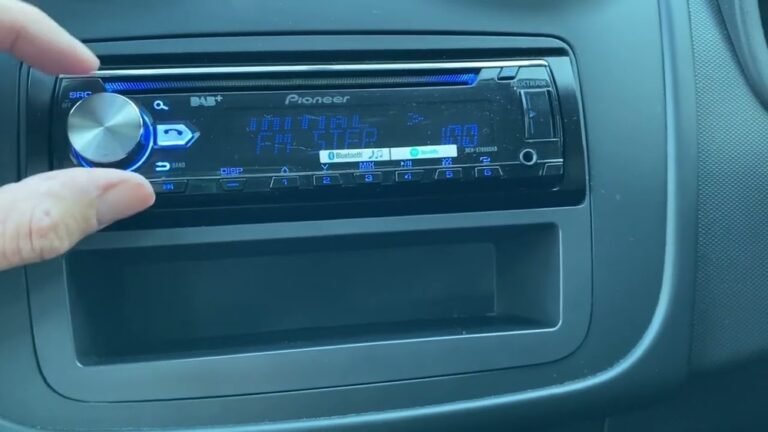
This is the main part of your stereo. Replacing it gives you more features.
Features to look for:
- Bluetooth for hands-free calls and streaming
- Apple CarPlay/Android Auto
- Touchscreen display
- USB/AUX ports
- Navigation
Popular brands include Pioneer, Kenwood, Sony, and Alpine.
2. Upgraded Speakers
Factory speakers can sound muddy. Aftermarket speakers offer clearer sound.
Types of speakers:
- Component speakers: Separate tweeters and woofers for best sound
- Coaxial speakers: Easier to install, all-in-one
Choose speakers with:
- Power handling: At least 40–60 watts RMS
- Sensitivity: Higher sensitivity (90dB+) is better for factory power
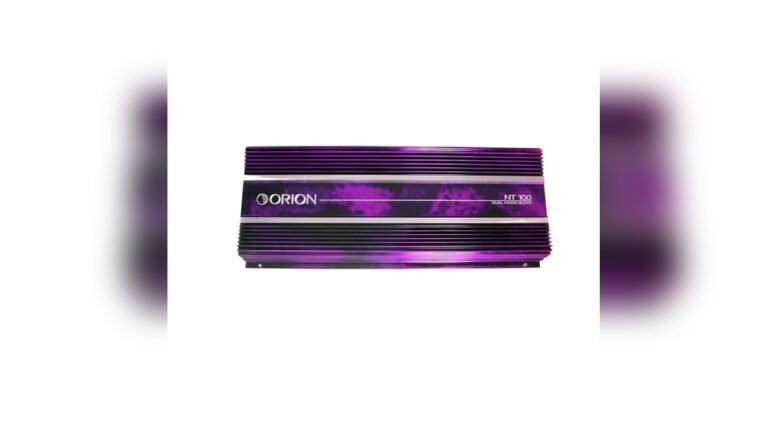
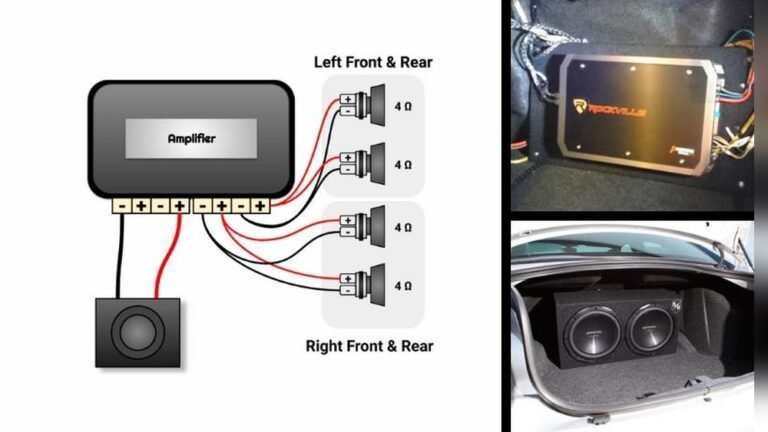
3. Subwoofer And Amplifier
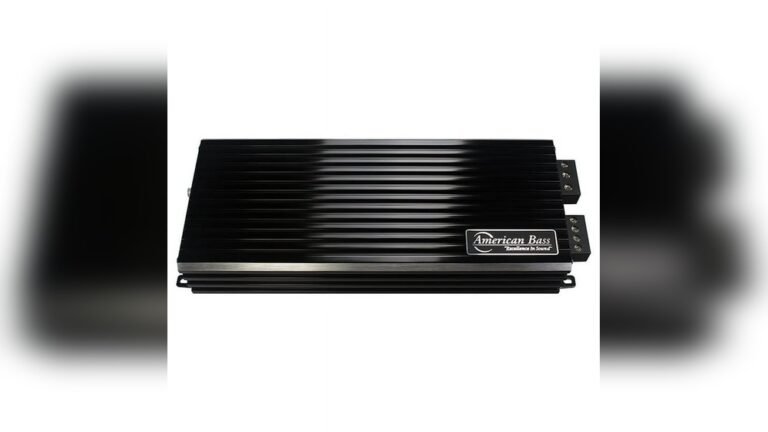
A subwoofer adds deep bass. An amplifier boosts power for clearer sound.
- Subwoofer size: 8″ to 12″ fits most trunks.
- Amplifier power: Match with your speakers/subwoofer.
- Installation location: Under seats, trunk, or cargo area.
4. Integration Adapters
You need special adapters to connect aftermarket parts to factory wiring.
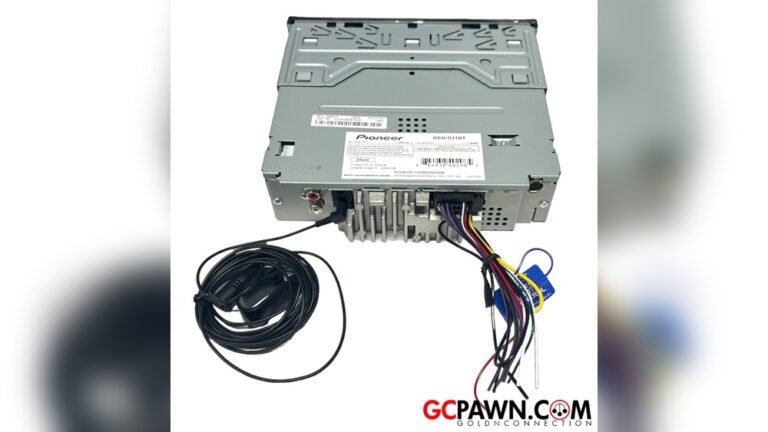
- Wiring harness: Connects new stereo without cutting wires.
- Dash kit: Fits new stereo in your dashboard.
- Steering wheel control adapter: Keeps factory steering controls working.
Comparing Stereo Upgrade Options
Here’s a quick comparison of the most common upgrade paths for the 2011 Honda Pilot:
| Upgrade Type | Cost Range | Difficulty | Key Features |
|---|---|---|---|
| Head Unit Only | $150–$400 | Medium | Bluetooth, Touchscreen, USB, CarPlay |
| Speakers Only | $80–$250 | Easy | Better Clarity, Higher Volume |
| Full System (Head Unit + Speakers + Sub) | $350–$1,000+ | Hard | Full Sound Upgrade, Maximum Features |

Credit: www.reddit.com
Step-by-step Guide: Upgrading Your Stereo
Step 1: Decide What You Want
- List your must-have features: Bluetooth? Navigation? Extra bass?
- Check your budget. Upgrading everything costs more but gives best results.
Step 2: Buy The Right Parts
- Choose a double-DIN head unit for best fit.
- Buy matching speakers and subwoofer if needed.
- Get a wiring harness and dash kit for your Pilot.
- Consider professional installation for complex systems.
Step 3: Remove Factory Stereo
- Disconnect battery to avoid electrical issues.
- Remove dash panels carefully. Most panels pop out with gentle prying.
- Unscrew and unplug factory stereo.
Step 4: Install New Stereo
- Connect the new head unit using the wiring harness. This keeps factory wires safe.
- Fit the new stereo with the dash kit for a clean look.
- Test the stereo before reassembling the dash.
Step 5: Upgrade Speakers
- Remove door panels (usually with a screwdriver).
- Unscrew factory speakers and disconnect wires.
- Install new speakers, using adapters if needed.
- Test sound before closing panels.
Step 6: Add Subwoofer And Amplifier (optional)
- Run power wires from battery to amplifier.
- Connect amplifier to head unit and subwoofer.
- Place subwoofer in trunk or cargo area.
- Tune settings for best sound.
Step 7: Keep Factory Features
- Use a steering wheel control adapter if you want to keep steering audio controls.
- Some adapters also keep factory backup camera or navigation.
Common Beginner Mistakes
Many first-time upgraders make these mistakes:
- Buying the wrong size stereo: Always check the size (double-DIN for the Pilot).
- Skipping the wiring harness: Cutting factory wires can cause problems.
- Ignoring speaker power ratings: Low-power speakers may sound worse.
- Not tuning the system: Adjust bass, treble, and balance for best sound.
- Forgetting about adapters: Needed for steering controls and dash fit.
Avoiding these mistakes saves time and money.
Credit: www.amazon.com
Real-world Example: Upgrading A 2011 Pilot
John wanted better sound and Bluetooth in his 2011 Honda Pilot. He chose a Pioneer double-DIN head unit with Bluetooth, bought Rockford Fosgate speakers, and installed an 8” subwoofer. He spent about $600, did the work himself, and used a dash kit and wiring harness. Now he has clear sound, hands-free calls, and strong bass.
Cost Breakdown And Value
Here’s a sample cost breakdown for a basic upgrade:
| Item | Typical Price |
|---|---|
| Head Unit | $200 |
| Dash Kit & Wiring Harness | $50 |
| Speakers (Front + Rear) | $120 |
| Subwoofer | $100 |
| Amplifier | $90 |
| Professional Installation | $180 |
You can save money by installing parts yourself, but professional installers ensure everything works perfectly.

Credit: www.youtube.com
Practical Tips For A Smooth Upgrade
- Plan ahead: Buy all parts before starting.
- Watch video tutorials: Many are available for the Honda Pilot.
- Label wires: Helps avoid confusion.
- Test everything: Check sound, features, and controls before finishing.
- Ask for help: If unsure, ask a pro or a car audio shop.
Data On Stereo Upgrades
According to a 2023 car audio survey:
- Over 60% of owners reported better sound quality after upgrading.
- 70% said Bluetooth was their favorite new feature.
- The average cost for a full upgrade was $650.
- Most upgrades improved resale value by $200–$400.
This shows upgrading is both popular and valuable.
Comparing Popular Head Units For 2011 Honda Pilot
Here’s a comparison of three top aftermarket head units:
| Brand | Bluetooth | CarPlay/Android Auto | Navigation | Price |
|---|---|---|---|---|
| Pioneer AVH-2500NEX | Yes | Yes | No | $330 |
| Kenwood DMX7706S | Yes | Yes | No | $350 |
| Sony XAV-AX1000 | Yes | Yes | No | $300 |
All three deliver modern features and are easy to install in the 2011 Pilot.
Should You Upgrade Yourself Or Hire A Pro?
If you’re handy with tools and patient, you can do most upgrades yourself. It saves money and lets you customize everything. But if you:
- Don’t know much about car wiring,
- Want a complex system,
- Need to keep factory features,
Then a professional installer is a good choice. They finish faster and guarantee their work.
Where To Buy Stereo Upgrade Parts
You can find parts at:
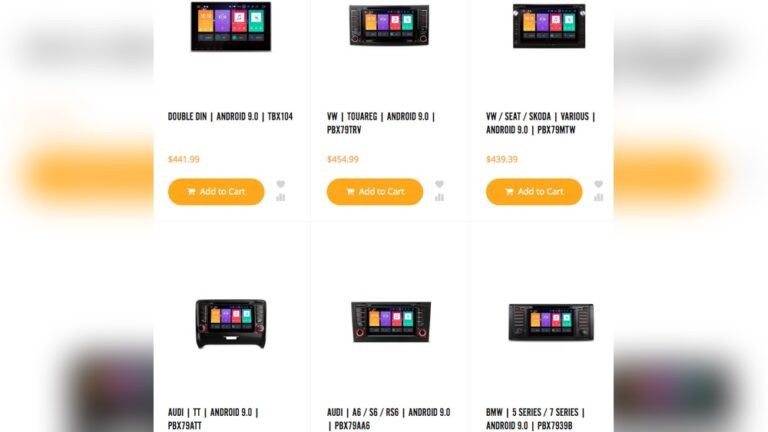
- Online retailers: Crutchfield, Amazon, Sonic Electronix
- Local car audio shops
- Big box stores: Best Buy
Always check reviews and confirm parts fit your 2011 Honda Pilot. The Crutchfield website offers fit guides and expert advice.
How Long Does The Upgrade Take?
- Head unit only: About 1–2 hours
- Speakers: 1 hour per door
- Subwoofer/amplifier: 2–3 hours
Professional shops can finish full upgrades in one day.
Is The Upgrade Worth It?
If you want better sound, modern features, and a more enjoyable drive, upgrading your stereo is worth the time and money. Most Pilot owners are happy with the results.
Frequently Asked Questions
What Size Stereo Fits The 2011 Honda Pilot?
The 2011 Honda Pilot uses a double-DIN stereo. Most aftermarket units fit with the right dash kit.
Can I Keep My Steering Wheel Audio Controls?
Yes, with a steering wheel control adapter. These let you use factory buttons with your new stereo.
Is It Hard To Install A New Stereo Myself?
For beginners, installing a head unit is medium difficulty. Speakers are easier. Complex upgrades (amps, subwoofers) may need a pro.
Will Upgrading My Stereo Affect My Car’s Warranty?
Usually, stereo upgrades do not void your warranty. Always check with your dealer first.
Do I Need To Replace My Speakers If I Upgrade The Head Unit?
No, but new speakers improve sound much more. Using factory speakers with a modern head unit is possible, but results are limited.
Upgrading your 2011 Honda Pilot stereo is a smart way to add value and enjoyment to your vehicle. With careful planning and the right parts, you can get better sound, modern features, and a more fun driving experience.