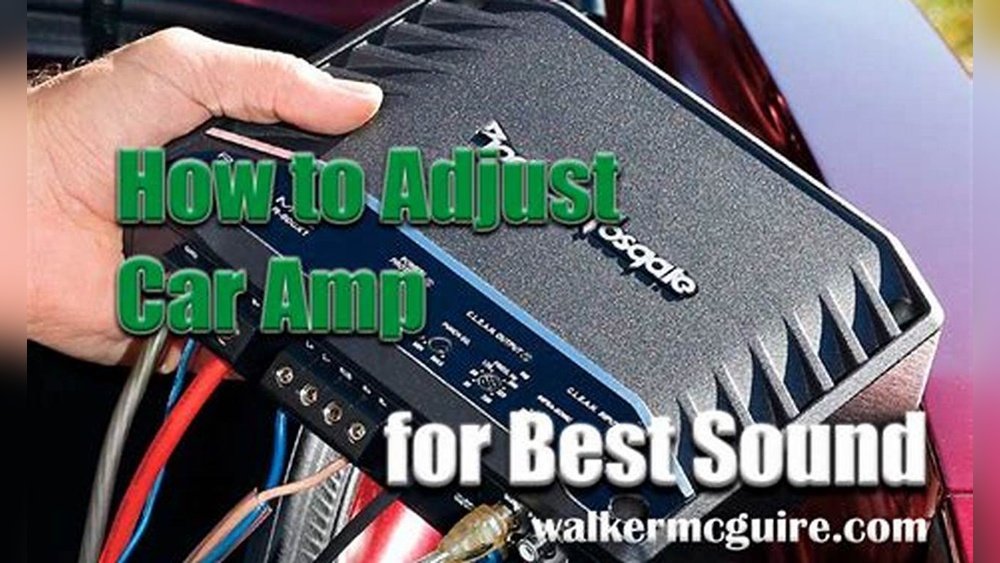
How to Adjust Your Car Amp With Oscillating Subwoofer: Expert Tips
Many car audio lovers want deeper, richer bass from their subwoofer. But when your subwoofer starts oscillating—moving up and down too much—you might hear distortion or rattling. The solution is to adjust your car amplifier correctly. Doing this can make your music sound cleaner and more powerful. Beginners often worry about breaking their equipment, but with the right steps, you can safely tune your amp for smooth bass, even with an oscillating subwoofer. Let’s walk through the process step-by-step.
Understanding Oscillating Subwoofers
An oscillating subwoofer means the speaker cone moves back and forth intensely. This happens when the amp sends too much power or the settings are not balanced. Oscillation can cause:
- Distortion: Bass sounds fuzzy or unclear.
- Rattling: The car or subwoofer box shakes.
- Damage: Over time, the subwoofer may wear out.
Some beginners think this movement is normal, but too much oscillation is a sign your amp needs adjustment.
Key Amp Settings You Need To Adjust
Before you start, know these main amp settings:
- Gain: Controls input signal strength.
- Bass Boost: Adds extra bass, but can cause distortion if too high.
- Low Pass Filter (LPF): Lets only bass frequencies go to the subwoofer.
- Subsonic Filter: Blocks very low frequencies that the subwoofer can’t handle.
- Phase: Adjusts timing of bass waves.
Each setting affects how your subwoofer moves. If you set them wrong, your subwoofer will oscillate more and sound worse.
Here’s a quick comparison of settings:
| Setting | Effect | Risk if Wrong |
|---|---|---|
| Gain | Louder bass | Distortion, damage |
| Bass Boost | Deeper bass | Distortion, rattling |
| LPF | Filters high sounds | Weak bass, unclear sound |
| Subsonic Filter | Protects subwoofer | Uncontrolled movement |
| Phase | Matches bass timing | Weak or odd bass |
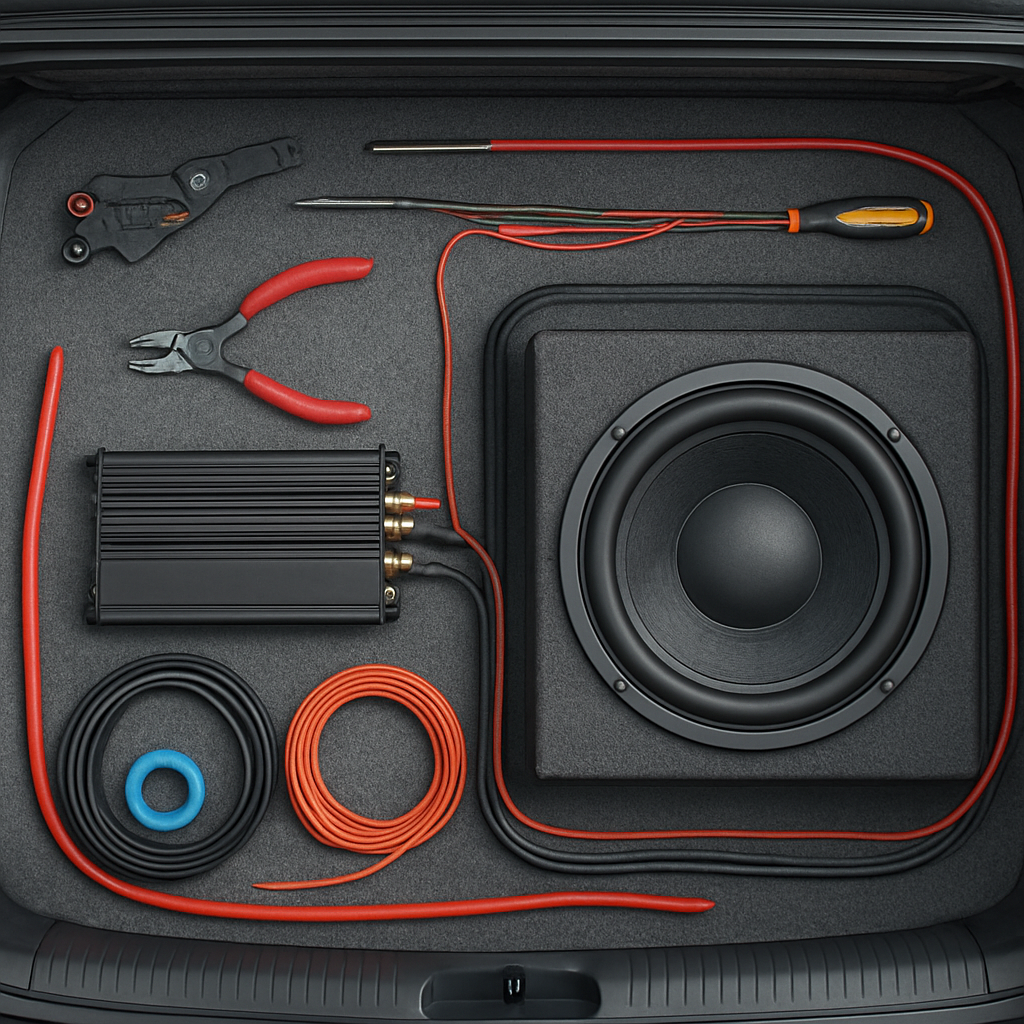
Credit: audiointensity.com
Step-by-step: Adjusting Your Car Amp
Let’s get practical. Here’s how you adjust your amp for an oscillating subwoofer:
- Turn All Settings Down
- Start with gain, bass boost, and filters set to minimum or “off.” This prevents sudden loud sounds.
- Play a Test Tone
- Use a 40 Hz test tone (download from the internet or use a tone generator app). This frequency is perfect for subwoofers.
- Set your car stereo volume to 75% of max.
- Adjust Gain Slowly
- Increase gain until you hear the bass clearly, but stop if you hear distortion or see the subwoofer cone move too much.
- Example: If you see the cone vibrating excessively, lower the gain.
- Set Low Pass Filter
- Set LPF between 80–120 Hz. Most subwoofers work best here.
- If you hear voices or higher sounds, lower the LPF.
- Adjust Bass Boost
- Add bass boost only if needed. Keep it under +6 dB for beginners.
- Too much boost can cause oscillation and distortion.
- Tune Subsonic Filter
- Set it around 20–30 Hz. This blocks harmful ultra-low frequencies.
- If your subwoofer moves too much at very low tones, raise the subsonic filter.
- Check Phase Setting
- Switch between 0° and 180°. Choose the setting where bass sounds strongest.
- If bass feels weak, try adjusting phase.
Here’s a sample adjustment:
| Setting | Beginner Level | Advanced Level |
|---|---|---|
| Gain | 50% | 70% |
| Bass Boost | +3 dB | +6 dB |
| LPF | 100 Hz | 80 Hz |
| Subsonic Filter | 25 Hz | 20 Hz |
| Phase | 0° | 180° |
Common Mistakes Beginners Make
Many beginners miss these points:
- Turning gain up too high: Causes distortion and subwoofer damage.
- Ignoring subsonic filter: Lets low frequencies shake your subwoofer too much.
- Boosting bass excessively: Makes the bass muddy and rattling.
If your subwoofer is oscillating, check these mistakes first.
Credit: www2.parklanejewelry.com
Practical Tips For Best Results
Try these tips for smoother bass and longer subwoofer life:
- Use high-quality cables: Cheap wires cause signal loss and noise.
- Check connections: Loose wires can cause rattling and poor sound.
- Listen to different music: Tune your amp using both bass-heavy and regular songs.
- Adjust in small steps: Make changes slowly to avoid sudden issues.
- Let your ears guide you: If the bass sounds clear and strong, your settings are good.
One non-obvious insight: Some amps have a “clip indicator” light. If this light flashes, your gain is too high. Beginners often miss this, leading to damaged speakers.
Another tip: If you hear bass outside your car but not inside, your phase setting may be wrong. Try flipping the phase switch.
Data: Subwoofer Oscillation And Damage
Studies show that subwoofer damage often happens when the amp sends more power than the speaker can handle. According to Crutchfield, playing bass-heavy music at maximum volume with high gain can reduce subwoofer lifespan by 40%. Keeping gain and boost at moderate levels can double your subwoofer’s life.
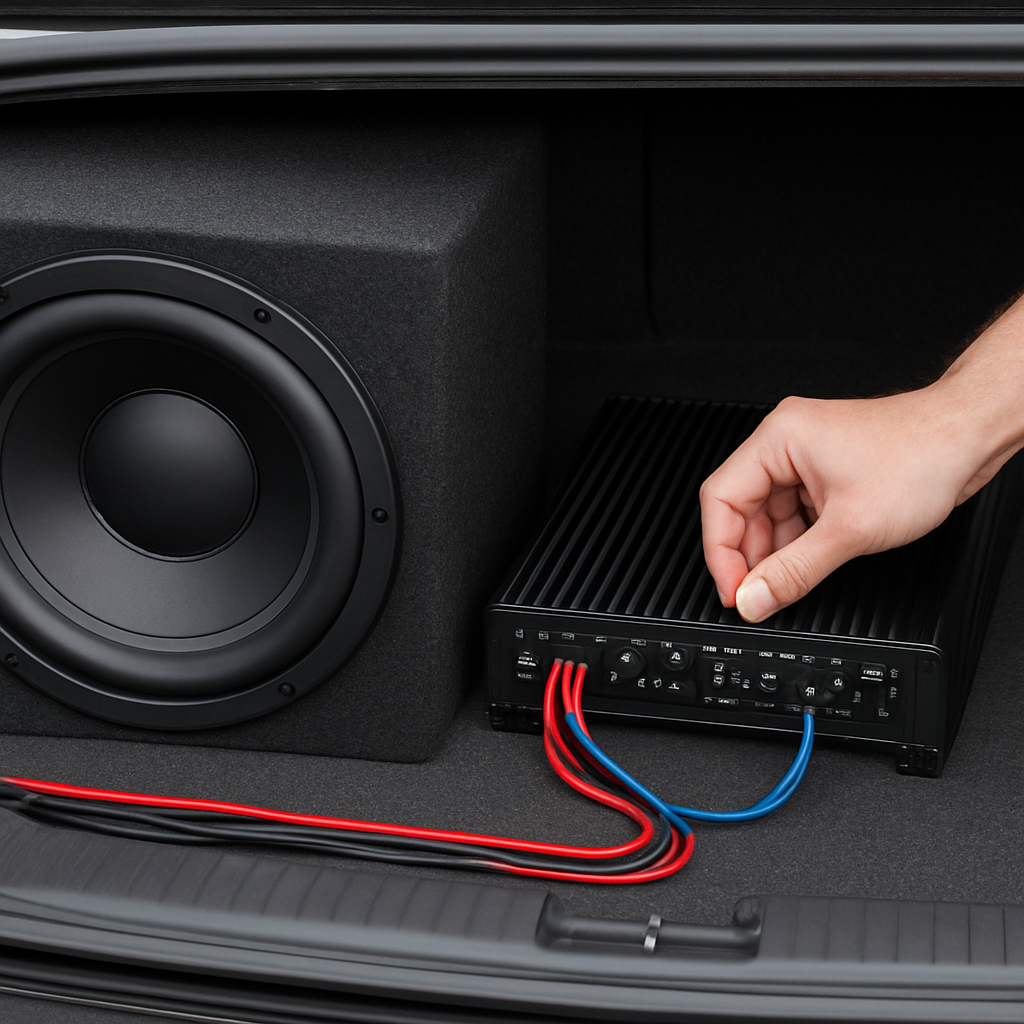
Credit: audiointensity.com
Frequently Asked Questions
What Is An Oscillating Subwoofer?
An oscillating subwoofer is a speaker cone moving back and forth rapidly. This usually means the amp settings are too high or not balanced, causing distortion.
Why Does My Subwoofer Rattle?
Rattling is often caused by excessive gain or bass boost. It can also mean the subwoofer box or wiring is loose. Check amp settings and connections.
How Do I Know My Amp Is Set Correctly?
If the bass sounds clear, strong, and there’s no distortion or rattling, your amp is set correctly. Use a test tone and listen for unwanted noise.
Can I Damage My Subwoofer By Adjusting The Amp Wrong?
Yes, setting gain or bass boost too high can damage the subwoofer. Always start with low settings and increase slowly. Watch for distortion.
Do I Need Special Tools To Adjust My Amp?
You only need a test tone (like a 40 Hz audio file) and your ears. Advanced users may use an oscilloscope or SPL meter, but beginners can adjust by listening.
Getting the right amp settings takes patience and careful listening. With these steps, even beginners can stop subwoofer oscillation and enjoy deep, clean bass. Always start low, make small changes, and let your ears decide.