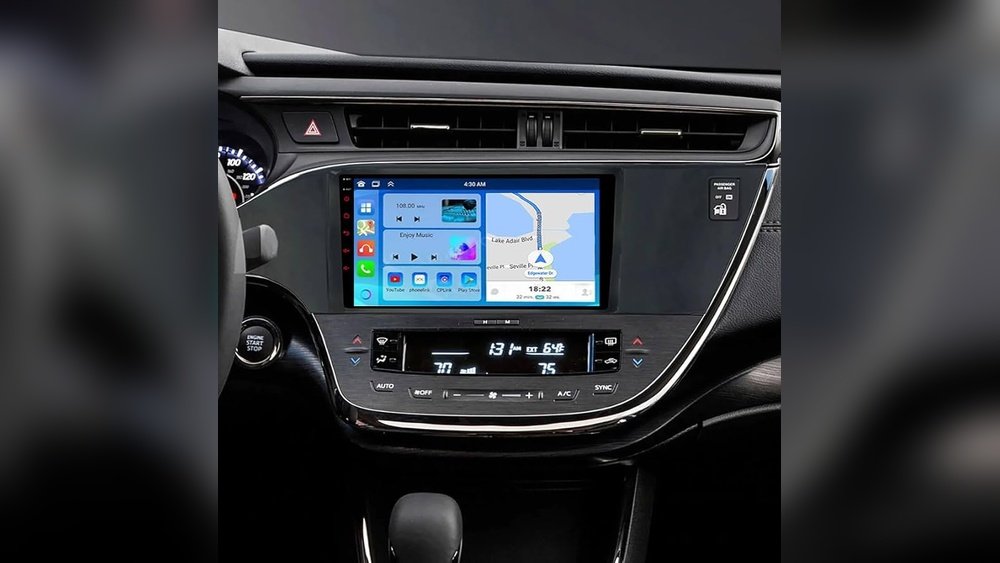
2013 2018 Toyota Avalon Radio Upgrade: Ultimate Guide
Upgrading the radio in your 2013-2018 Toyota Avalon can transform your driving experience. Many owners of these Avalons feel the factory radio is outdated. Features like Apple CarPlay, Android Auto, and better sound are missing. A new radio brings modern tech into your car and makes every trip more enjoyable.
If you are thinking about a radio upgrade, you might worry about compatibility, cost, or installation. The good news is, upgrading is easier than you think. Even beginners can understand the steps and make smart choices. This guide explains everything in clear, simple language.
Why Upgrade Your Toyota Avalon’s Radio?
The factory radio in a 2013-2018 Avalon was good for its time, but technology has moved fast. Here are some common reasons owners choose to upgrade:
- Modern features: Support for Apple CarPlay, Android Auto, and Bluetooth streaming.
- Better sound quality: Many aftermarket radios deliver clearer, richer audio.
- Navigation: Built-in or smartphone-based GPS is more accurate.
- Customization: You can choose the look, feel, and features you want.
- Resale value: A modern radio can make your car more appealing to buyers.
Some owners also report the factory units develop issues after a few years, such as touchscreen lag or Bluetooth problems. Upgrading can solve these headaches.
What To Consider Before Upgrading
Not all radios are the same. Before you buy, think about these key factors:
- Compatibility: Make sure the new radio fits your Avalon’s dashboard size (usually “Double DIN”).
- Wiring: You may need adapters to connect the new radio to your car’s wiring.
- Steering wheel controls: Want to keep using volume and track buttons on your steering wheel? Choose a radio and adapter that supports them.
- Backup camera: If your Avalon has a backup camera, check if the new radio supports it.
- Budget: Radio prices range from $150 to over $600, depending on features and brand.
- Installation: Decide if you’ll install it yourself or pay a pro. Some radios are easier to install than others.
Non-obvious tip: Some new radios include built-in amplifiers. This can improve sound, but if your Avalon has a factory JBL system, check compatibility first.
Popular Upgrade Choices For 2013-2018 Toyota Avalon
Here are some of the most popular radio upgrade types for this generation:
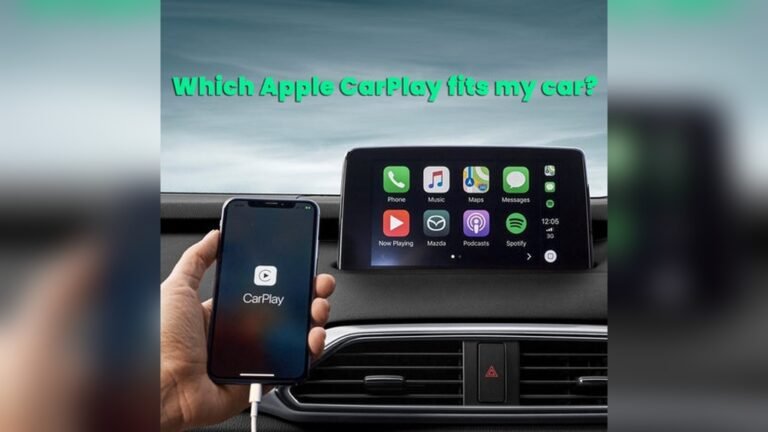
- Touchscreen multimedia receivers (with CarPlay/Android Auto)
- Navigation receivers
- Basic Bluetooth head units
- OEM-style upgrade kits
Example Brands And Models
- Pioneer AVH-W4500NEX: Wireless CarPlay/Android Auto, DVD, large touchscreen.
- Sony XAV-AX5000: Simple interface, fast boot-up, CarPlay/Android Auto.
- Alpine iLX-W650: Slim fit, easy to install, touchscreen, CarPlay/Android Auto.
- JVC KW-M560BT: Affordable, Bluetooth, good for beginners.
Most of these fit in the Avalon’s dash with an appropriate mounting kit.
Step-by-step: How To Upgrade Your Avalon’s Radio
Upgrading your radio can be a DIY project if you follow the steps carefully. Here is a basic overview:
1. Gather Tools And Parts
You will need:
- New radio (head unit)
- Dash kit (to fit new radio into factory opening)
- Wiring harness adapter
- Antenna adapter
- Steering wheel control adapter (optional)
- Basic tools: Phillips screwdriver, panel removal tool, socket wrench
Pro tip: Buy a complete “installation kit” for the Avalon, which often includes all adapters and brackets.
2. Remove The Factory Radio
- Disconnect the car battery (safety first!)
- Carefully pry off the trim around the radio with a panel tool
- Unscrew and slide out the old radio unit
- Unplug factory wiring connectors and antenna
Take your time to avoid scratching the dashboard.
3. Connect New Radio Wiring
- Use the wiring harness adapter to match your new radio’s wires to the Avalon’s connectors.
- Connect all required wires: Power, ground, speakers, and steering wheel controls if you want them to work.
- Use electrical tape or crimp connectors for secure connections.
- Attach the antenna adapter.
Beginners often forget to connect the parking brake wire (needed for some features to work while parked).
4. Install The New Radio
- Slide the new radio into the dash kit.
- Secure with screws.
- Reconnect all wiring and test the radio before putting everything back together.
- If all features work, snap the trim back in place.
5. Test Everything
- Check radio, Bluetooth, CarPlay/Android Auto, steering controls, and backup camera.
- If something doesn’t work, re-check all wiring connections before finishing.
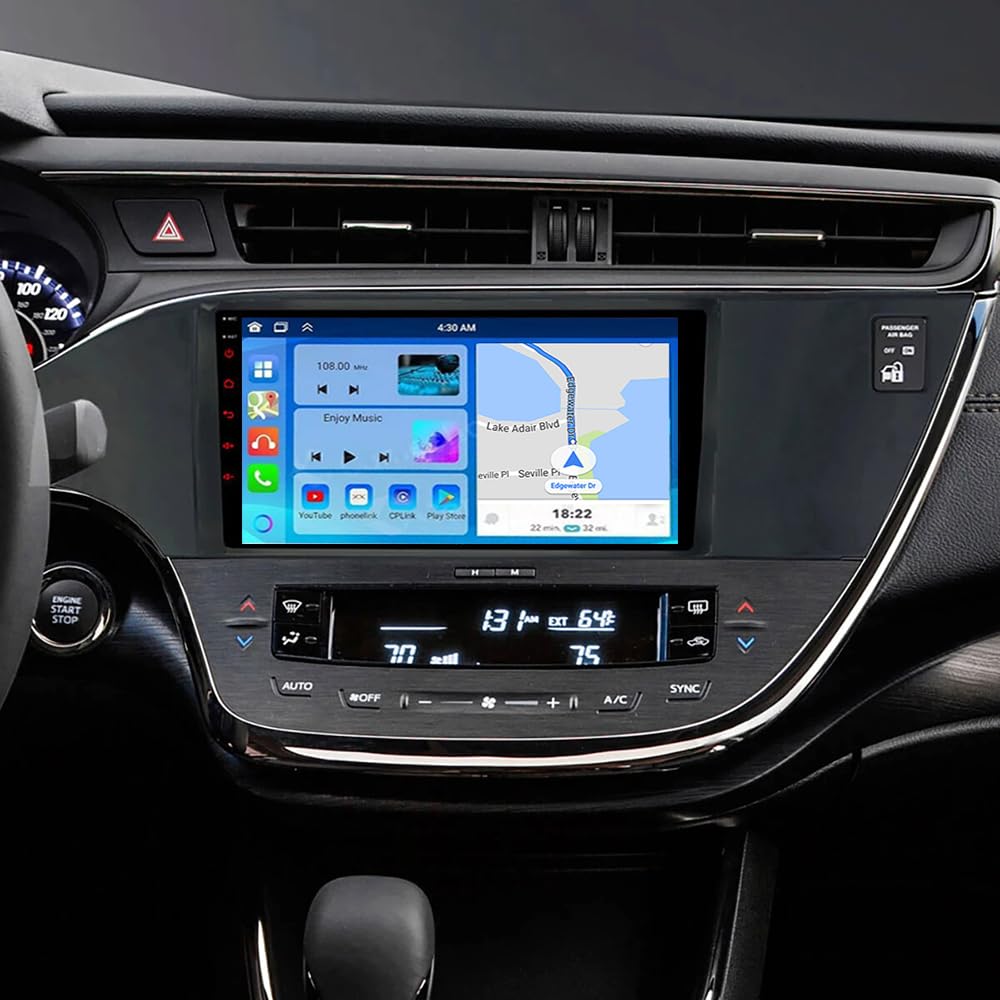
Credit: www.amazon.com
Comparison: Factory Vs Aftermarket Radio Features
Here’s a quick look at how a typical Avalon factory radio compares to a modern aftermarket unit:
| Feature | Factory Radio | Aftermarket Radio |
|---|---|---|
| Apple CarPlay/Android Auto | No | Yes |
| Bluetooth Streaming | Basic | Advanced (better quality) |
| Navigation | Optional, outdated maps | Google/Apple Maps, always updated |
| Touchscreen Speed | Average, can lag | Fast, smooth |
| Customization | Limited | High (themes, layouts) |
Insight: Many owners notice that even a basic aftermarket radio feels much more modern and is easier to use.
Data Table: Common Installation Costs
Installation costs can vary depending on where you live and what options you choose. Here is a summary:
| Item | DIY Cost | Professional Install |
|---|---|---|
| Radio (head unit) | $150–$600 | $150–$600 |
| Dash/Wiring Kit | $30–$80 | $30–$80 |
| Labor | Free | $100–$200 |
| Steering Wheel Adapter | $40–$80 | $40–$80 |
| Total | $220–$760 | $320–$960 |
Tip: Many shops will offer a package deal if you buy the radio and installation together.
Common Mistakes And How To Avoid Them
- Wrong dash kit or wiring harness: Double-check your Avalon’s year and trim before buying parts.
- Forgetting the steering wheel adapter: If you want to keep steering wheel controls, you need the right adapter.
- Not disconnecting the battery: This can cause electrical problems or airbag warning lights.
- Poor wire connections: Loose connections can cause the radio to cut out or not turn on at all.
- Ignoring JBL system compatibility: Avalons with JBL audio may need special adapters.
Beginner insight: Always test the new radio’s key features before reassembling your dash. It’s easier to fix problems before everything is back in place.
Real-world Example: 2015 Avalon Xle Upgrade
A 2015 Avalon XLE owner wanted Apple CarPlay and better sound. They chose the Sony XAV-AX5000 radio, a dash kit, and a steering wheel adapter. The total cost was $420 for parts and $120 for professional installation.
- All factory features (backup camera, steering controls) worked after installation.
- The owner reported much faster Bluetooth connection and clearer sound.
- It took about two hours for a shop to install everything.
This is a typical experience for Avalon owners upgrading their radio.

Credit: www.youtube.com
Advanced Features To Consider
When shopping for a new radio, you may see these features:
- Wireless CarPlay/Android Auto: No cables needed for phone connection.
- HD Radio or Satellite Radio: For better sound and more channels.
- Custom EQ settings: Fine-tune your music.
- Video playback: Watch videos when parked.
- Multiple camera inputs: Support for front/rear cameras.
You don’t need all these features, but know what matters most to you before buying.
Data Table: Top-rated Radios For 2013-2018 Avalon
Here’s how some popular radios compare on key features:
| Model | CarPlay/Android Auto | Screen Size | Price (approx.) | Wireless Support |
|---|---|---|---|---|
| Pioneer AVH-W4500NEX | Yes | 6.9″ | $500 | Yes |
| Sony XAV-AX5000 | Yes | 7.0″ | $350 | No |
| Alpine iLX-W650 | Yes | 7.0″ | $300 | No |
| JVC KW-M560BT | Yes | 6.8″ | $250 | No |
Pro tip: The screen size and wireless connection are the most noticeable upgrades over the factory unit.
Installation: Diy Vs Professional
- DIY installation saves money but requires patience and some tools.
- Professional installation is faster and less stressful for most beginners.
- If you have a factory JBL system or want to keep all features, a pro installer can make sure everything works.
Non-obvious insight: Some new radios need a software update before first use. Always check the manufacturer’s website.
What To Do With The Old Factory Radio
You have a few choices:
- Keep it: In case you sell the car and want to return it to stock.
- Sell it: Factory radios in good shape can sell for $50–$150 online.
- Recycle it: Many electronics stores accept old car radios.

Credit: www.youtube.com
Where To Buy Upgrade Kits
You can find radio upgrade kits and components at:
- Online retailers: Crutchfield, Amazon, Sonic Electronix
- Local electronics stores: Best Buy, Fry’s Electronics
- Car audio specialists: Often have the best knowledge about Toyota compatibility
Always check customer reviews for real-world experiences before buying.
For further reading on double DIN radios and compatibility, see this Crutchfield guide.
Frequently Asked Questions
Can I Install A New Radio In My Avalon Without Losing Factory Features?
Yes, with the correct wiring harness and adapters, you can keep steering wheel controls, backup camera, and even factory USB ports.
Will The New Radio Fit My Avalon’s Dashboard?
Most aftermarket radios are Double DIN size, which fits the 2013-2018 Avalon. You will need a dash kit for a clean look.
Do I Need To Buy A New Antenna For The Upgrade?
Usually, you only need an antenna adapter. Your original antenna will still work with the new radio.
Can I Use Apple Carplay And Android Auto With My New Radio?
If you choose a radio with CarPlay/Android Auto, you can use these features for navigation, calls, music, and more.
Is Upgrading My Radio Worth It For Older Avalons?
Yes, a modern radio can add years of useful life and enjoyment to your car. It’s one of the best upgrades for technology and comfort.
Upgrading the 2013-2018 Toyota Avalon radio is a smart way to modernize your car. You get better sound, more features, and a safer, more enjoyable drive. Whether you install it yourself or have a pro handle it, the benefits are clear. Choose the right radio for your needs, use the correct adapters, and enjoy your upgraded Avalon for years to come.