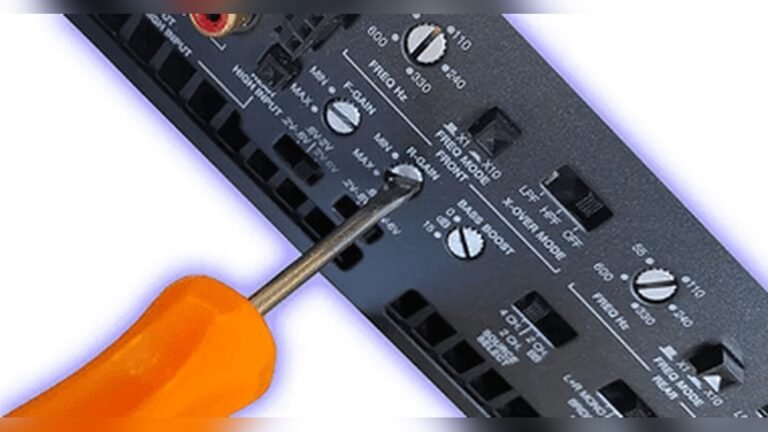
How to See If Your Subwoofers are Getting Power: Expert Tips
How To See If Your Subwoofers Are Getting Power
A subwoofer brings deep, rich bass to your sound system. But sometimes, that deep rumble just isn’t there. Is your subwoofer even getting power? If you’re unsure, you’re not alone. Many beginners struggle to check their subwoofer’s power status, especially with all the wires and settings involved.
But with a few simple steps, you can quickly find out if your subwoofer is powered up and ready to deliver those low frequencies.
This guide explains everything you need to know about checking subwoofer power. You’ll get practical steps, real examples, and tips for both home and car subwoofers. Even if you’re new to audio equipment, you’ll feel confident after reading this article.
Why Power Matters For Subwoofers
A subwoofer needs consistent power to work properly. If it’s not getting power, you’ll notice:
- No sound or very weak bass
- Subwoofer light stays off
- Distorted or cut-out audio
Subwoofers require more power than regular speakers. The amp inside (or outside, for passive subs) must receive enough voltage and current. If your subwoofer isn’t powered, your entire sound experience suffers.
Basic Signs Your Subwoofer Is Getting Power
Before you use tools, check for these quick signs:
- Power Light On: Most powered subwoofers have a small LED light. If it’s glowing, your sub likely has power.
- Physical Vibration: Place your hand on the subwoofer while playing bass-heavy music. A working sub vibrates, especially during deep bass notes.
- Sound Output: Play a song with strong bass. If you hear and feel low sounds, the sub is likely powered.
If these signs aren’t clear, you need a deeper check.
Step-by-step: How To Check Subwoofer Power
Let’s go through simple, clear steps. These work for both home and car subwoofers.
1. Check The Power Cable And Outlet
- Ensure the subwoofer’s power cord is firmly plugged into the wall and the subwoofer itself.
- Test the outlet with another device, like a phone charger or lamp, to make sure it works.
Common mistake: People often forget to turn on the power strip or wall switch.
2. Inspect The Subwoofer’s Power Switch
- Many subwoofers have a manual power switch on the back or side.
- Make sure it’s set to ON, not AUTO or STANDBY, during testing.
3. Look For The Power Indicator Light
- A green, blue, or red LED often shows power status.
- No light? The sub might not be getting power.
- Flashing or different colors can mean protection mode or faults. Check your manual for light codes.
4. Test With A Multimeter
If you’re still unsure, a multimeter gives the most accurate result.
How To Use A Multimeter:
- Set your multimeter to AC voltage (for wall power).
- Test the outlet where the subwoofer plugs in.
- For powered subs, test the power cable or fuse.
- If you have a car subwoofer, set your multimeter to DC voltage and check the power wire from the battery.
Example Readings:
| Subwoofer Type | Expected Voltage | Test Point |
|---|---|---|
| Home Subwoofer | 110-120V AC (US) | Power cord at wall |
| Car Subwoofer | 12V DC | Power wire at amp |
If voltage is correct, your sub is getting power. If not, check for blown fuses or broken cables.
5. Check The Fuse
Most subwoofers (especially car subs) have a fuse in the power line.
- Remove the fuse and look for a broken wire or burned spot inside.
- Replace with the same type if blown.
6. Try A Different Cable
Power cables can fail. Use a known good cable to rule this out.
7. Listen For The “pop” Sound
When you turn on or plug in a subwoofer, you may hear a soft “pop” or feel a vibration. This is a quick sign that power is reaching the sub.
Troubleshooting Tips For Common Power Problems
Even after checking, your subwoofer might still be silent. Here’s how to solve the most common issues.
Power Light Is On, But No Sound
- Check the audio cable and connection to the receiver or amp.
- Make sure the subwoofer is selected in your receiver settings.
- Adjust the subwoofer volume or level up.
No Power Light
- Double-check the outlet and power strip.
- Try a different outlet.
- Inspect for a blown fuse on both the sub and the amp.
Intermittent Power
- Wiggle the power cable gently. If the light flickers, the cable or jack may be loose.
- Check for overheating. Many subs have built-in protection that shuts them off if they get too hot.
Subwoofer In Car: Special Tips
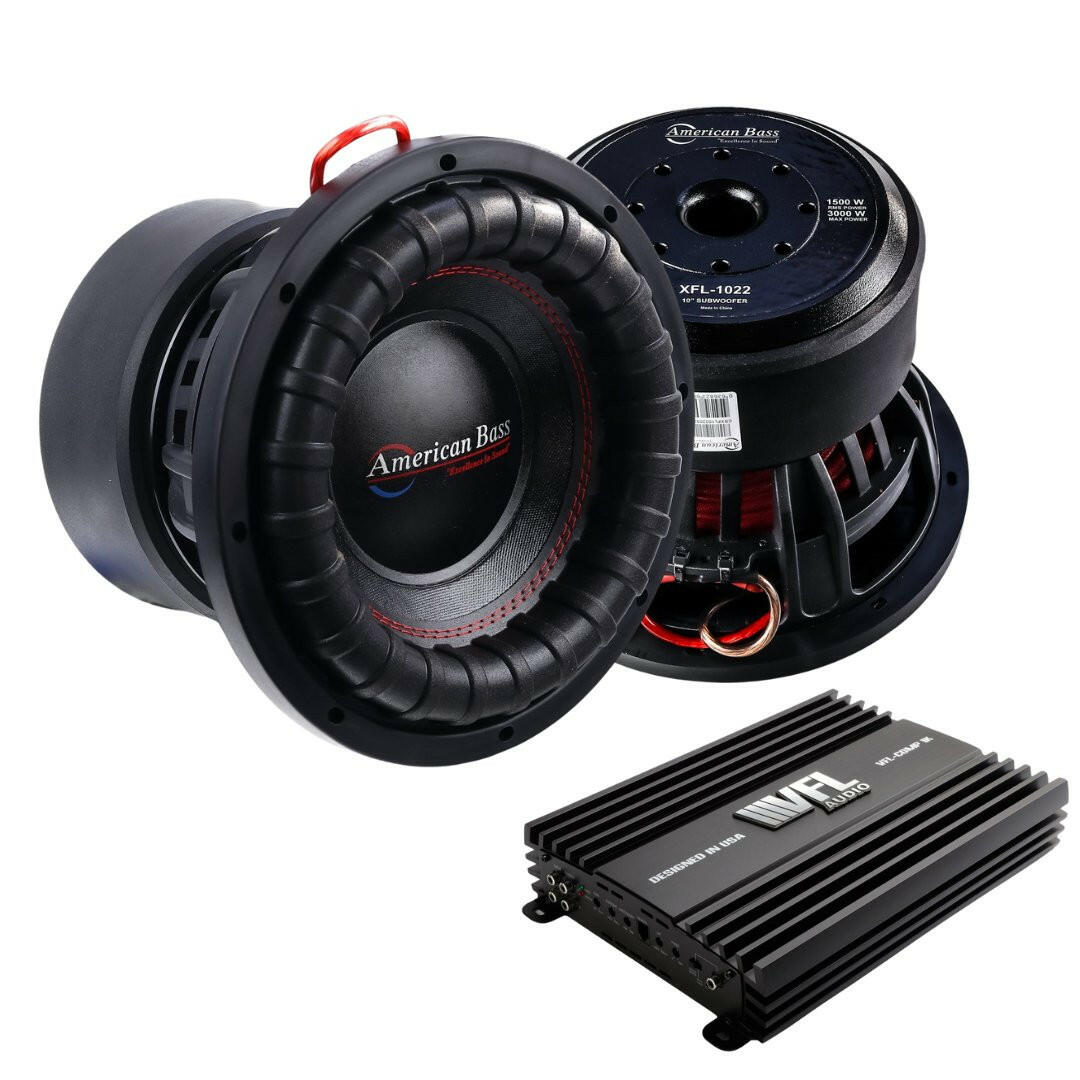
- Check the ground wire. A poor ground is the most common problem in car subs.
- Inspect the remote turn-on wire (usually blue). It tells the amp to power on when the car stereo is on.
- Use a test light or multimeter to verify power at the amp terminals.
Credit: americanbassusa.com
Passive Vs. Powered Subwoofers: Key Differences
Understanding your subwoofer type helps you test it correctly.
| Type | Power Source | Test Method | Common in |
|---|---|---|---|
| Powered Subwoofer | Wall outlet (AC) | Check cord, LED, vibration | Home theaters |
| Passive Subwoofer | Amplifier output | Test amp power, speaker cable | Car audio, some pro systems |
Insight: Many beginners confuse passive and powered subs. Passive subs do not plug into the wall—they rely on power from an external amplifier. If your passive sub isn’t working, check the amp’s power, not just the subwoofer.
Using Test Tones And Music For Power Checks
Some problems only show up during playback. To be sure, use:
- Test tones: Play a 40-60Hz bass test tone. These are available free on YouTube.
- Bass-heavy songs: Songs like “Billie Eilish – bad guy” or “Dr. Dre – Still D.R.E.” have strong bass that should make the subwoofer vibrate.
Tip: Use a low volume at first to prevent damage.
Advanced Checks: For Persistent Problems
If you’ve tried all basic steps and your sub still doesn’t work, you may need to go further.
Inspect Internal Components
- Unplug the subwoofer.
- Open the case carefully (only if you’re comfortable).
- Look for burnt smell, loose wires, or damaged circuit boards.
Warning: Opening a subwoofer may void your warranty.
Check The Receiver Or Amplifier Settings
- Go to your receiver’s audio menu.
- Ensure subwoofer output is ON.
- Adjust the crossover frequency to 80-120Hz for best results.
- Some receivers mute the subwoofer if speakers are set to “Large.”
Use An External Source
- Plug your subwoofer into a different amp or receiver.
- If it works, the problem is with your old amp or receiver.
Example: Home Theater Subwoofer Power Check
Let’s say you have a Yamaha powered subwoofer that isn’t making any sound.
- Check the wall outlet with a lamp. It works.
- Ensure the sub’s power switch is ON.
- Power light is off. Try a new power cable.
- Light comes on, but still no sound. Check the audio cable and receiver settings.
- Play a test tone. Feel vibration—now you know the subwoofer is powered.
Example: Car Subwoofer Power Check
You have a Kicker car subwoofer in your trunk.
- Test the amp power wire with a multimeter—shows 12.5V.
- Ground wire is tight.
- Remote wire gets 12V when the stereo is on.
- Sub still silent. Check the fuse—blown. Replace it.
- Subwoofer now powers up and plays music.
These real-life examples show how a systematic approach saves time and avoids frustration.
Essential Tools For Checking Subwoofer Power
A few basic tools make the process easier:
- Multimeter: Measures voltage and continuity.
- Test light (for car subs): Checks 12V circuits.
- Spare power cable: Rules out bad cords.
- Known good outlet or power source
You don’t need expensive equipment. Even a $15 multimeter does the job.
Credit: www.bestcaraudio.com
Common Beginner Mistakes
Many first-timers make these errors:
- Testing only the audio cable, not the power line.
- Forgetting to turn on the receiver’s subwoofer output.
- Ignoring the fuse.
- Using a damaged or loose power cable.
- Skipping the ground wire check in car systems.
Non-obvious tip: Some powered subwoofers enter standby mode if they don’t detect a signal. Try playing music at a higher volume to “wake up” the sub.
When To Seek Professional Help
If your subwoofer still won’t power up after these steps, it may have:
- A blown internal amp
- Damaged power supply
- Broken circuit board
In these cases, contact a qualified technician or the manufacturer’s service center.
Credit: dbdrive.net
Subwoofer Power: Fast Facts
- Most home subs use 30–500 watts. Car subs may use 200–2000 watts.
- Powering a sub from a weak outlet or thin wire can cause failure.
- Good bass needs not just power, but clean, steady power.
- Always match fuse ratings to the subwoofer’s manual.
For more technical details on subwoofers and amplifiers, visit the Wikipedia Subwoofer page.
Frequently Asked Questions
What Does The Subwoofer’s Led Color Mean?
Most subs use a green or blue LED for ON, and red or orange for standby or protection mode. If the light is off or flashing, check your manual for codes.
Can A Subwoofer Be Damaged If Powered Without An Audio Signal?
No, most powered subs are designed to handle idle power. But some may enter auto-standby to save energy.
Why Does My Car Subwoofer Keep Blowing Fuses?
Common causes include a shorted power wire, an undersized fuse, or a faulty subwoofer amp. Always use the recommended fuse size.
Is It Safe To Open My Subwoofer To Check The Inside?
Only if you are comfortable with electronics and the subwoofer is unplugged. Otherwise, seek professional help to avoid electric shock or voiding warranty.
How Can I Tell If My Passive Subwoofer Is Getting Enough Power?
Use a multimeter to check the voltage at the speaker terminals while playing music. Compare it to your amp’s rated output. If it’s much lower, you may need a stronger amp or better connections.
—
With these steps and tips, you can confidently check if your subwoofers are getting power. Don’t let silent bass ruin your listening—diagnose and fix power issues quickly for the best audio experience.