How to Get Rockford Fosgate Amp Out of Protect Mode Fast
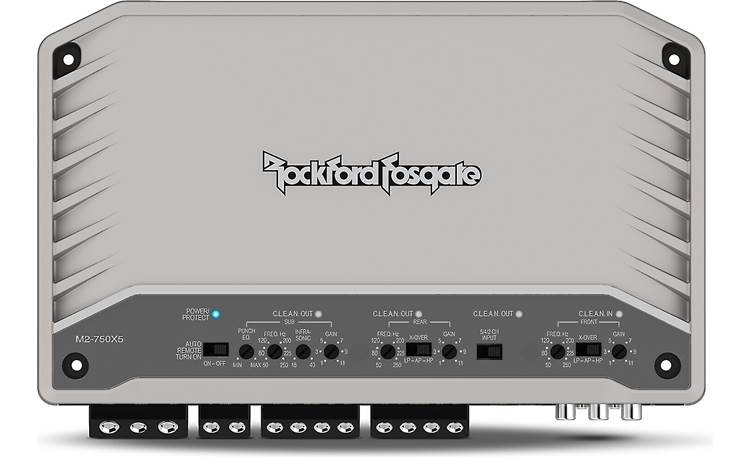
Getting your Rockford Fosgate amp out of protect mode can feel frustrating, especially if you are new to car audio. Protect mode is a safety feature that stops the amp from working when it senses a problem. Sometimes, it is a simple fix. Other times, it means something deeper is wrong. If your amp keeps going into protect mode, this guide will help you step-by-step. You will learn the causes, how to check them, and how to get your amp working again. We will use clear language, easy examples, and practical advice for beginners.
What Is Protect Mode?
Protect mode is a special feature in car amplifiers. When the amp detects trouble, it shuts down to prevent damage. Common reasons include:
- Short circuit in wiring
- Overheating
- Low voltage
- Speaker problems
- Internal faults
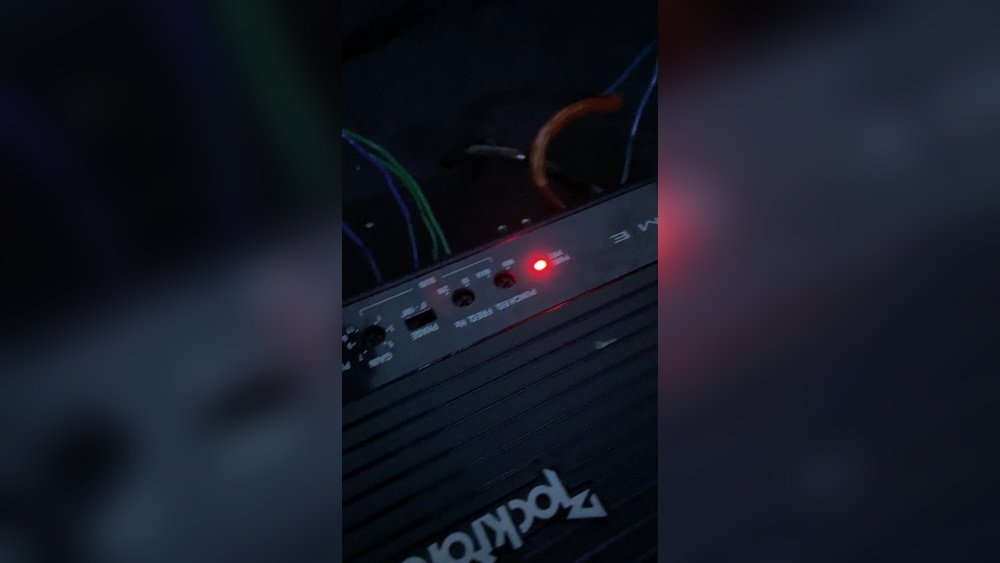
When your Rockford Fosgate amp is in protect mode, it usually shows a red light or “Protect” indicator. The amp will not play sound. This is your amp’s way of saying, “Something is wrong. ”
Why Does Your Rockford Fosgate Amp Go Into Protect Mode?
Understanding the cause is the first step. Here are the most common reasons:
1. Bad Wiring Connections
Loose or frayed wires can cause shorts or interruptions.
2. Overheating
Running the amp too hard, or placing it in a hot area, makes it overheat.
3. Speaker Issues
Wrong speaker impedance or damaged speakers can trigger protect mode.
4. Low Voltage
If your car battery is weak or alternator is failing, the amp doesn’t get enough power.
5. Internal Failure
A blown fuse or damaged amp part can also cause protect mode.
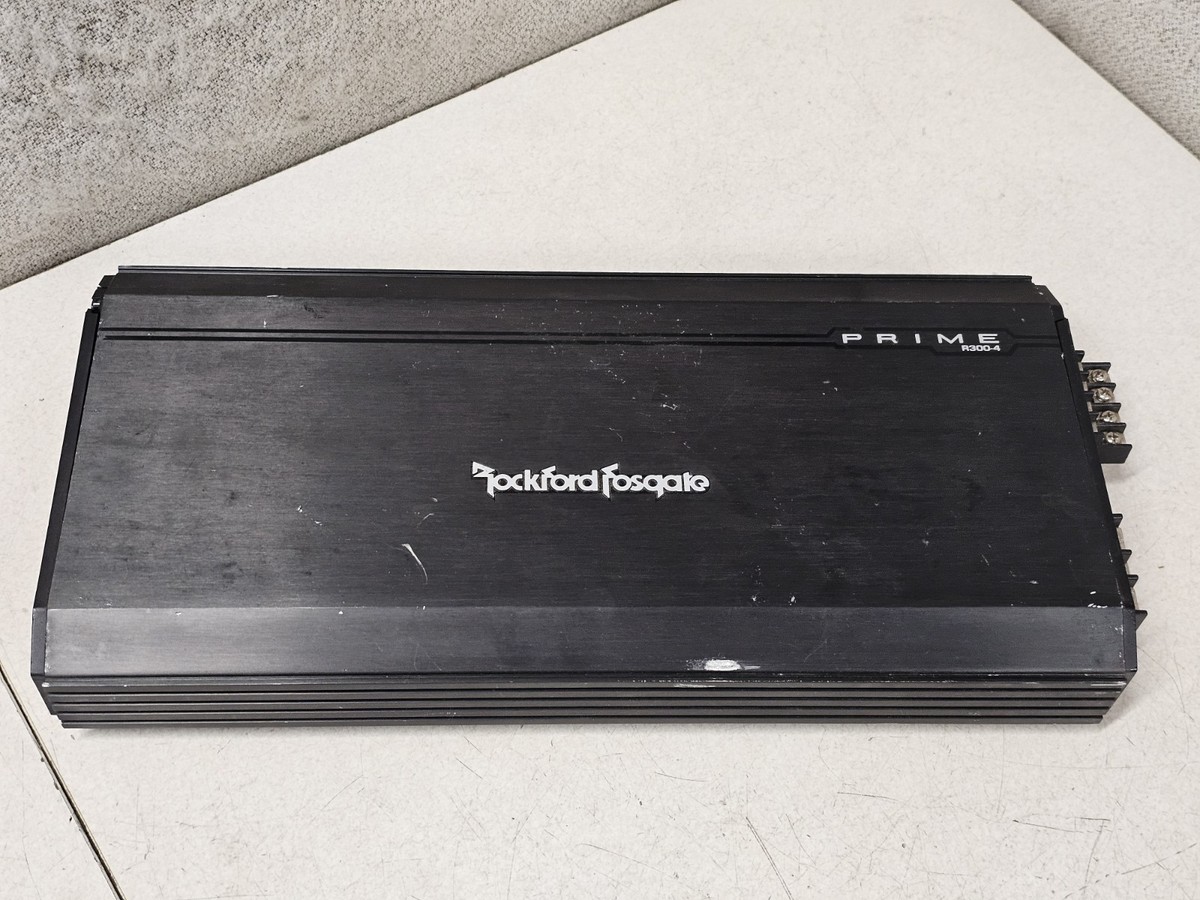
Credit: www.ebay.com
Step-by-step: How To Get Your Rockford Fosgate Amp Out Of Protect Mode
Follow these steps in order. Always turn off your car and disconnect power before touching wires.
1. Check Wiring And Connections
Bad wiring is a top cause. Look for these:
- Loose power or ground wires
- Damaged insulation
- Frayed cables
- Corroded connectors
Tip: Use a multimeter to test for continuity. Secure all connections tightly.
2. Inspect Speaker Wiring
Sometimes, speaker wires touch each other or the car body. This creates a short circuit.
- Remove speaker wires from the amp.
- Turn the amp on. If it stays out of protect mode, the speakers or wiring are the issue.
- Check for exposed copper or damaged cables.
Tip: Make sure speaker impedance matches your amp’s specs. Rockford Fosgate amps often need 2–4 ohm speakers.
3. Examine Fuse And Power Supply
A blown fuse can trigger protect mode. Check:
- Main power fuse near the battery
- Fuse on the amp itself
Replace any blown fuses with the correct rating. If the fuse blows again, there is likely a deeper problem.
Example: Fuse Types And Ratings
| Fuse Type | Typical Rating (Amp) | Location |
|---|---|---|
| AGU | 30–60A | Near battery |
| Mini | 10–40A | On amp |
| ANL | 60–150A | High power systems |
4. Check Voltage
Low voltage can cause protect mode. Use a multimeter to check the voltage at the amp’s terminals.
- The amp needs 12–14.4 volts to work properly.
- If you see less than 11 volts, your battery or alternator may be weak.
- Try charging the battery or replacing it if old.
5. Inspect For Overheating
Overheating is another frequent cause. Feel the amp’s surface—if it is too hot, let it cool down.
- Ensure there is good airflow around the amp.
- Avoid placing the amp under seats or in tight spots.
- Use a fan if needed for extra cooling.
Data: Amp Temperature Ranges
| Condition | Safe Temperature (°F) | Action |
|---|---|---|
| Normal Operation | 90–120 | No problem |
| Protect Mode Risk | 120–150 | Let amp cool |
| Automatic Shutdown | 150+ | Check cooling |
6. Test The Amp Without Speakers
Disconnect all speaker wires and signal cables. Leave only power, ground, and remote wires connected.
- If the amp powers on normally, the issue is with speakers or wiring.
- If still in protect mode, the problem is inside the amp.
7. Reset The Amp
Some Rockford Fosgate amps have a reset procedure:
- Turn off the car and amp.
- Disconnect the remote wire for 30 seconds.
- Reconnect and turn on.
This simple reset can clear minor errors.
8. Inspect Internal Components (advanced)
If all steps fail, the issue may be inside the amp:
- Blown internal fuse
- Bad circuit board
- Damaged transistors
Opening the amp is not recommended for beginners. If you suspect internal damage, contact a professional or Rockford Fosgate support.
Practical Examples For Beginners
Let’s look at two common beginner mistakes:
Example 1: Speaker Impedance Mismatch
A user connects a 1-ohm speaker to an amp rated for 2 ohms. The amp enters protect mode to prevent damage. Always check the amp’s manual and match the speaker’s impedance.
Example 2: Using Thin Power Wire
A beginner uses a 16-gauge wire for a 600-watt amp. The wire cannot carry enough current, so voltage drops and the amp goes into protect mode. Use at least 8-gauge wire for most car amps.
Comparison: Wire Gauge Vs. Amp Power
| Wire Gauge | Max Amp Power (Watts) | Recommended Use |
|---|---|---|
| 16-gauge | 100 | Small speakers |
| 8-gauge | 600 | Medium amps |
| 4-gauge | 1200 | Large amps |
Credit: americansoundbar.com
Two Insights Beginners Often Miss
1. Ground Wire Quality Matters
Many users focus only on the power wire. But a poor ground wire can cause protect mode. Make sure the ground is connected to bare metal and is thick enough.
2. Remote Turn-on Voltage
The amp’s remote wire tells it when to turn on. If this wire gives less than 11 volts, the amp may not start or may enter protect mode. Check this wire with a multimeter.
Common Mistakes And How To Avoid Them
- Using cheap connectors that corrode over time
- Ignoring speaker polarity (positive and negative connections)
- Placing the amp where airflow is blocked
- Forgetting to check the battery’s health
Avoid these mistakes by double-checking your install and using quality parts.

Credit: www.youtube.com
When To Seek Professional Help
If you try all steps and the amp stays in protect mode, it may be time for help. Professionals can:
- Test internal amp parts
- Diagnose circuit board issues
- Repair or replace damaged components
Contact Rockford Fosgate support or a local car audio shop for advanced problems.
How To Prevent Protect Mode In The Future
Follow these tips to keep your amp healthy:
- Use the right wire gauge and quality connectors
- Match speaker impedance to amp specs
- Ensure good ventilation and cooling
- Keep battery and alternator in good shape
- Check all wiring every few months
Prevention is easier than repair. Good setup and regular checks will save you trouble.
Frequently Asked Questions
How Do I Know If My Amp Is In Protect Mode?
Look for a red light or a “Protect” indicator on your amp. Your music will stop playing, and the amp will not respond. Some models flash the light or show a code.
Can A Bad Ground Cause Protect Mode?
Yes. A bad ground connection is one of the most common causes. Always use a thick wire connected to clean, bare metal. Avoid painted or rusty surfaces.
What Happens If I Use Speakers With The Wrong Impedance?
If you use speakers with lower impedance than the amp can handle, the amp works too hard and may enter protect mode. This protects the amp from damage.
Do I Need To Replace My Amp If It Stays In Protect Mode?
Not always. First, check wiring, fuses, and power supply. If nothing works, the amp may have internal damage. In that case, repair or replacement may be needed.
Where Can I Get Official Support For Rockford Fosgate Amps?
You can visit the official Rockford Fosgate site for troubleshooting and support:
rockford Fosgate Support
Getting your Rockford Fosgate amp out of protect mode is possible with careful checks and patience. Beginners often miss small wiring issues or voltage problems. Always follow safe practices and double-check your setup. With these steps, you can fix most protect mode problems yourself.
If your amp still does not work, seek expert help. With regular care and proper installation, your amp will deliver clean sound for years.