How to Adjust Car Stereo for Best Sound: Expert Tips Revealed
Getting great sound from your car stereo is more than just turning up the volume. Even a simple factory system can surprise you with clear, deep, and rich music—if you know how to adjust it. Many people leave their car’s audio settings untouched, missing out on much better sound.
But with a few easy steps, you can tune your system for your favorite music style and driving comfort.
This guide explains how to adjust car stereo for best sound in simple, clear language. It covers all the basics and offers practical tips for beginners. You’ll learn what each setting does, how to use them, and what mistakes to avoid. By the end, you’ll know exactly what to do to get the best music experience on your drive.
Understanding Your Car Stereo Settings
Before you start adjusting, it helps to know what the main settings do. Every car stereo has slightly different controls, but most use the same basic features.
- Bass: Controls the low, deep sounds (kick drum, bass guitar).
- Treble: Controls the high, sharp sounds (cymbals, vocals).
- Midrange: Adjusts the middle frequencies (guitars, piano, vocals).
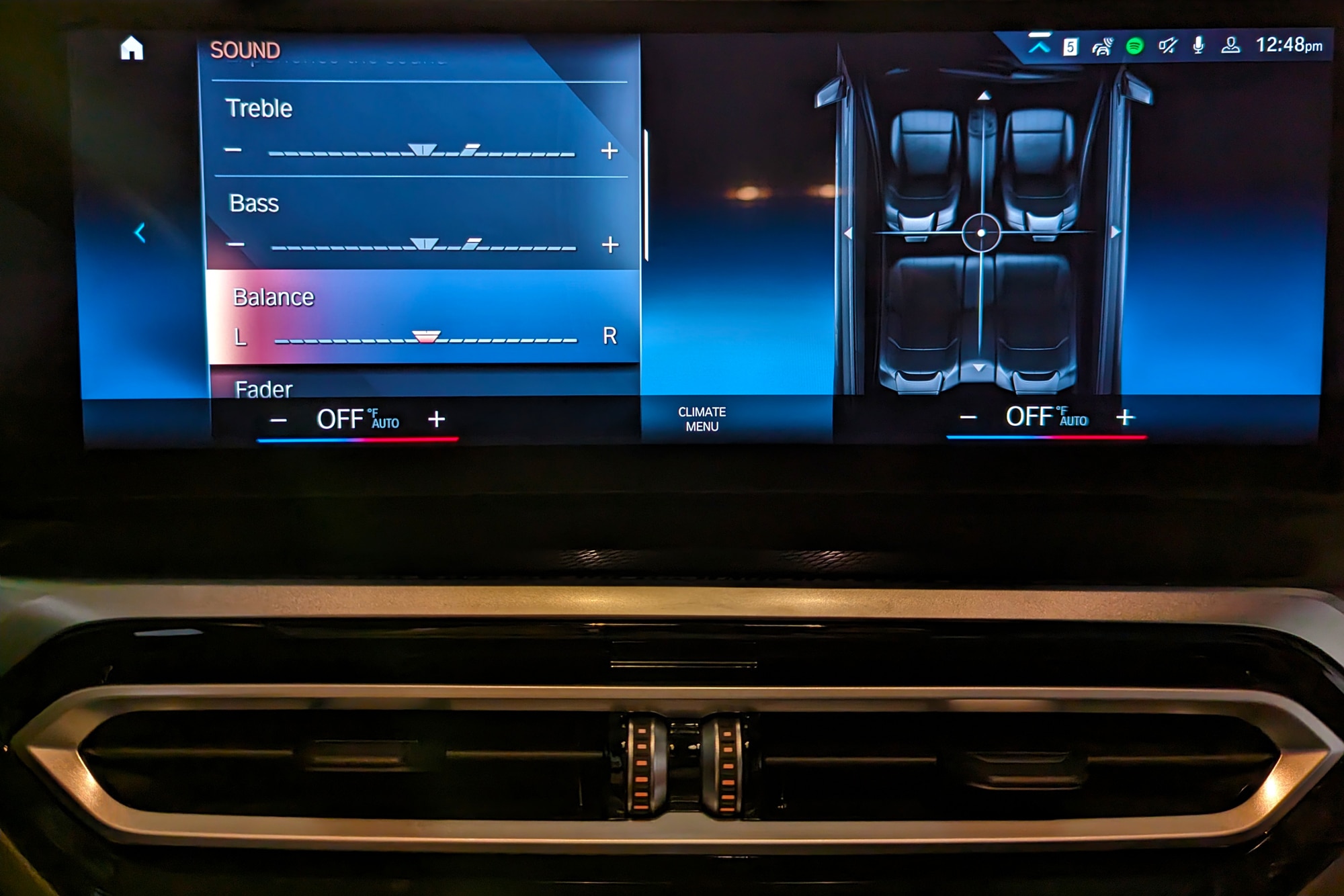
- Balance: Moves sound left or right between speakers.
- Fader: Moves sound to the front or rear speakers.
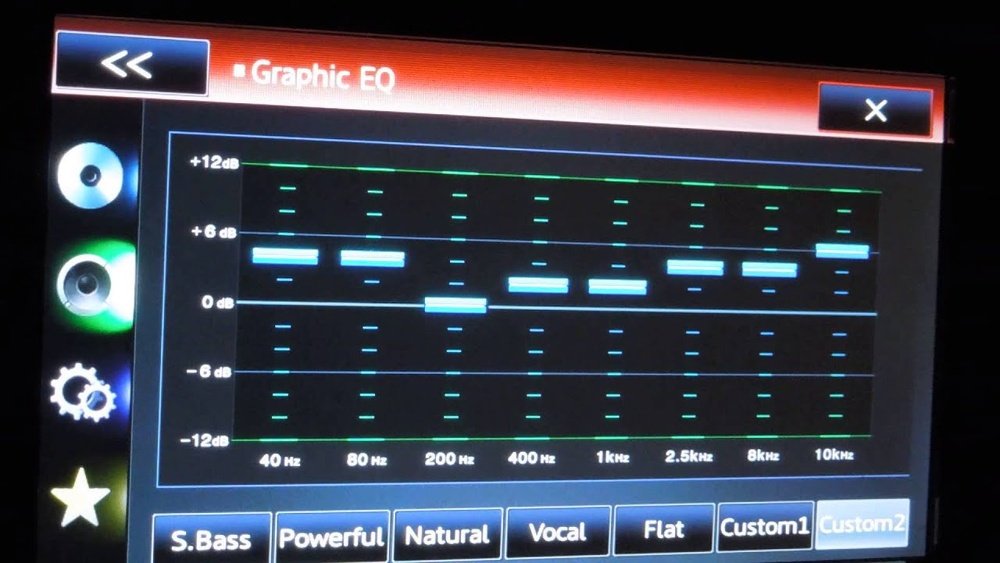
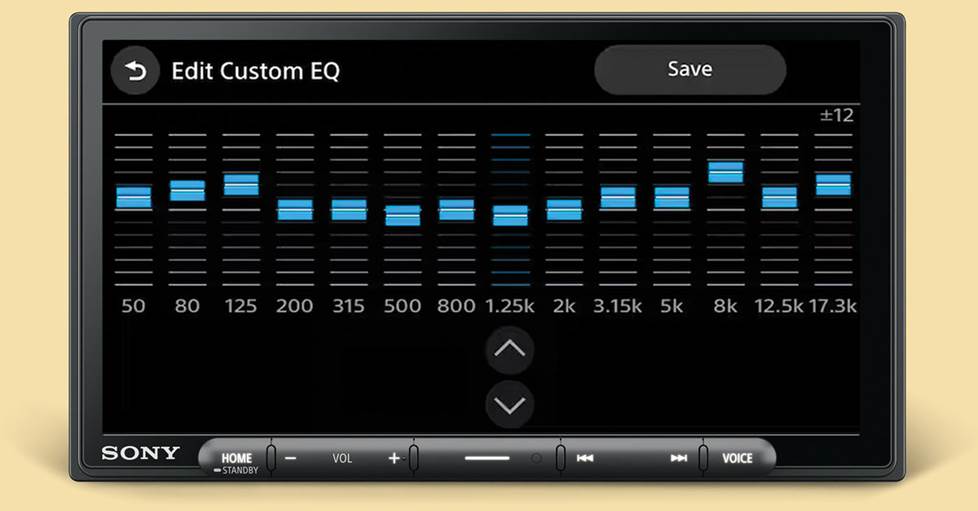
- Equalizer (EQ): Lets you adjust sound at different frequency points.
- Loudness: Boosts bass and treble at low volumes.
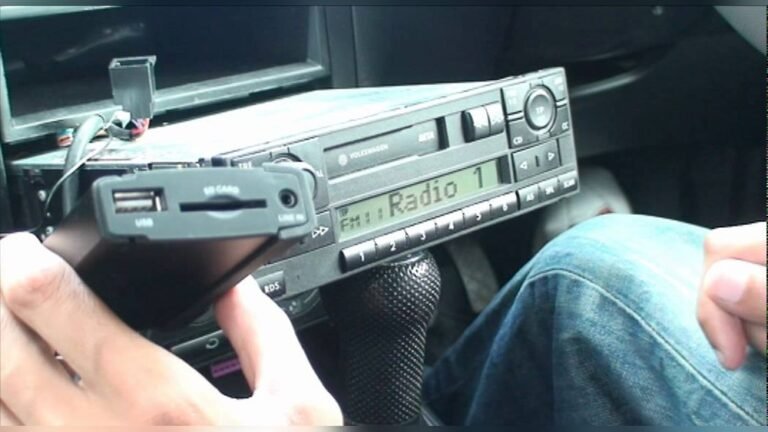
Some advanced stereos have more features like subwoofer control, time alignment, or digital signal processors. But for most cars, the basics above are enough to start.
Getting Ready To Adjust
To get the best results, set up your car and music before you start tuning.
- Choose a familiar song. Use a song you know well and like. This helps you notice any changes in sound.
- Set all settings to flat. Put bass, mid, treble, and EQ to the center or zero. This gives you a true starting point.
- Turn off extra sound effects. If your stereo has “surround,” “concert,” or “live” effects, turn them off for now.
- Sit in your normal driving position. Adjustments should be made where you usually sit, as sound changes based on location.
- Close windows and doors. Outside noise can affect how you hear your music.
Credit: www.capitalone.com
Step-by-step: Adjusting For Best Sound
Fine-tuning your stereo is simple if you follow a plan. Here’s a practical, step-by-step approach.
1. Adjust Volume First
- Start with your volume at a low level.
- Slowly turn it up until the music is clear and comfortable.
- Avoid going too loud, as distortion makes it hard to judge sound quality.
2. Set Balance And Fader
- Balance: Move sound left or right so it feels centered as you sit in the driver’s seat.
- Fader: Adjust from front to rear. Usually, slightly more sound in the front gives a good “stage” feel.
Example: If your car has four speakers, try this:
- Balance: Center (0)
- Fader: Front +1 or +2 (one or two clicks toward the front)
3. Adjust Bass, Mid, And Treble
- Start with all at zero (flat).
- Increase bass slowly until low sounds are strong but not boomy.
- Raise treble until high notes are crisp, but not harsh.
- Adjust midrange last, only if voices or instruments sound “boxy” or thin.
Pro Tip: Many beginners turn up the bass too much, making music muddy. Keep bass just strong enough to feel, but not overpower.
4. Use The Equalizer (eq)
If your stereo has an EQ with multiple bands, use it for finer control. Here’s a common 5-band EQ example:
| Frequency Band | Music Element | Adjustment Tip |
|---|---|---|
| 60 Hz (Low Bass) | Bass drum, deep bass | Boost gently if bass is missing |
| 230 Hz (Mid Bass) | Bass guitar, lower piano | Cut slightly if sound is boomy |
| 910 Hz (Midrange) | Vocals, guitars | Boost if vocals are weak |
| 3.6 kHz (Upper Mid) | Voice clarity, snare drum | Reduce if sound is harsh |
| 14 kHz (Treble) | Cymbals, high notes | Boost slightly for sparkle |
Adjust each band a little at a time. Too much change can make music sound unnatural.
5. Fine-tune For Your Music Style
Different music needs different settings. Here’s a quick guide:
| Music Style | Bass | Mid | Treble |
|---|---|---|---|
| Rock | +2 | 0 | +1 |
| Pop | +1 | +1 | +2 |
| Hip-Hop | +3 | -1 | 0 |
| Classical | 0 | +1 | +2 |
| Jazz | +1 | +2 | +1 |
These numbers are just starting points. Adjust to your taste.
Common Mistakes Beginners Make
Even small errors can ruin your car’s sound quality. Watch out for these common problems:
- Too much bass: Makes music muddy and covers up details.
- Extreme EQ settings: Big boosts or cuts can distort sound and damage speakers.
- Not balancing left/right or front/rear: Music will not sound natural.
- Ignoring speaker quality: Old or damaged speakers can’t produce good sound, no matter the settings.
- Leaving windows open: Road and wind noise can mask your adjustments.
Practical Examples For Beginners
Let’s walk through a real-world adjustment, step by step.
Example: Tuning A Factory Stereo
- Start your car and pick a favorite song with a mix of instruments.
- Set bass, mid, treble, balance, and fader to zero or center.
- Increase volume to your normal listening level.
- Listen: Are vocals clear? Is the bass strong but not shaking your mirrors?
- If vocals are too soft, boost midrange slightly.
- If cymbals are too sharp, lower treble by one or two clicks.
- If bass is weak, add one or two clicks. If it rattles, reduce.
- Test with different songs and make small adjustments.
Insight: Always adjust in small steps, then listen again. Your ears get tired quickly—take a break if unsure.
Advanced Tips For Best Sound
If you want even better results, try these advanced steps.
Use High-quality Music Files
- Compressed files (like low-bitrate MP3) lose detail.
- Use high-quality files (320 kbps MP3, FLAC, or WAV) for clearer sound.
Upgrade Your Speakers
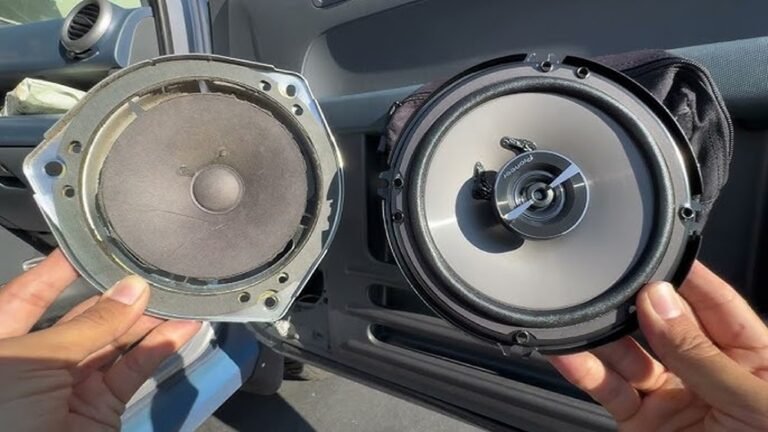
- Factory speakers are often basic. Better speakers produce richer and clearer music.
- Even a simple speaker upgrade can make a big difference.
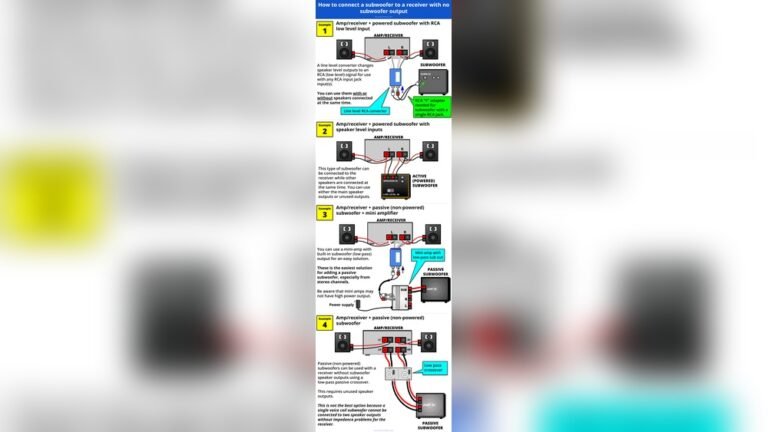
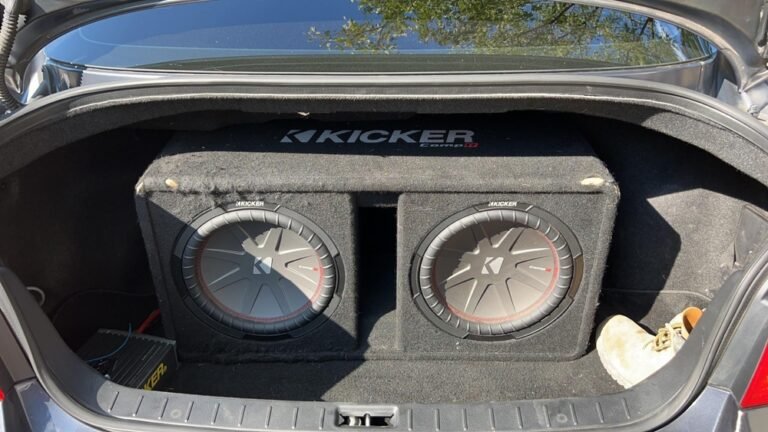
Add A Subwoofer
- For strong, deep bass without distortion, a small powered subwoofer helps.
- Place it in the trunk or under a seat for best effect.
Sound Deadening Materials
- Road noise can make even good systems sound bad.
- Adding sound-deadening mats inside doors and floors reduces outside noise.

Credit: mobileaudioconcepts.com.au
How Different Cars Affect Sound
Not all cars sound the same, even with the same settings. Here’s why:
- Interior size: Small cars have stronger bass, large cars spread the sound more.
- Speaker location: Doors, dash, or rear deck all change how music reaches your ears.
- Materials: Cloth seats absorb sound, leather reflects it, and hard plastic can cause echoes.
Insight: Test adjustments while the car is parked and also while driving. Road noise changes how you hear details.
Troubleshooting Bad Sound
If your music still doesn’t sound right, check for these issues:
- Distorted sound: Lower the volume or EQ settings. Check for damaged speakers.
- No bass: Make sure all speakers are working. Check wiring if you’ve installed new speakers.
- Uneven sound: Reset all settings to flat and start again.
- Volume changes: Some stereos have speed-sensitive volume—turn this off if it annoys you.
If basic fixes don’t help, consult your car’s manual or a professional installer.
When To Consider Professional Help
Sometimes, the problem is bigger than settings. Get help if:
- Music sounds distorted even at low volume.
- One or more speakers do not work.
- You want to install new equipment (amplifier, subwoofer).
- You hear buzzing, rattling, or static.
Professional installers have tools to measure and tune your car audio for perfect sound. If you want to learn more about car audio setups, check the Car audio Wikipedia page.
Frequently Asked Questions
How Do I Know If My Car Stereo Is Set Correctly?
If vocals are clear, bass is strong but not boomy, and music sounds balanced from all seats, your settings are probably good. Test with different types of music to make sure.
What Is The Best Eq Setting For Car Stereo?
There’s no single “best” setting. Start with all EQ bands at zero, then adjust slightly based on your music and taste. Avoid large boosts or cuts. Use the tables above as a starting point.
Should I Use Loudness Or Extra Sound Effects?
Most experts suggest turning off loudness and effects when tuning. Add them only if you want a little more bass and treble at low volume. Too much can distort music at higher volume.
Why Does My Car Sound Different When I Drive?
Road noise, engine sounds, and open windows all affect how you hear music. It’s normal for your stereo to sound clearer when parked. Adjust for your main driving conditions.
Can I Get Good Sound With Factory Car Speakers?
Yes, with careful adjustment, even basic speakers can sound much better. Upgrading speakers and using high-quality music files can improve sound further.
Great car stereo sound is possible for anyone, even beginners. With patience and practice, your favorite music will sound better than ever on every drive.
Credit: www.crutchfield.com