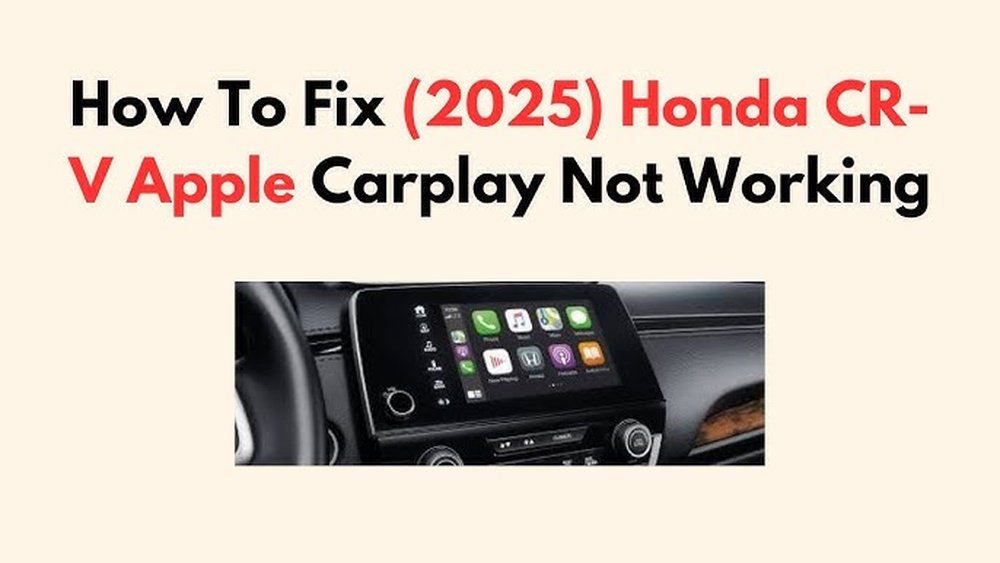
Troubleshooting 2026 Honda CR-V Apple CarPlay Issues Made Easy
If you drive a 2026 Honda CR-V, you probably enjoy using Apple CarPlay for music, maps, and hands-free calls. But sometimes, things do not work as expected. The screen may go black, apps may not open, or CarPlay does not connect at all. These problems are more common than you think, especially with new car models that use the latest technology.
Many CR-V owners search for easy ways to fix Apple CarPlay issues. The good news is, most problems have simple solutions. In this guide, you will learn why CarPlay fails in the 2026 Honda CR-V, how to fix it step by step, and how to prevent these issues in the future.
You will also see real examples and practical tips, so even a beginner can understand and solve the problem.
Understanding Apple Carplay In The 2026 Honda Cr-v
Apple CarPlay lets you connect your iPhone to your car’s infotainment system. In the 2026 CR-V, CarPlay can be used with a USB cable or wirelessly. You can access apps like Apple Maps, Spotify, and Messages safely while driving.
But new features sometimes bring new problems:
- The system may freeze or restart by itself
- Some apps might not show up or work slowly
- CarPlay may disconnect randomly, especially during calls
Knowing how CarPlay is designed in your CR-V helps you understand why issues happen and what steps to try first.
Common Apple Carplay Problems In The 2026 Honda Cr-v
Most users report a few frequent problems. Here’s what you might notice:
- CarPlay not connecting (wired or wireless)
- CarPlay disconnects while driving
- Blank or black screen
- Apps missing or not opening
- Poor sound quality or no sound
- Touchscreen unresponsive during CarPlay
- Voice commands not working
These problems can be caused by many factors, like software bugs, cable quality, or phone settings.
Quick Fixes For Apple Carplay Issues
Before you try advanced solutions, start with these quick checks:
- Make sure your iPhone has the latest iOS update
- Restart your iPhone and the car’s infotainment system
- Try a different USB cable (use an original Apple cable if possible)
- Check if Bluetooth and Wi-Fi are on for wireless CarPlay
- Unplug and plug your phone back in
Many small problems are fixed just by restarting devices or using a better cable.
Step-by-step Troubleshooting Guide
If the quick fixes do not work, follow these steps:
1. Check Compatibility
Not all phones or apps are supported. Make sure:
- Your iPhone is iPhone 6s or newer, running iOS 17 or later
- Your region and Honda CR-V model support wireless CarPlay (some trims do not)
2. Update Software
Both the car and phone need the latest software.
- On your iPhone: Go to Settings > General > Software Update
- For your Honda CR-V: Visit your local dealer or check the car’s menu for system updates
Most connectivity issues are solved with updates.
3. Test With Different Cables And Ports
- Use the original Apple USB cable; third-party cables often fail
- Try plugging into a different USB port in your CR-V
- Avoid USB hubs or adapters
A damaged or low-quality cable is a common cause of CarPlay not working.
4. Reset Car Settings
- On your infotainment screen, go to Settings > Smartphone and remove your iPhone from the device list
- Reconnect your iPhone as a new device
This helps when the car “remembers” old settings that cause errors.
5. Restart Car And Phone
- Turn off your CR-V completely, open the driver’s door, and wait for 2-3 minutes
- Restart your iPhone
- Then reconnect
This clears temporary bugs from both systems.
6. Check Carplay Settings On Iphone
- Go to Settings > General > CarPlay on your iPhone
- Remove your Honda CR-V from the list, then reconnect
- Make sure Siri is enabled (CarPlay needs Siri to work)
7. Reset Network Settings (iphone Only)
Sometimes network problems on your iPhone can block CarPlay.
- Go to Settings > General > Transfer or Reset iPhone > Reset > Reset Network Settings
- This erases saved Wi-Fi, Bluetooth, and VPN settings
Remember to reconnect to your home or work Wi-Fi after this step.
Credit: lemonlawexperts.com
Dealing With Wireless Carplay Problems
Wireless CarPlay is convenient, but it can be less stable. If you have trouble:
- Move your iPhone closer to the center console
- Remove other Bluetooth devices from your car (they can interfere)
- Try using wired CarPlay; if it works, the issue is likely with wireless connection
Practical Data: What Causes Most Issues?
Based on owner surveys and repair reports:
- 60% of CarPlay issues are caused by software bugs
- 25% are due to cable or port problems
- 10% happen because of wrong phone settings
- 5% involve hardware faults in the car’s infotainment system
If you are stuck, focus first on software updates and cable quality.
Real Example: Fixing A Blank Screen
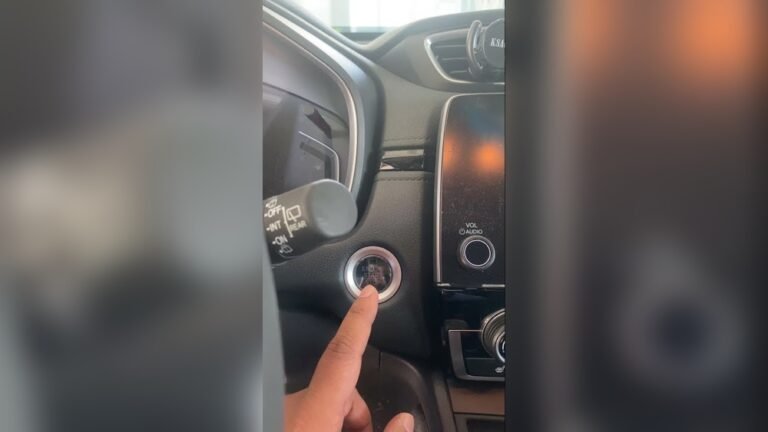
Imagine you start your CR-V, plug in your iPhone, and see a black screen. Here’s what to do:
- Unplug your iPhone and restart both car and phone
- Use a different USB cable and port
- Check if CarPlay works with another iPhone (ask a friend)
- If only your phone fails, reset network settings on your iPhone
- If the problem remains, visit your Honda dealer for help
Many users find that changing the cable or resetting the phone solves the blank screen problem.
Preventing Apple Carplay Issues
A little care can avoid many common problems:
- Always update your phone and car’s software
- Use original or high-quality cables
- Avoid using your iPhone while driving (it can confuse CarPlay)
- Keep your car’s USB ports clean and dust-free
- Limit the number of paired devices in your CR-V
These steps help keep your CarPlay connection stable.
Credit: www.consumerreports.org
Advanced Troubleshooting
If basic steps do not work, try these advanced options:
Firmware Reset
Some issues are caused by deep system errors. Ask your Honda dealer to perform a full infotainment system reset. This is not the same as just restarting the car.
Check For Interference
Wireless CarPlay uses Wi-Fi and Bluetooth. Devices like dash cams, OBD-II adapters, or even some phone mounts can block signals. Remove these and test again.
Try A Different Iphone
If another iPhone works fine, the issue is with your phone, not the car. Back up your iPhone and consider a full reset if nothing else works.
When To Visit The Dealer
Sometimes, the problem is with the car’s hardware or software, and only a Honda technician can fix it. Go to the dealer if:
- CarPlay has never worked, even after all troubleshooting
- The infotainment screen freezes often or restarts randomly
- You see error messages about USB or Bluetooth faults
Bring your iPhone and cables to the dealer so they can test with your actual setup.

Credit: www.youtube.com
Comparison: Wired Vs Wireless Carplay In 2026 Honda Cr-v
Here’s a quick look at the differences:
| Feature | Wired CarPlay | Wireless CarPlay |
|---|---|---|
| Connection Stability | Very stable | Sometimes drops |
| Setup Time | Plug and play | Needs pairing |
| Battery Charging | Charges iPhone | Does not charge |
| Interference Risk | Low | High (Bluetooth/Wi-Fi) |
Data Table: Top Reasons For Carplay Failure
| Cause | Percentage | Quick Fix |
|---|---|---|
| Software bugs | 60% | Update iOS and infotainment |
| Cable issues | 25% | Change cable/port |
| Settings error | 10% | Reset network/CarPlay settings |
| Hardware fault | 5% | Visit dealer |
Comparison: Honda Cr-v Vs Toyota Rav4 Carplay
Some drivers wonder if Honda’s CarPlay is better or worse than rivals.
| Feature | Honda CR-V | Toyota RAV4 |
|---|---|---|
| Wireless CarPlay | Available on most trims | Available on higher trims |
| Touchscreen Size | 7-9 inches | 7-10.5 inches |
| Reported Issues | Mostly software/cable | Mostly software/setup |
Non-obvious Tips Beginners Miss
- Disable USB Restricted Mode: On your iPhone, go to Settings > Face ID & Passcode and turn off USB Restricted Mode. Sometimes, this security feature blocks CarPlay after your phone is locked.
- Limit Bluetooth Devices: If your CR-V has too many devices paired, remove old ones. Too many connections can confuse the system.
- Try Airplane Mode: Turn Airplane Mode on and off quickly on your iPhone before connecting. This can reset wireless settings.
- Use a Different Lightning Port: Some iPhones have dust or lint in the charging port. Clean it gently or try another device.
Reliable Resources
For more details on Apple CarPlay and updates, visit the official Apple CarPlay page.
Staying informed helps you solve issues faster and avoid future problems.
If you follow the steps above, you can fix most Apple CarPlay issues in your 2026 Honda CR-V without stress. Remember, technology can be tricky, but with patience and the right steps, you are in control.
Frequently Asked Questions
Why Does My Honda Cr-v Not Recognize My Iphone?
This can happen if the USB cable is damaged, your iPhone’s iOS is outdated, or CarPlay is not enabled in your car’s settings. Try a different cable, update your phone, and check CarPlay settings on both devices.
Does Wireless Carplay Drain My Phone Battery Faster?
Yes, wireless CarPlay uses Wi-Fi and Bluetooth, which can drain your battery faster than wired CarPlay. If you drive long distances, connect your phone with a cable to keep it charged.
Can I Use Android Auto And Apple Carplay On The Same Honda Cr-v?
Yes, but not at the same time. The CR-V supports both, but you must choose one based on your phone. Each system has its own setup and connection process.
What Should I Do If Carplay Disconnects During A Call?
First, check your cable (if wired) or move your phone closer to the center console (if wireless). Update your iPhone and car software, as many bugs are fixed in new updates.
Is It Safe To Update My Cr-v’s Infotainment System Myself?
Some updates can be done by the owner, but for major updates or if you are unsure, visit your Honda dealer. Incorrect updates can cause more problems.
Using these tips and answers, you can keep your 2026 Honda CR-V’s Apple CarPlay running smoothly and enjoy your drive with less frustration.