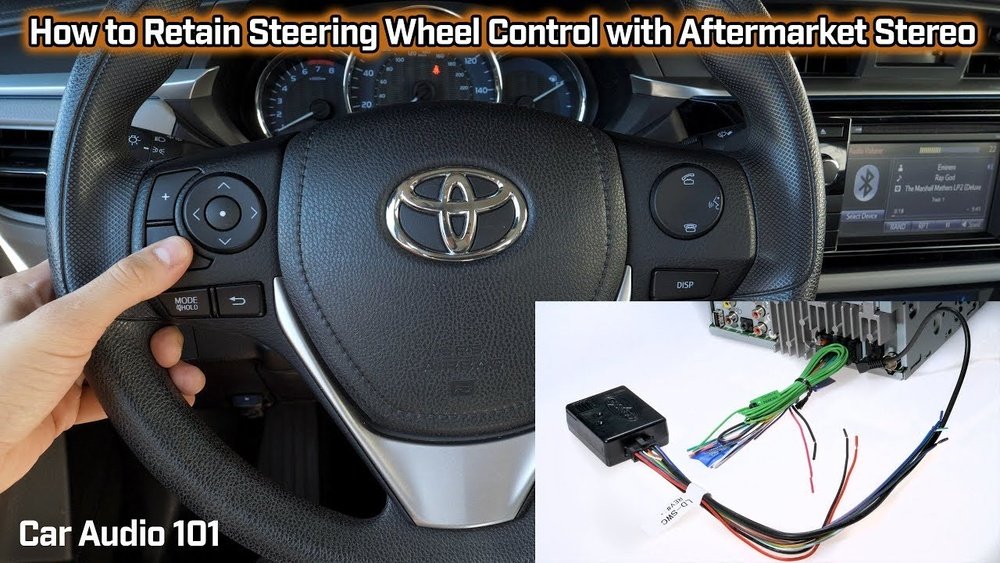
How to Fix Radio Controls on Steering Wheel: Easy DIY Guide
If your steering wheel radio controls stop working, it can quickly become frustrating. These buttons help you change the volume, switch stations, and skip tracks without taking your hands off the wheel. When they fail, it’s not just inconvenient—it can also be distracting and even unsafe.
The good news is that many radio control problems are easy to fix, even for beginners. Whether you drive a newer car or an older model, you can often solve the issue with a little patience and some basic tools.
This guide will walk you through practical steps to diagnose and repair steering wheel radio controls, using clear language and real-world examples.
How Steering Wheel Radio Controls Work
Understanding the basics will help you troubleshoot faster. Most steering wheel radio controls send signals to the car’s audio system using electrical wiring or a digital data network called the CAN bus. When you press a button, it sends a unique signal to the radio, telling it what to do.
There are two main types of systems:
- Analog systems: Use simple wires and resistors. Pressing a button changes the signal, which the radio decodes.
- Digital/CAN bus systems: Use a computer network inside the car. The controls send digital messages to the radio.
Knowing which type your car uses will help you choose the right repair steps.
Common Symptoms Of Faulty Radio Controls
You might notice:
- Some or all buttons don’t work
- Buttons control the wrong function
- Buttons work only sometimes
- Volume goes up/down by itself
If you see these issues, it’s time to start troubleshooting.
Quick Checks Before Repair
Many steering wheel control problems have simple causes. Start with these quick checks:
- Check the car manual: Find out if your car’s radio is factory-installed or aftermarket. Aftermarket radios sometimes need extra adapters.
- Restart your car: Some issues are temporary glitches. Turn off the car, wait a minute, and restart.
- Replace the radio fuse: A blown fuse can disable both the radio and controls. The fuse box location is usually under the dashboard or in the engine bay.
- Try another key fob: Some cars link steering controls to the key fob. Try starting the car with a spare key.
- Test other steering wheel buttons: If cruise control or phone buttons also fail, the issue might be with the wiring, not just the radio controls.
Many beginners miss the simple step of checking the car’s settings menu. Some radios allow you to enable or disable steering wheel controls. Always check your settings before taking things apart.
Tools And Materials Needed
Gather these before you start:
- Screwdrivers (Phillips and flathead)
- Plastic trim removal tools
- Digital multimeter (for testing voltage and resistance)
- Electrical contact cleaner
- Socket set
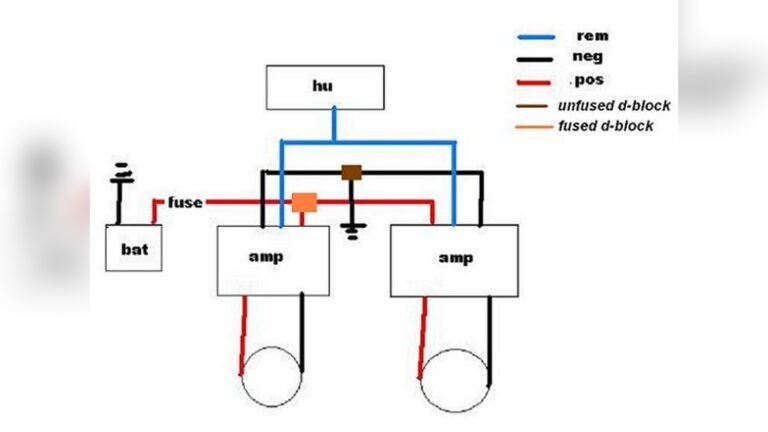
- Wiring diagram (search online for your car’s make and model)
For digital systems, you may need a basic OBD-II scanner to read error codes.
Diagnosing The Problem
Step 1: Test The Radio Controls
Start your car and try each steering wheel button. Note exactly which ones work and which don’t. Make a quick chart:
| Button | Works? |
|---|---|
| Volume Up | No |
| Volume Down | Yes |
| Seek/Track | No |
| Mode/Source | Yes |
This helps you spot patterns. If only some buttons fail, the problem may be a dirty contact or a broken switch.
Step 2: Check The Radio Display
Sometimes, the radio display will show a “steering wheel control error” or a warning light. This can point to an electrical problem or a software issue in the radio.
Step 3: Inspect For Aftermarket Radios
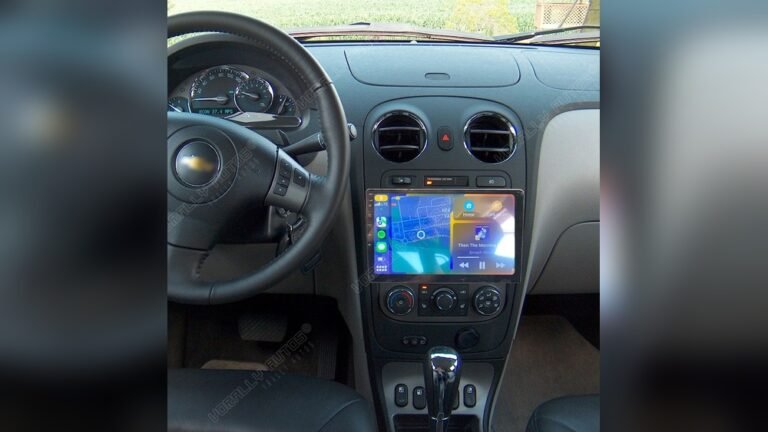
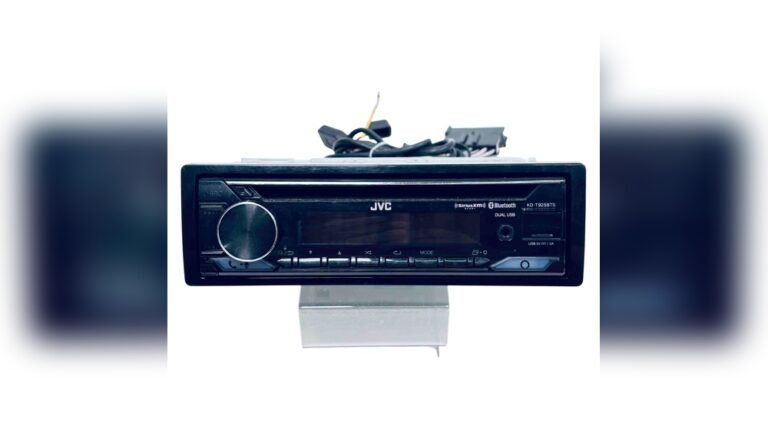
If you have replaced your radio, check if a steering wheel control adapter is installed. These adapters translate your car’s signals for the new radio. If the adapter is missing or not programmed, the buttons won’t work.
| Radio Type | Adapter Needed? | Common Issues |
|---|---|---|
| Factory Radio | No | Wiring faults, dirty contacts |
| Aftermarket Radio | Yes | Adapter missing, wrong programming |
If you see “no signal” or “unresponsive” on the adapter, check the wiring and settings.
Step-by-step Fixes
1. Clean The Steering Wheel Controls
Dirt and dust can block button contacts, especially in older cars. Here’s how to clean safely:
- Disconnect the battery for safety.
- Use a plastic trim tool to gently remove the steering wheel cover.
- Spray a small amount of electrical contact cleaner on the button contacts.
- Wipe off dirt with a lint-free cloth.
- Let everything dry before reconnecting the battery.
Many beginners forget to disconnect the battery. This is crucial—airbags are near the steering wheel and can deploy if you’re not careful.
2. Check The Clockspring
The clockspring is a coil of wires that connects the steering wheel to the car’s electrical system. It lets the wheel turn while keeping the wires connected. If you lose all steering wheel controls (and sometimes the airbag light comes on), the clockspring may be broken.
- Remove the steering wheel (check your manual for airbag safety).
- Locate the clockspring behind the wheel.
- Use a multimeter to test for continuity (see the wiring diagram).
- If the clockspring is faulty, replace it with a new one.
A bad clockspring is a common cause of complete button failure.
3. Inspect The Wiring
Wires can break, especially if the steering wheel has been removed before. Look for:
- Loose connectors behind the steering wheel or radio
- Damaged or pinched wires
- Corroded contacts
Reseat any loose connectors and replace damaged wires. Use your wiring diagram to trace each wire from the steering wheel to the radio.
4. Reprogram The Adapter (if Needed)
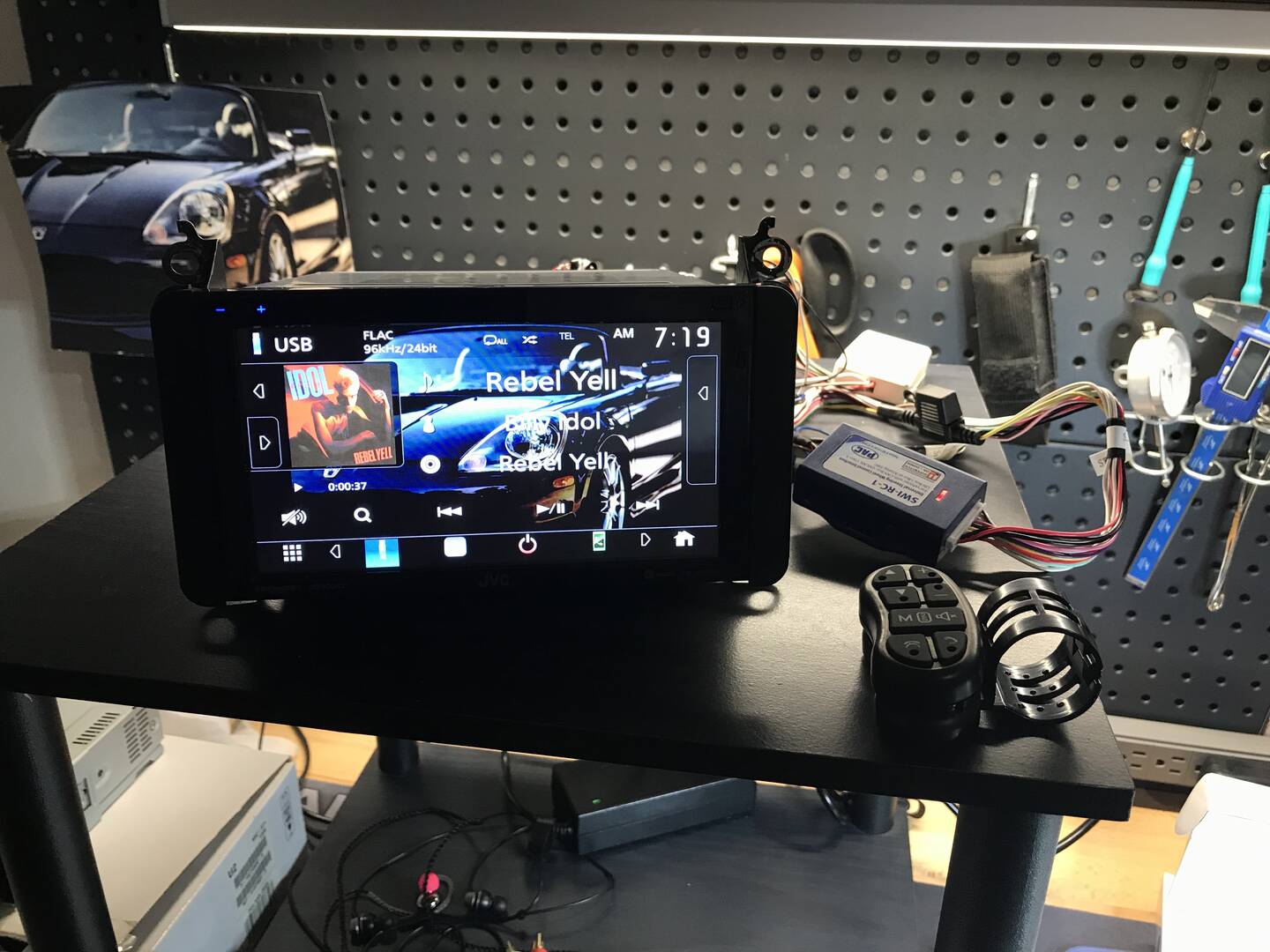
If you have an aftermarket radio, the steering wheel control adapter may need reprogramming. Each brand is different, but the basic steps are:
- Turn on the car and radio.
- Press the adapter’s program button.
- Press each steering wheel button in turn (as per the instructions).
- Wait for the adapter to confirm with a beep or light.
Check the adapter’s manual or the manufacturer’s website for specific steps.
5. Update Radio Firmware
Sometimes, the radio’s software has bugs that cause control problems. Check the radio manufacturer’s website for updates. Download the latest firmware and install it using a USB drive or SD card. Follow the on-screen instructions carefully.
Comparing Common Causes Of Failure
Below, you’ll find a summary of the most frequent causes and their solutions.
| Cause | Symptoms | Fix | Difficulty |
|---|---|---|---|
| Dirty Contacts | Some/all buttons unresponsive | Clean with contact cleaner | Easy |
| Broken Clockspring | All controls fail, airbag light on | Replace clockspring | Medium |
| Faulty Adapter | No buttons work (aftermarket radio) | Reprogram/replace adapter | Medium |
| Blown Fuse | No radio, no controls | Replace fuse | Easy |
| Software Bug | Random failures, glitches | Update firmware | Easy |

Credit: www.reddit.com
Two Insights Beginners Often Miss
- Adapter compatibility matters: Not every steering wheel control adapter works with every car and radio. Always check compatibility charts on the adapter’s website. Some adapters need to be programmed for your exact car model.
- Airbag safety is essential: Disconnecting the battery is not just a suggestion—it’s a safety requirement. Accidentally triggering the airbag can cause serious injury and damage.
When To Call A Professional
If you have tried all the steps above and your steering wheel radio controls still don’t work, or if you’re uncomfortable working near airbags, it’s time to get help. A certified mechanic or car audio specialist can use advanced diagnostic tools to find issues quickly.
They can also reset the car’s computer if needed. The cost for a professional repair usually ranges from $100 to $300, depending on the problem.
Credit: www.mr2-spyder.com
Preventing Future Problems
After you fix your steering wheel controls, keep them working by following these tips:
- Avoid eating or drinking near the steering wheel to prevent spills.
- Don’t hang heavy objects from the wheel that might pull on the wiring.
- Get your car’s electrical system checked during regular maintenance.
- If installing a new radio, always buy a quality steering wheel control adapter.
Staying proactive can save you from future headaches.
Frequently Asked Questions
What Is A Clockspring, And Why Does It Matter?
A clockspring is a coil of flat wires inside the steering wheel. It lets the wheel turn while keeping electrical connections to the airbag and radio controls. If it breaks, all steering wheel buttons (and sometimes the airbag) stop working.
Can I Fix Steering Wheel Radio Controls Myself?
Yes, most people can fix common problems like dirty contacts, blown fuses, or loose wires. For issues involving the clockspring or airbag, it’s best to consult a professional unless you have experience.
Why Do My Steering Wheel Controls Work Only Sometimes?
Intermittent operation usually means a loose connector, dirty button, or a failing clockspring. Try cleaning the contacts and checking all wires. If the problem returns, the clockspring may be worn out.
Do I Need A Special Adapter For An Aftermarket Radio?
Yes, most aftermarket radios need a steering wheel control adapter to work with factory buttons. Make sure the adapter is compatible with your car and radio model. Check the manufacturer’s website for more details.
Where Can I Find A Wiring Diagram For My Car?
You can find wiring diagrams in your car’s service manual or on trusted automotive sites like AutoZone. Always use diagrams that match your car’s exact year and model.
Fixing steering wheel radio controls doesn’t have to be difficult. With a methodical approach and the right tools, most issues can be solved at home. Take your time, follow safety tips, and enjoy the convenience of hands-free audio control once again.

Credit: www.youtube.com