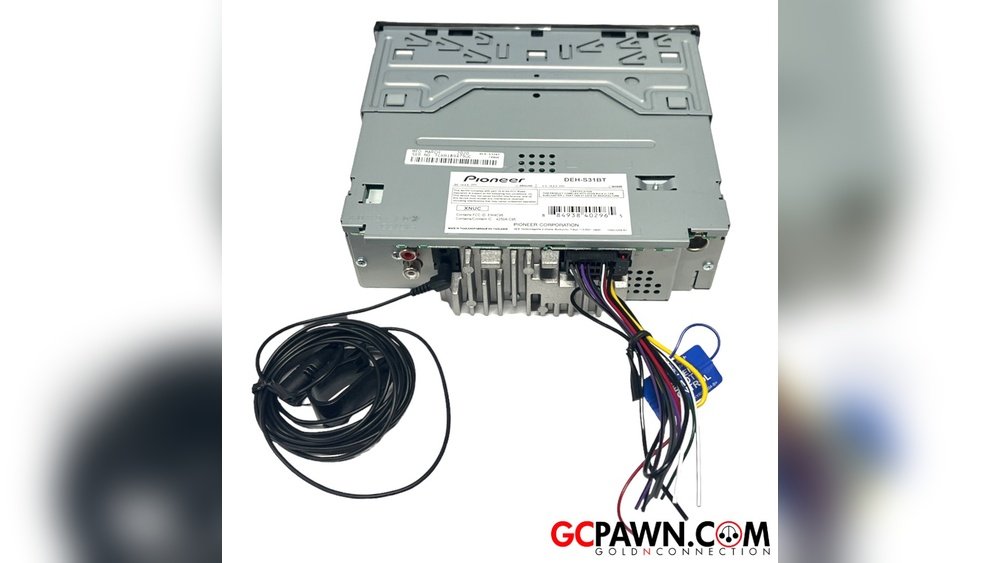
Deh S31Bt Wiring Diagram: Step-by-Step Installation Guide
Deh S31bt Wiring Diagram: Beginner-friendly Guide
Understanding the Deh S31Bt wiring diagram is essential for anyone installing, troubleshooting, or repairing this popular car audio unit. Many beginners struggle with wiring diagrams because they look complicated at first glance. But with clear explanations, practical examples, and simple language, you can learn to read and use these diagrams confidently. This guide will help you master the basics and avoid common mistakes.
What Is The Deh S31bt?
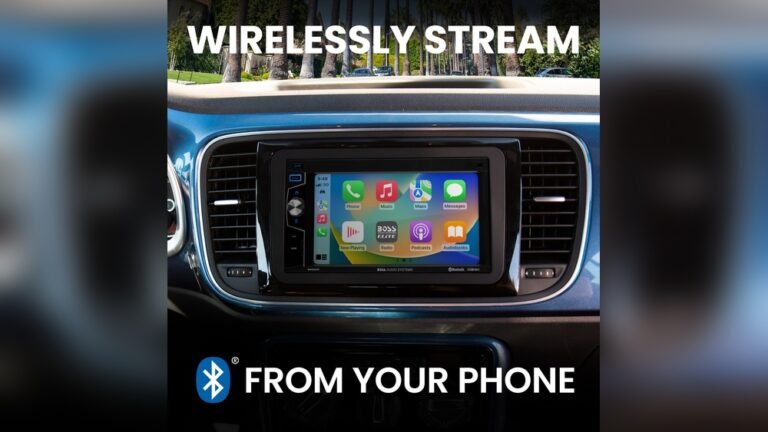
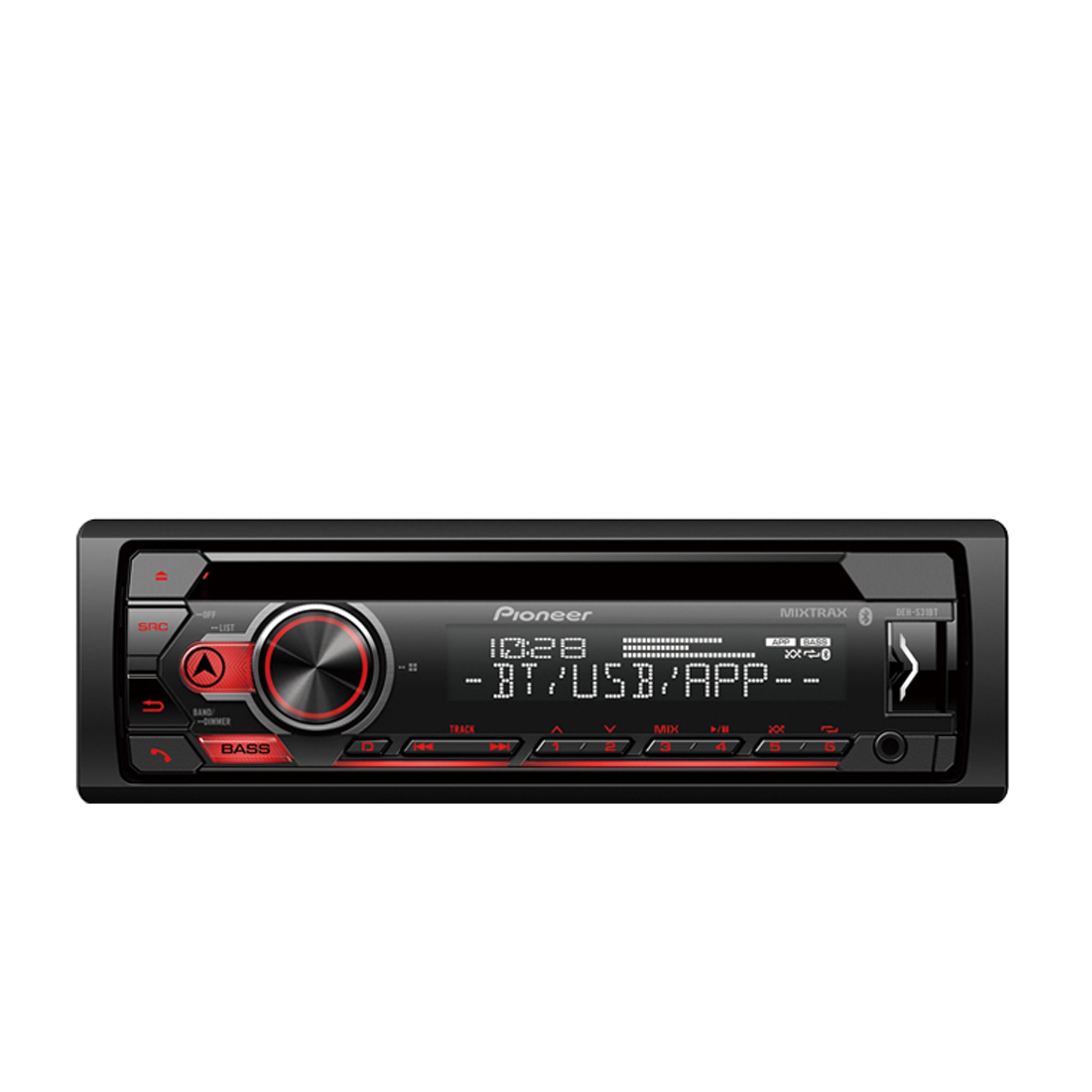
The Deh S31Bt is a car stereo unit made by Pioneer. It offers Bluetooth, USB, and AUX support. This model is popular for its user-friendly features and affordable price. To install or fix it, you need to know how to connect its wires correctly.
Key features:
- Bluetooth hands-free calling
- USB input for music and charging
- AUX input for external devices
- AM/FM radio support
If you connect the wires wrongly, the stereo won’t work. Worse, it could damage your car’s electrical system. That’s why wiring diagrams are so important.
What Is A Wiring Diagram?
A wiring diagram is a visual map showing how to connect each wire. It uses symbols and colors to represent electrical components. For the Deh S31Bt, the diagram helps you understand:
- Which wire goes to power, ground, speakers, and other functions
- How to avoid electrical shorts or errors
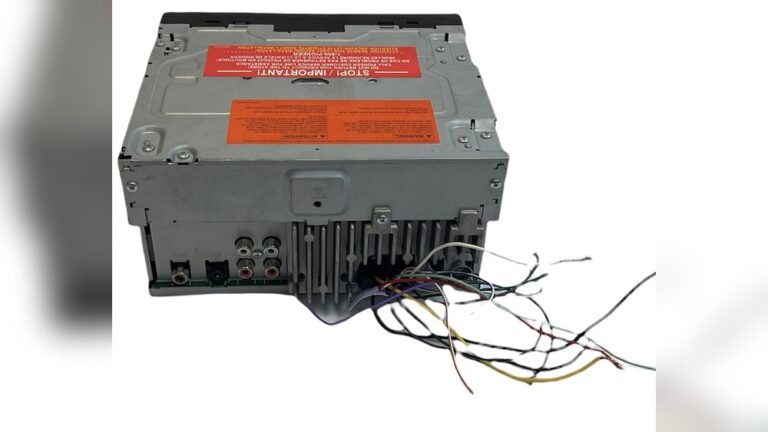
- Where to find each wire in the harness
Wiring diagrams are usually found in the user manual or online. They look intimidating, but with practice, you can read them easily.
Deh S31bt Wiring Diagram: Key Components
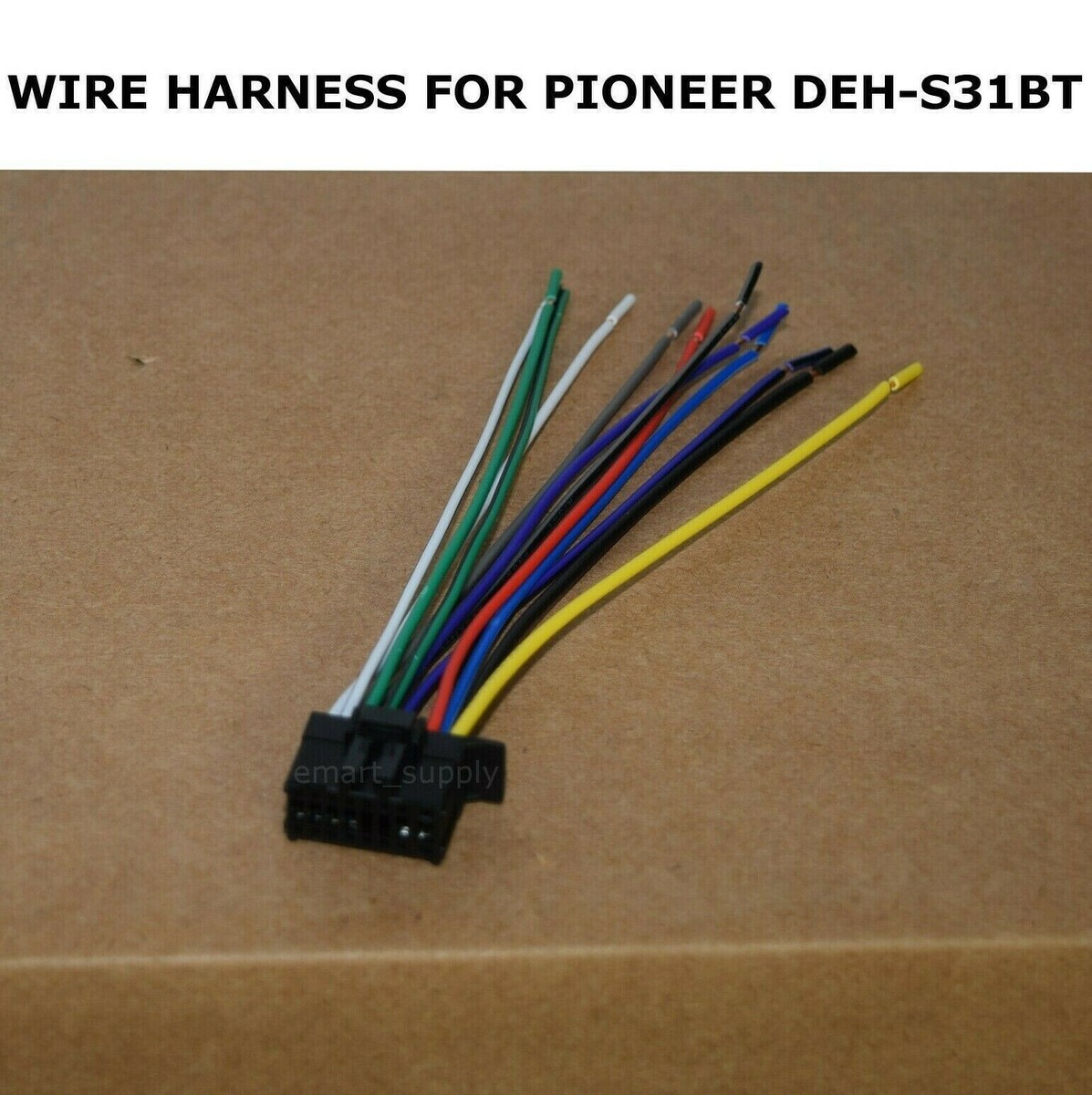
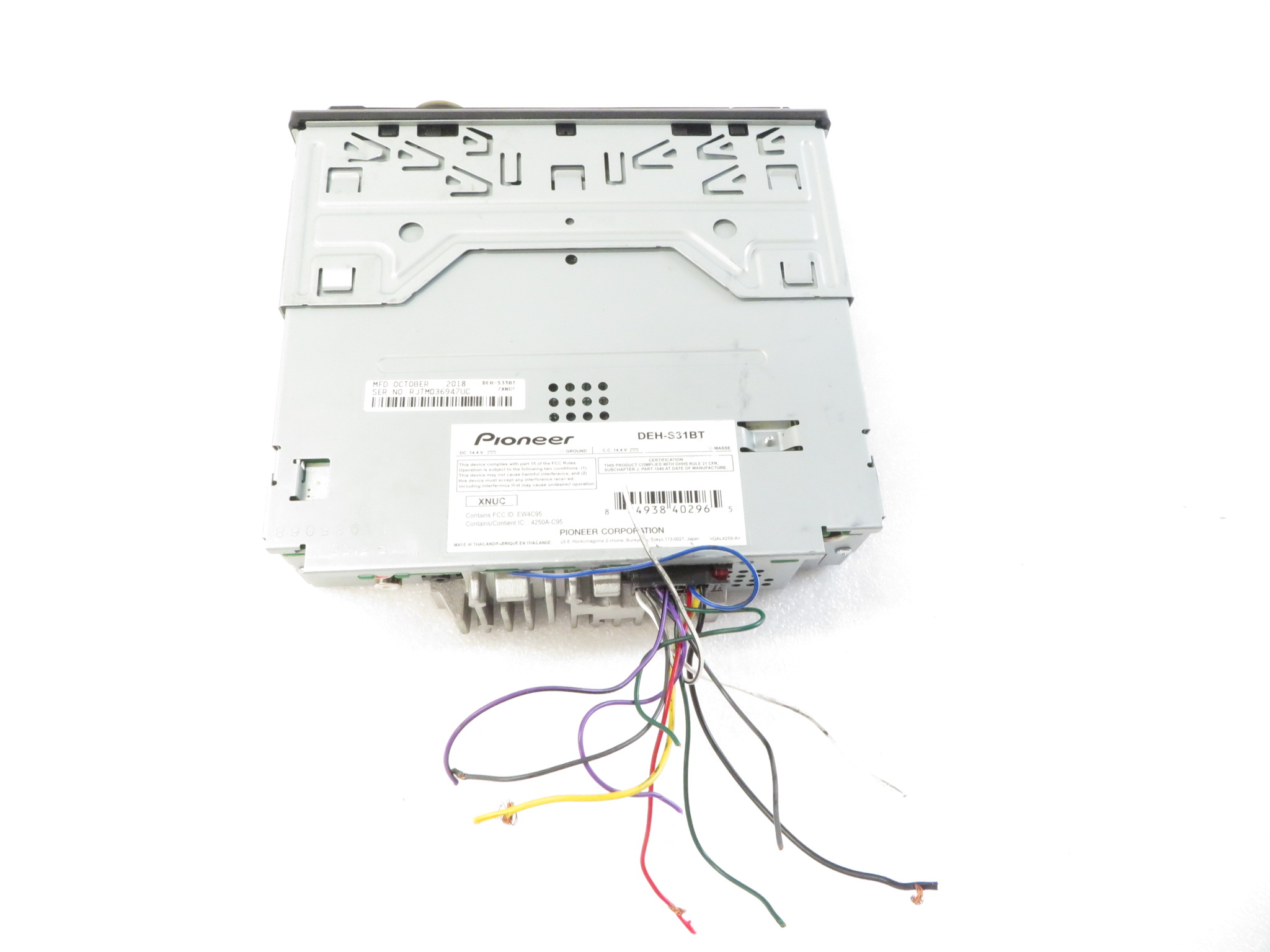
The Deh S31Bt wiring harness has several wires, each with a specific function. Here’s a breakdown of the most important ones:
- Yellow wire: Constant 12V (battery)
- Red wire: Switched 12V (ignition)
- Black wire: Ground
- Blue wire: Power antenna/remote amp turn-on
- White/white-black wire: Front left speaker (+/-)
- Gray/gray-black wire: Front right speaker (+/-)
- Green/green-black wire: Rear left speaker (+/-)
- Purple/purple-black wire: Rear right speaker (+/-)
- Blue-white wire: Remote turn-on (for amplifiers)
- Orange wire: Illumination (sometimes not present)
If you mix up these wires, the stereo won’t work properly. Always double-check before connecting.
Understanding Wire Colors And Functions
Wire colors are standardized. Each color tells you its purpose. Here’s a comparison table showing the main wires in the Deh S31Bt harness:
| Wire Color | Function | Example Use |
|---|---|---|
| Yellow | Constant Power | Memory backup |
| Red | Switched Power | Stereo turns on/off with ignition |
| Black | Ground | Electrical grounding |
| Blue | Power Antenna | Activates antenna or amp |
| White/White-Black | Front Left Speaker | Audio channel |
| Gray/Gray-Black | Front Right Speaker | Audio channel |
Non-obvious insight: If your car has a factory amplifier, you may need to connect the blue-white wire to turn it on. Many beginners forget this, resulting in no sound.
Credit: www.ebay.com
How To Read The Deh S31bt Wiring Diagram
Reading a wiring diagram may seem difficult, but the process is simple if you break it down. Here are steps to follow:
- Identify the wires: Look for labels and colors on the diagram.
- Match the wires: Compare the diagram to the actual harness. Make sure colors match.
- Check the connections: Find out where each wire goes (power, ground, speaker, etc. ).
- Verify symbols: Learn common symbols like batteries, speakers, ground, and fuses.
Example: The diagram shows a yellow wire connected to the battery symbol. This means it must go to a constant 12V source in your car.
Practical Steps: Wiring The Deh S31bt
Here’s a step-by-step guide for beginners who want to wire the Deh S31Bt:
- Disconnect the car battery: Safety first. Always remove the negative terminal before starting.
- Remove the old stereo: Carefully pull out the old unit.
- Check the harness: Find the Deh S31Bt harness and identify each wire.
- Connect power wires:
- Yellow to constant 12V (battery)
- Red to switched 12V (ignition)
- Black to ground
- Connect speaker wires: Match color pairs to each speaker. Positive and negative must be correct for sound quality.
- Connect accessory wires: Blue for antenna, blue-white for amp turn-on.
- Test the setup: Reconnect the battery, turn on the ignition, and test the stereo.
Tip: Use crimp connectors or solder for strong, reliable connections. Don’t just twist wires together.
Common Mistakes When Wiring The Deh S31bt
Many beginners make mistakes that can cause problems. Here are the most common:
- Wrong wire pairing: Mixing up positive and negative speaker wires causes weak or distorted sound.
- Poor grounding: If the black wire isn’t grounded well, the unit may not turn on.
- Skipping fuse checks: Not using a fuse can lead to damage if there’s a short circuit.
- Ignoring amp turn-on wire: Forgetting the blue-white wire means factory amps stay off.
Non-obvious insight: Some cars use a “CAN-BUS” system. If you don’t connect the red wire to a proper ignition source, the stereo may drain your battery even when off.
Deh S31bt Wiring Diagram Example
Let’s look at a practical wiring diagram for the Deh S31Bt. This example shows typical connections:
| Stereo Wire | Car Wire | Purpose |
|---|---|---|
| Yellow | Yellow | Constant Power (Battery) |
| Red | Red | Switched Power (Ignition) |
| Black | Black | Ground |
| Blue | Blue | Power Antenna |
| White/White-Black | White/White-Black | Front Left Speaker (+/-) |
| Gray/Gray-Black | Gray/Gray-Black | Front Right Speaker (+/-) |
| Green/Green-Black | Green/Green-Black | Rear Left Speaker (+/-) |
| Purple/Purple-Black | Purple/Purple-Black | Rear Right Speaker (+/-) |
This example matches most cars, but always check your car’s wiring before connecting.
Credit: usa.pioneer
Tips For Better Connections
- Use color-coded harness adapters for easy matching.
- Secure wires with electrical tape or heat shrink tubing.
- Never cut wires unless necessary; use plug adapters if available.
- Double-check connections before powering on.
- Keep wires tidy to avoid shorts or interference.
Deh S31bt Wiring For Aftermarket Speakers And Amplifiers
If you’re adding new speakers or an amplifier, the wiring changes slightly. Here’s what you need to know:
- Connect the blue-white wire to the amplifier’s remote input.
- Use thicker speaker wires for high-power speakers.
- Isolate unused wires to prevent electrical noise.
- For subwoofers, use RCA outputs if available (not all models support this).
Example: If you install a powered subwoofer, connect the blue-white wire to its remote terminal, and use RCA cables for audio input.
Troubleshooting Deh S31bt Wiring Issues
If your stereo doesn’t work after wiring, check these points:
- Does the unit power on? If not, check yellow, red, and black wires.
- No sound? Check speaker wires, especially positive/negative pairs.
- Static or noise? Check ground connection and use shielded wires.
- Bluetooth not working? Check if the unit is powered and Bluetooth is enabled.
A simple table to help diagnose problems:
| Issue | Possible Cause | Solution |
|---|---|---|
| No Power | Loose power or ground wire | Check yellow, red, black connections |
| No Sound | Speaker wires not connected | Check white, gray, green, purple wires |
| Static | Poor ground | Improve ground connection |
| Bluetooth Fail | Unit not powered | Check power wires, settings |
Safety Precautions For Wiring
Electrical work can be risky. Follow these safety steps:
- Always disconnect the battery before starting.
- Use proper insulation on all connections.
- Never connect wires without checking their purpose.
- Avoid working in wet or humid conditions.
- Double-check all connections before turning on the unit.
Where To Find Official Deh S31bt Wiring Diagrams
The best source is the official Pioneer website. Manuals include clear diagrams and instructions. You can also find diagrams on trusted sites like Crutchfield.
Frequently Asked Questions
How Do I Identify The Power Wires On The Deh S31bt?
The yellow wire is for constant power, and the red wire is for switched power. These are usually labeled on the harness.
What Happens If I Connect Speaker Wires Incorrectly?
Wrong connections can cause distorted sound or no sound at all. Always match positive and negative pairs.
Can I Use The Deh S31bt With Factory Amplifiers?
Yes, but you must connect the blue-white wire to the amplifier’s remote turn-on. This step is often missed by beginners.
Is It Safe To Wire The Unit Myself?
It’s safe if you follow basic precautions:
- Disconnect battery
- Insulate wires
- Double-check connections
Where Can I Get Help If I’m Stuck?
Official manuals, car audio forums, and trusted websites like Pioneer’s support page offer guidance. If unsure, consult a professional.
—
Learning to use the Deh S31Bt wiring diagram is not difficult if you break the process into steps and pay attention to wire colors. With this guide, you can install your stereo with confidence and avoid common mistakes. Remember, safety comes first—never rush electrical work, and always check your connections before powering up. Whether you’re upgrading speakers, adding an amplifier, or just replacing an old unit, understanding the diagram is the key to a successful installation.
Credit: www.pawnamerica.com