2012 Ram Stereo Upgrade: Transform Your Truck’s Audio Experience
Upgrading the stereo in a 2012 Ram can completely change your driving experience. Many owners of this pickup truck are not happy with the sound quality, features, or look of the original system. You may want better Bluetooth, louder bass, or just a fresh, modern display. The good news: upgrading is easier than most people think. You don’t need special skills or expensive tools. With the right guide and a little patience, you can do it yourself or know exactly what to ask a shop to do.
This article covers everything beginners need for a successful 2012 Ram stereo upgrade. You’ll learn about the best options, common mistakes, and practical tips to avoid wasting time or money. Let’s make your Ram sound and look the way you want.
Why Upgrade Your 2012 Ram Stereo?
The factory stereo in a 2012 Ram is basic. It may lack features like:
- Bluetooth streaming
- Touchscreen controls
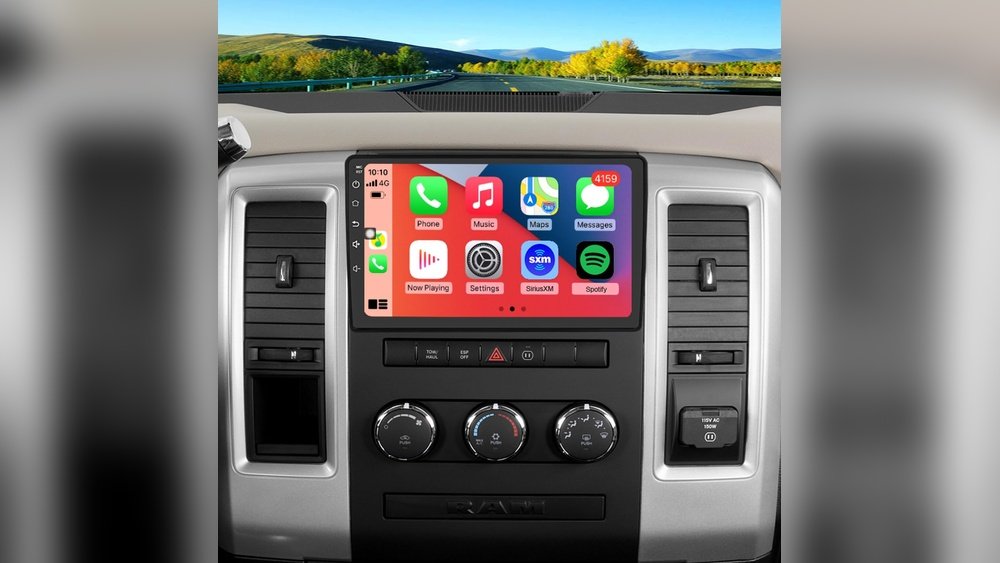
- Apple CarPlay and Android Auto
- High-quality sound
Upgrading your stereo can:
- Improve sound clarity and bass.
- Make hands-free calls safer.
- Add navigation and streaming apps.
- Increase your truck’s resale value.
Many owners notice that even a simple speaker upgrade gives a huge improvement. Modern stereos also use less power and are more reliable.
Key Features To Look For In An Upgrade
Before buying, decide which features matter most for you. Consider these essentials:
- Bluetooth for hands-free and streaming
- Touchscreen display (size matters in usability)
- Apple CarPlay/Android Auto for smartphone use
- Backup camera support
- USB/auxiliary inputs
- Satellite radio compatibility
Some modern stereos also offer wireless connections, customizable color lights, and advanced equalizer settings.

Credit: www.amazon.com
Types Of Stereos For The 2012 Ram
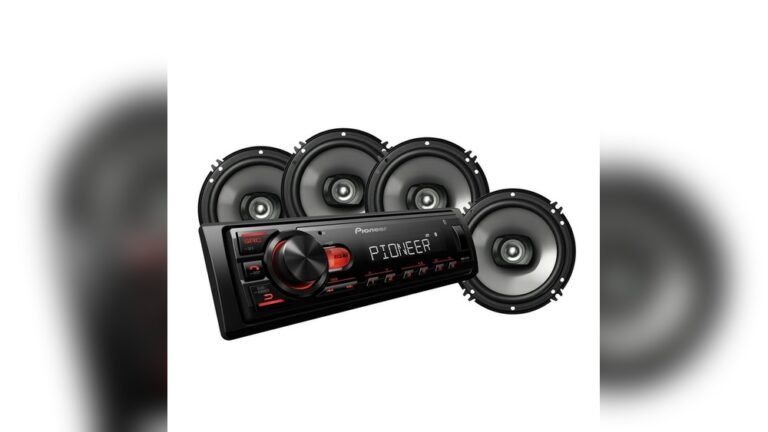
There are two main types of replacement stereos:
- Single-DIN: Standard size, usually just buttons and a small display.
- Double-DIN: Larger, allows for touchscreens and more features.
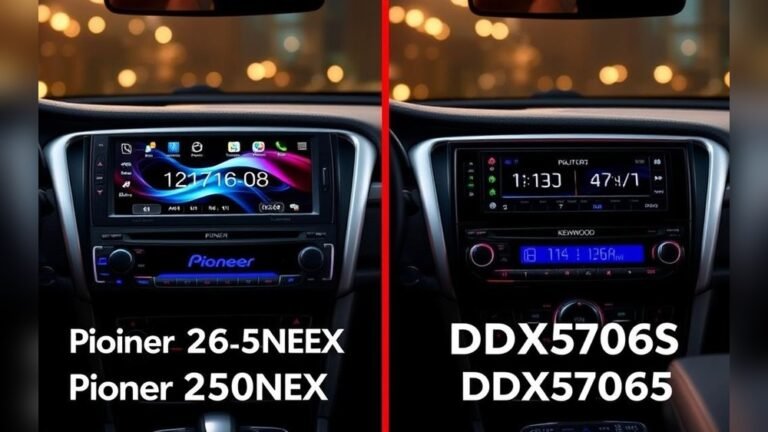
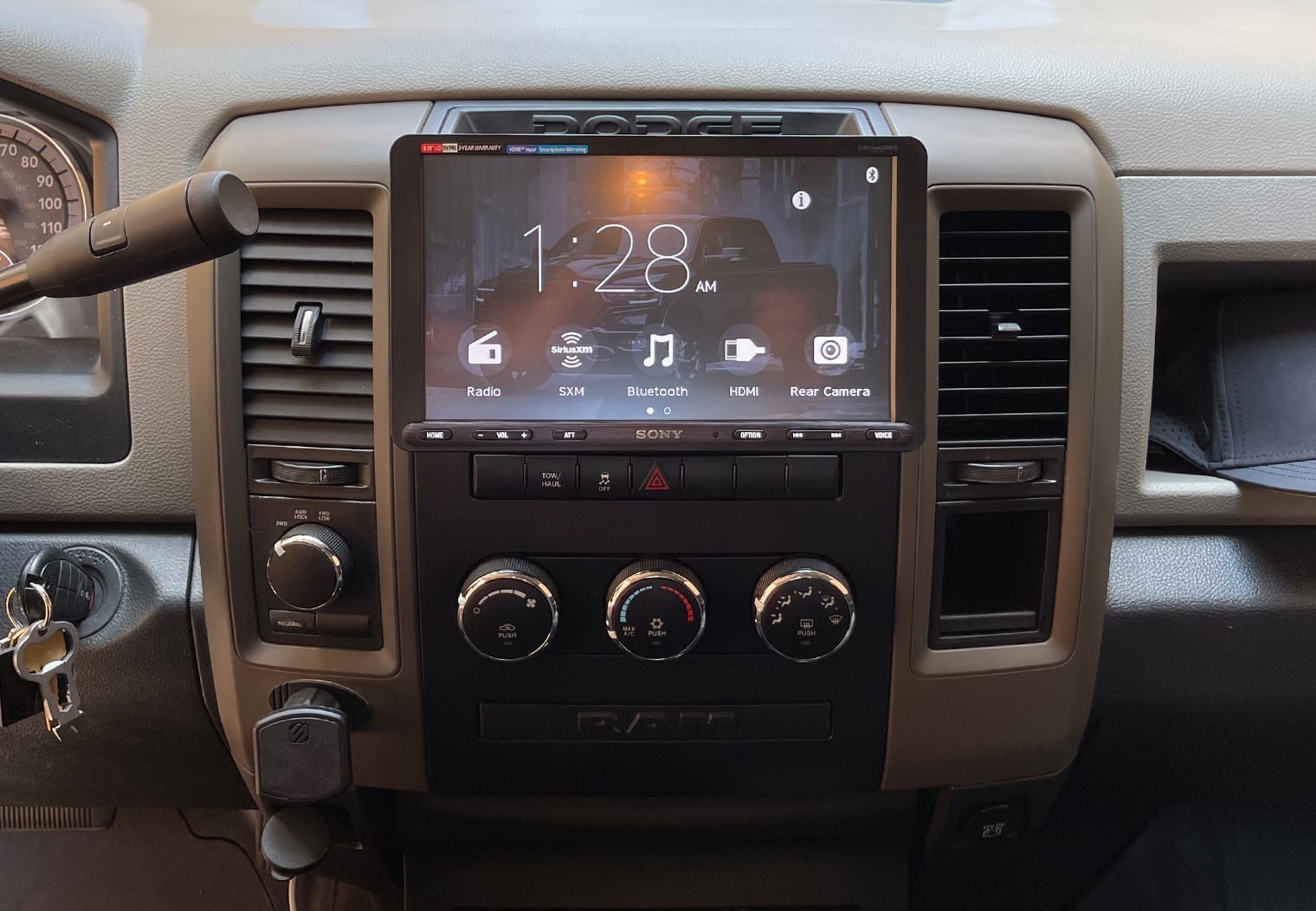
Most 2012 Ram trucks can fit a double-DIN unit with the right dash kit. This is best for drivers who want navigation or a bigger screen.
Example Comparison
Here’s a simple comparison of popular stereo types for your truck:
| Stereo Type | Display | Main Features | Fits 2012 Ram? |
|---|---|---|---|
| Single-DIN | Small LCD | Basic radio, CD, Bluetooth | Yes (with adapter) |
| Double-DIN | Touchscreen (6-9″) | CarPlay, Android Auto, Camera input | Yes (best fit) |
| OEM Upgrade | Factory look | Navigation, USB, basic features | Yes |
Tools And Parts Needed
A successful upgrade needs the right tools and parts. Here’s what most beginners need:
- New stereo head unit (make sure it fits your dash size)
- Dash kit (adapts new stereo to Ram’s dash)
- Wiring harness adapter (connects new stereo to truck wiring)
- Antenna adapter
- Basic tools: Phillips and flathead screwdriver, panel popper, wire crimper
- Optional: Soldering kit or wire connectors for secure wiring
Most kits include instructions. Always check the box before starting so you don’t get stuck halfway.
Step-by-step Upgrade Process
Upgrading your stereo can be done in a few hours. Here’s an easy-to-follow process:
1. Prepare Your Work Area
- Park your Ram on a flat surface.
- Disconnect the negative battery terminal to avoid shorts.
- Gather all tools and parts.
2. Remove The Factory Stereo
- Use a panel removal tool to carefully pop off the dashboard trim.
- Unscrew the old stereo unit (usually 4 screws).
- Gently slide the unit out.
- Disconnect all wiring plugs and the antenna.
3. Install The Dash Kit And Wiring Adapter
- Attach the new stereo to the dash kit.
- Connect the wiring adapter to your truck’s harness.
- Match wire colors (most kits use standard colors).
- Secure all connections with crimpers or solder.
4. Test Your Connections
- Before finishing reassembly, reconnect the battery.
- Turn on the stereo. Check:
- Power turns on.
- Sound comes from all speakers.
- Steering wheel controls work (if supported).
- If something doesn’t work, double-check wiring.
5. Reinstall Trim And Finish
- Slide the stereo and dash kit into place.
- Screw everything back.
- Snap the dash trim back on.
6. Set Up New Features
- Pair your phone with Bluetooth.
- Test USB, CarPlay/Android Auto, and radio.
- Adjust sound settings for best audio.
Speaker And Subwoofer Upgrades
A new head unit is a big improvement, but your factory speakers may still hold back sound quality. Upgrading speakers gives you clearer music, better bass, and higher volume without distortion.
- The 2012 Ram usually has 4 or 6 factory speakers.
- Most owners upgrade to component speakers (separate tweeter and woofer) for the front.
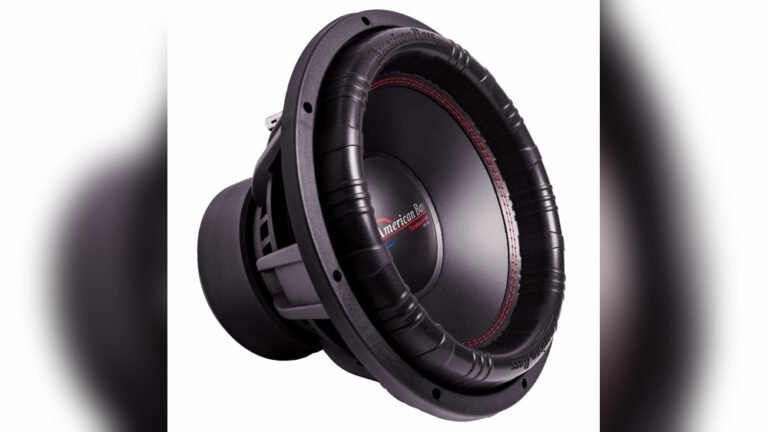
- Adding a subwoofer brings deep bass. You can install one under the seat or behind it.
Data Table: Speaker Upgrade Options
| Speaker Type | Location | Size | Sound Improvement |
|---|---|---|---|
| Coaxial | Front/Rear Doors | 6×9″, 6.5″ | Better clarity, easy fit |
| Component | Front Doors/Dash | 6.5″ + tweeter | Best sound, more detail |
| Subwoofer | Under/behind seat | 8″-12″ | Deep bass, more punch |
Many beginners forget that higher-quality speakers need good wiring and may require an amplifier for full performance.

Credit: www.youtube.com
Retaining Factory Features
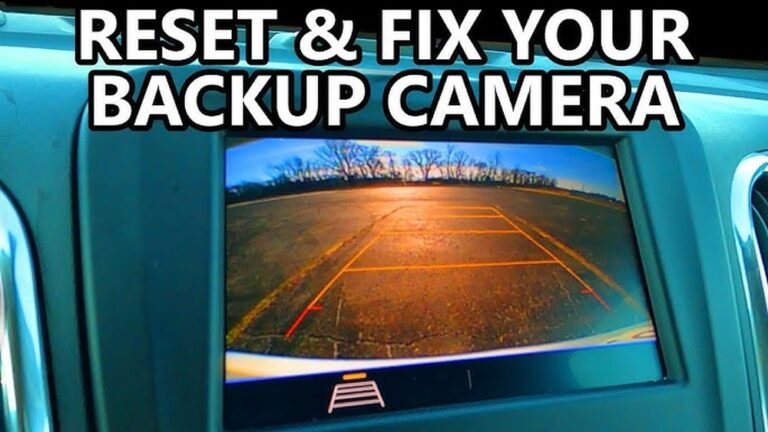
If your truck has special features (like steering wheel audio controls or factory backup camera), you’ll need extra adapters to keep them working after the upgrade. These adapters are made to plug into your new stereo and connect to your Ram’s wiring.
- Steering wheel control adapters cost $30–$80.
- Backup camera adapters cost $20–$50.
Not all stereos support every feature. Check compatibility before buying.
Common Mistakes To Avoid
Beginners often make these errors:
- Not disconnecting the battery: This can cause electrical shorts or airbag light errors.
- Forgetting the dash kit: The new stereo won’t fit without it.
- Mixing up wiring colors: Always match color codes or use a wiring diagram.
- Ignoring speaker polarity: If speakers are “out of phase,” sound will be weak.
- Skipping the test step: Always check the system before putting your dash back.
A little extra time reading instructions can save hours of frustration.
Estimated Costs
Here’s a rough breakdown of what you might spend:
- Double-DIN stereo: $200–$600 (depending on features)
- Dash kit + wiring adapter: $30–$70
- Speaker set: $60–$300
- Subwoofer/amp: $100–$400
- Steering wheel control adapter: $30–$80
- Professional install (if needed): $100–$300
A complete DIY upgrade with quality parts usually costs between $400 and $1,200.
Practical Tips For Beginners
- Watch a YouTube install video for your truck model before starting.
- Take pictures of each step so you remember how to reassemble.
- Label wires if your harness does not.
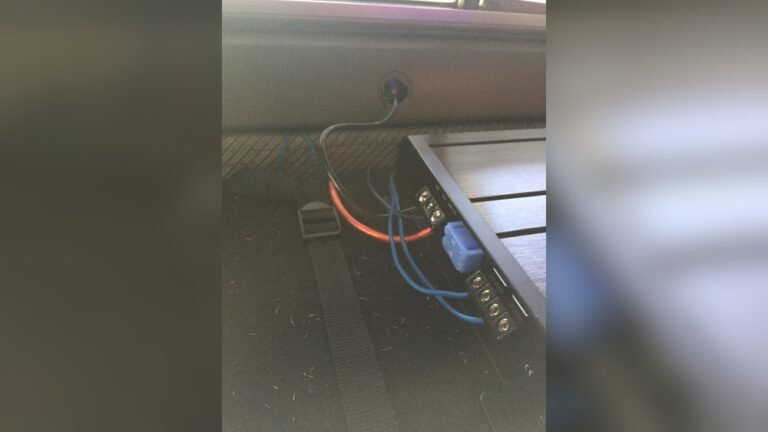
- If you plan to add an amp or subwoofer later, run extra wires during your install.
- Don’t overtighten dash screws—plastic can crack.
Many beginners worry about breaking clips or damaging the dash. With a gentle touch and the right tools, most trim pieces pop off easily.
Upgrading For Modern Needs
With a new stereo, your 2012 Ram can have almost any feature modern trucks offer:
- Voice controls for safer driving
- Streaming apps like Spotify and Pandora
- Real-time GPS navigation
- Wireless phone charging (on some units)
- HD radio and weather alerts
Upgrading now can keep your truck feeling new for years. Plus, a good audio system makes road trips and daily commutes much more enjoyable.
Example: Real-world Upgrade
Let’s say you pick a Pioneer AVH double-DIN stereo. You’ll need:
- Pioneer AVH unit ($350)
- Dash kit ($25)
- Wiring adapter ($20)
- Steering wheel control module ($40)
After installation, you’ll have:
- 7” touchscreen
- Bluetooth hands-free calling
- Apple CarPlay/Android Auto
- USB input for music and charging
Many owners report better call quality and much richer sound, even with factory speakers. Adding aftermarket door speakers later makes the upgrade even more noticeable.
Advanced Upgrades
If you want a show-quality system, consider:
- Adding a DSP (digital signal processor) for custom sound tuning.
- Custom-built subwoofer boxes for perfect bass.
- Sound-deadening mats inside doors to reduce road noise.
These upgrades cost more but can turn your Ram into a concert on wheels.
Table: Factory Vs Upgraded Stereo Features
| Feature | Factory Stereo | Upgraded Stereo |
|---|---|---|
| Bluetooth | No/Basic | Advanced, streaming |
| Touchscreen | Small or none | 6–10″ color, full screen |
| CarPlay/Android Auto | No | Yes |
| Backup Camera | Not supported | Supported |
| Sound Quality | Basic | Rich, clear, more bass |
Credit: www.caraudionow.com
Where To Buy And Get Help
Buy from trusted retailers who list fitment for your truck, such as Crutchfield, Best Buy, or local car audio shops. Online forums and YouTube have many install guides. For official wiring diagrams and advanced help, see the Ram Trucks official site.
Final Thoughts
A 2012 Ram stereo upgrade is one of the best ways to modernize your truck. It adds comfort, safety, and fun to every drive. You don’t need to be a car expert—just follow the steps, use the right parts, and don’t rush. The result is a sound system that fits your needs, looks great, and makes your Ram stand out.
Frequently Asked Questions
How Hard Is It To Upgrade The Stereo In A 2012 Ram?
For most people, it’s a moderate DIY project. If you can change a headlight or battery, you can upgrade your stereo. The hardest part is usually removing the trim without breaking clips.
Do I Need To Replace My Speakers When I Upgrade The Stereo?
No, but new speakers will let you enjoy all the sound quality your new stereo can provide. Factory speakers work, but aftermarket ones sound much better.
Will I Lose My Steering Wheel Controls After Upgrading?
Not if you use a steering wheel control adapter. These adapters connect your new stereo to your Ram’s controls, so you keep full functionality.
Can I Add A Backup Camera With A New Stereo?
Yes, most double-DIN units support backup cameras. You’ll need to buy the camera and possibly an adapter, but installation is straightforward.
What Should I Do If My New Stereo Doesn’t Turn On?
Check that you connected the power wires correctly and that your truck’s fuse isn’t blown. Double-check all wiring and consult the stereo’s manual for troubleshooting tips.